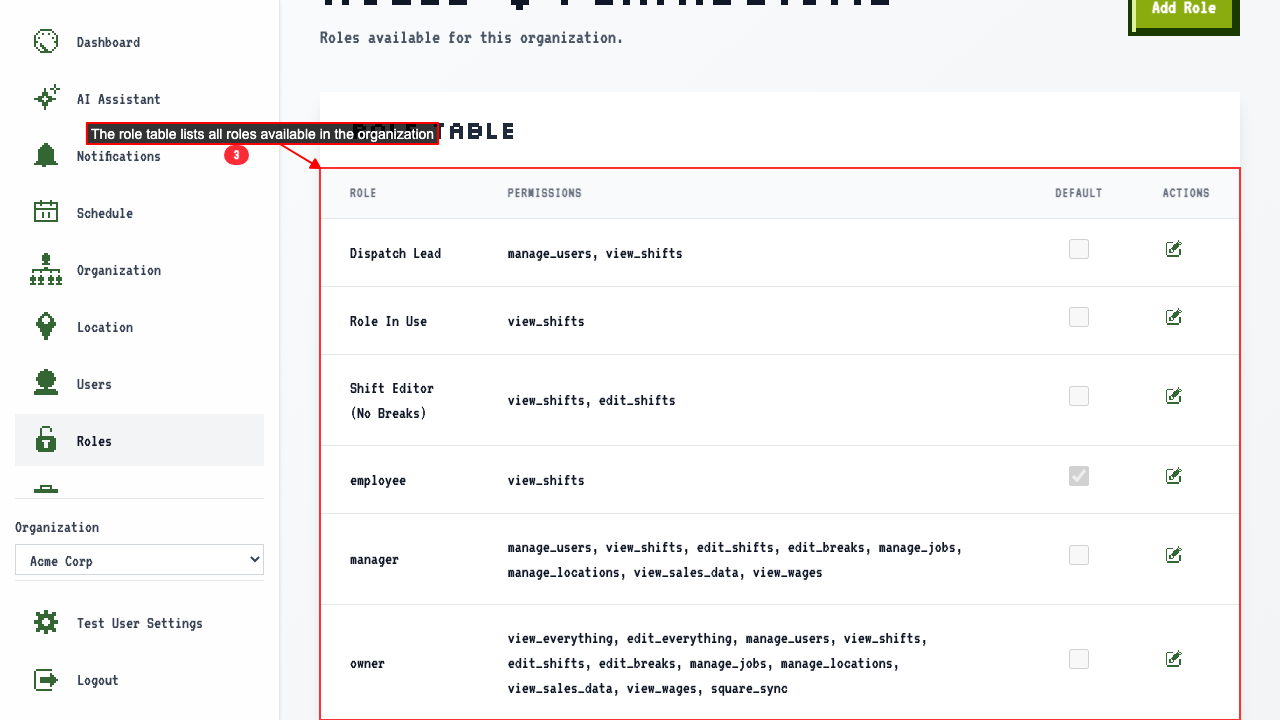
Roles & Permissions Page
How to navigate to the roles and permissions page
When you login you're usually on the dashboard.
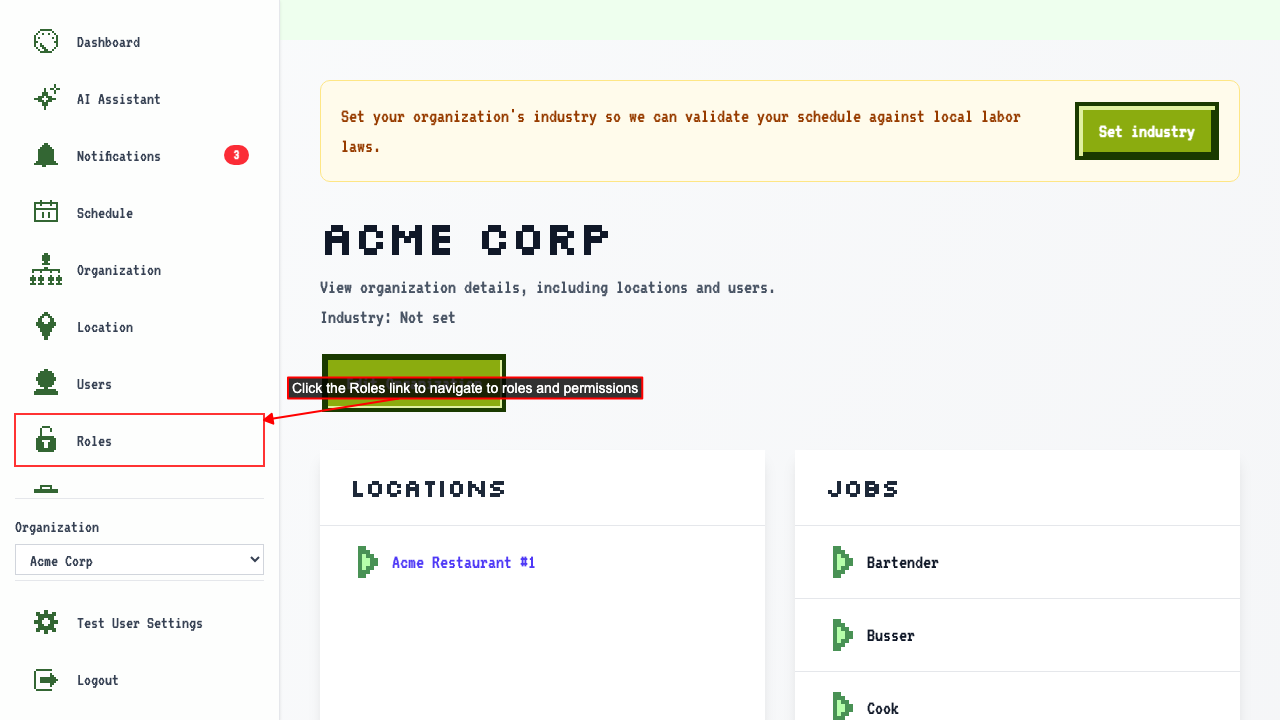
Find the organization and click the organization name to go to the organization details page.
Click the Roles link to navigate to the roles and permissions page.
Roles page shows roles available to the organization
When on the roles and permissions page for an organization
Then the page shows the roles available to that organization