Delete Role
How to delete a role
When on the roles and permissions page
click the Edit Role link for the role you wish to delete.
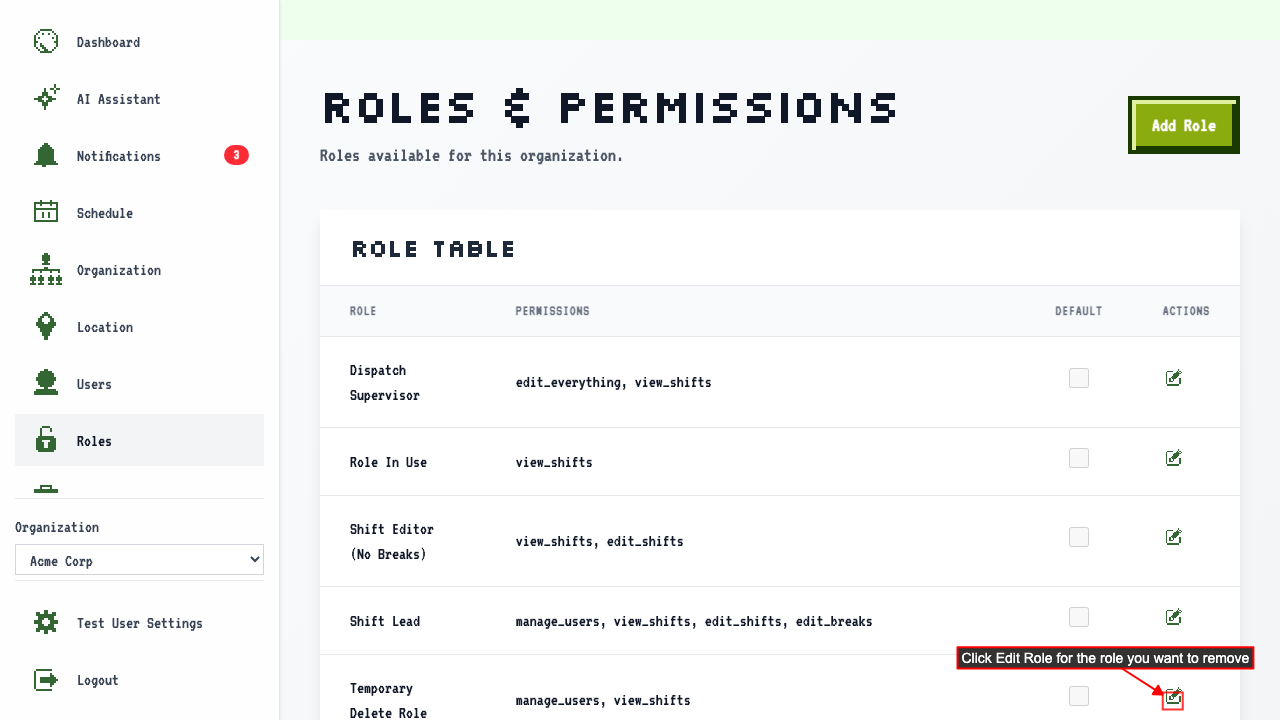 On the Edit Role page, click the Delete Role button. This button is enabled when no users are assigned to the role.
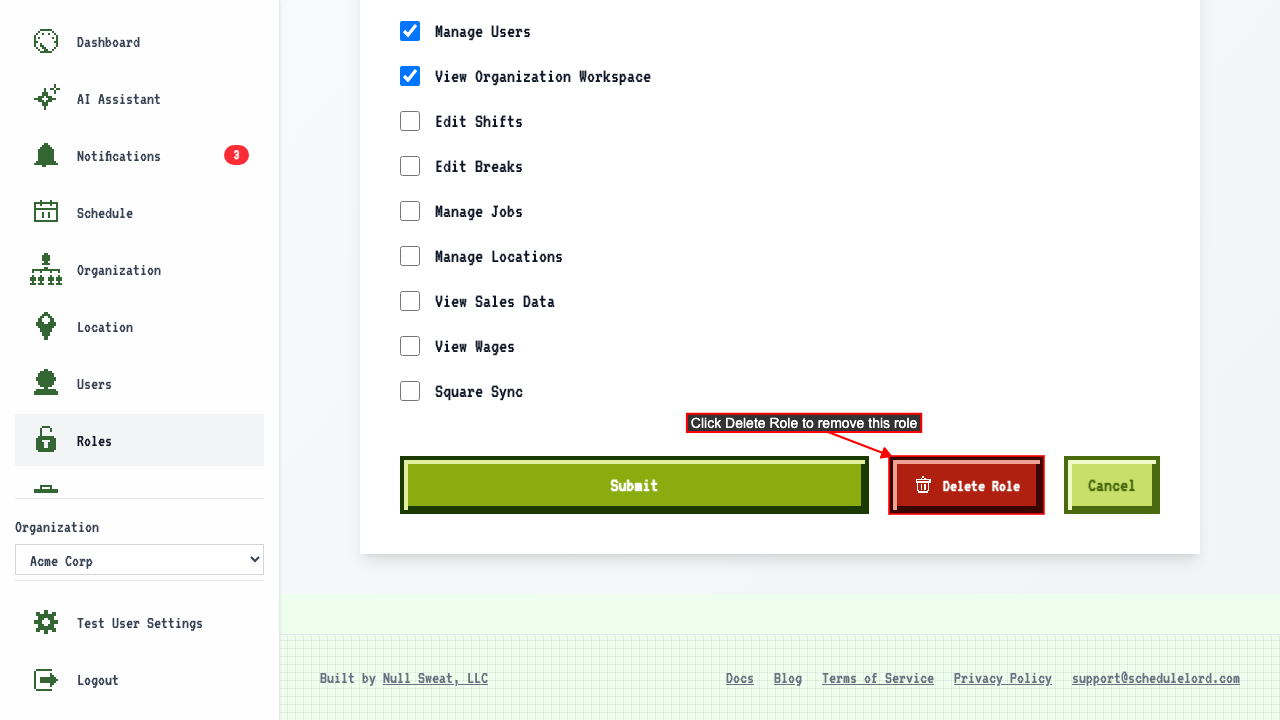 After clicked the role is removed and no longer appears on the roles page.
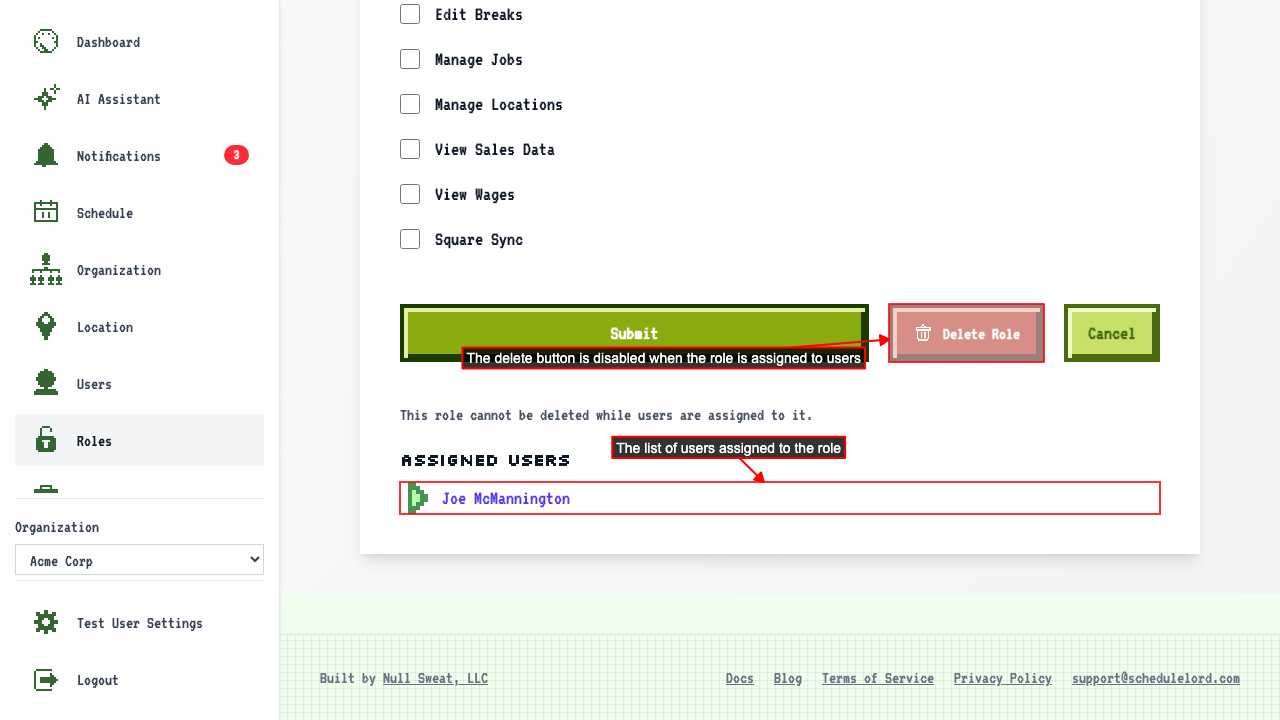
Delete button is disabled when role is assigned to users
When on the roles and permissions page
click the Edit Role link for the role you wish to delete.
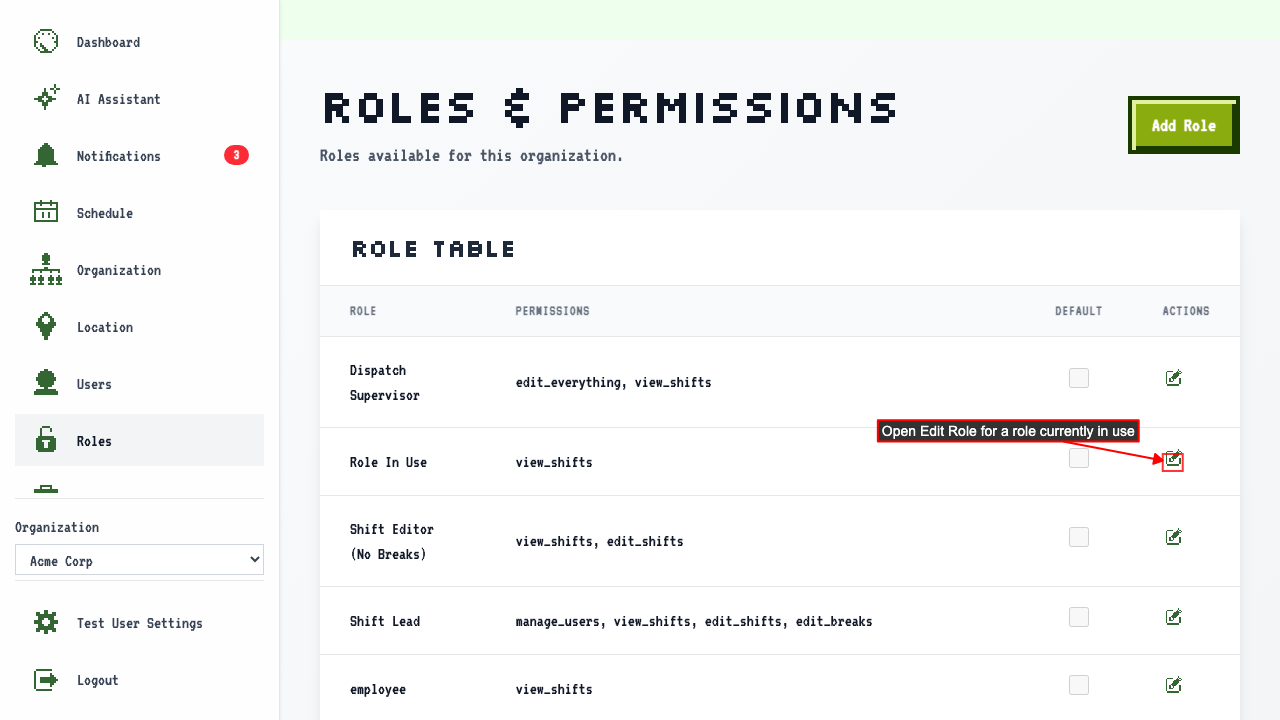 On the Edit Role page, the delete button is disabled, and assigned users are listed with links to their user detail page.
 Clicking a user link navigates to their edit page.