Create Role
How to create a new role
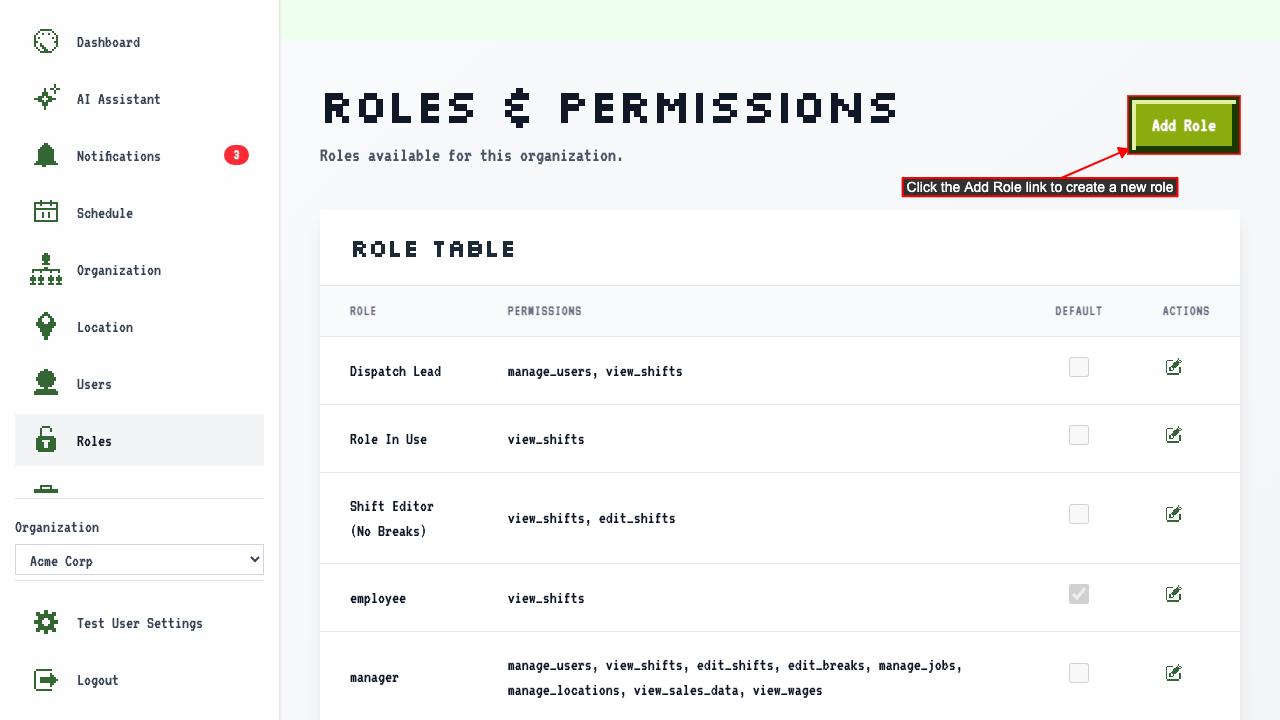
When on the roles and permissions page
click the Add Role link to navigate to the new role page.
 The page shows a form where you can enter the role name and select permissions.
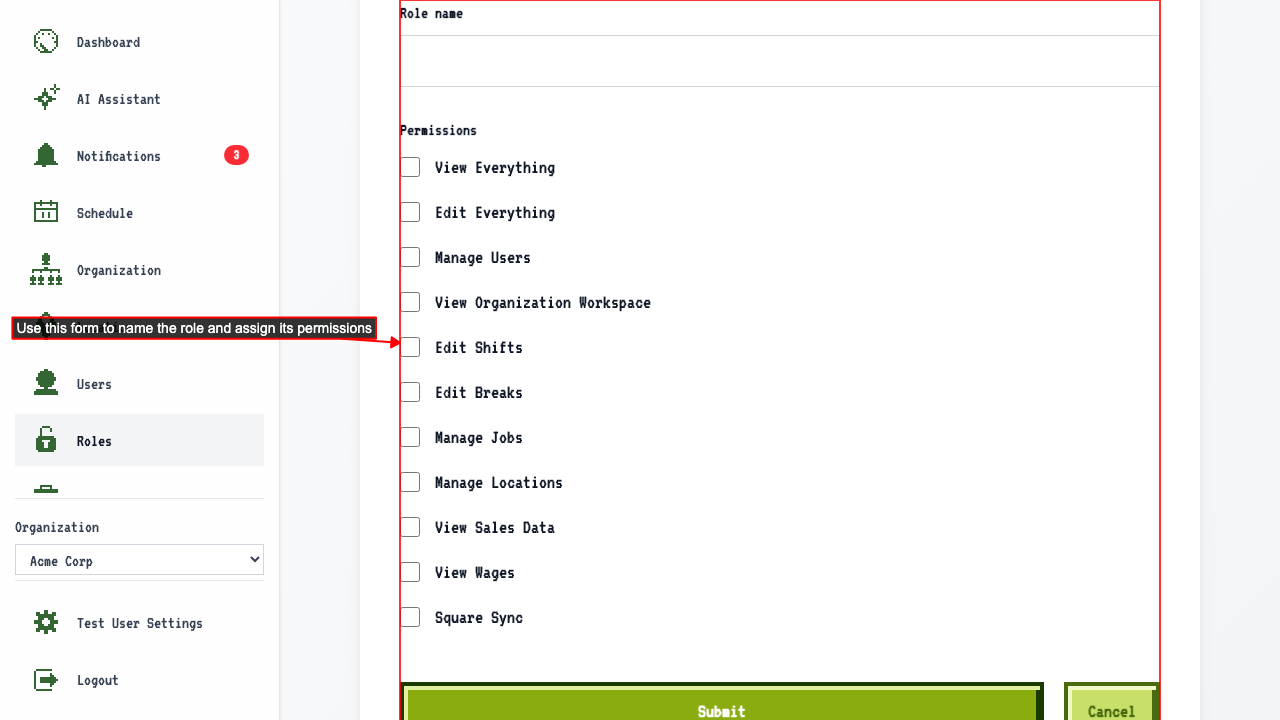
- Enter the role name
- Choose the permissions for the role
- Submit the new role form.
This redirects back to the roles page where the new role appears in the role table.
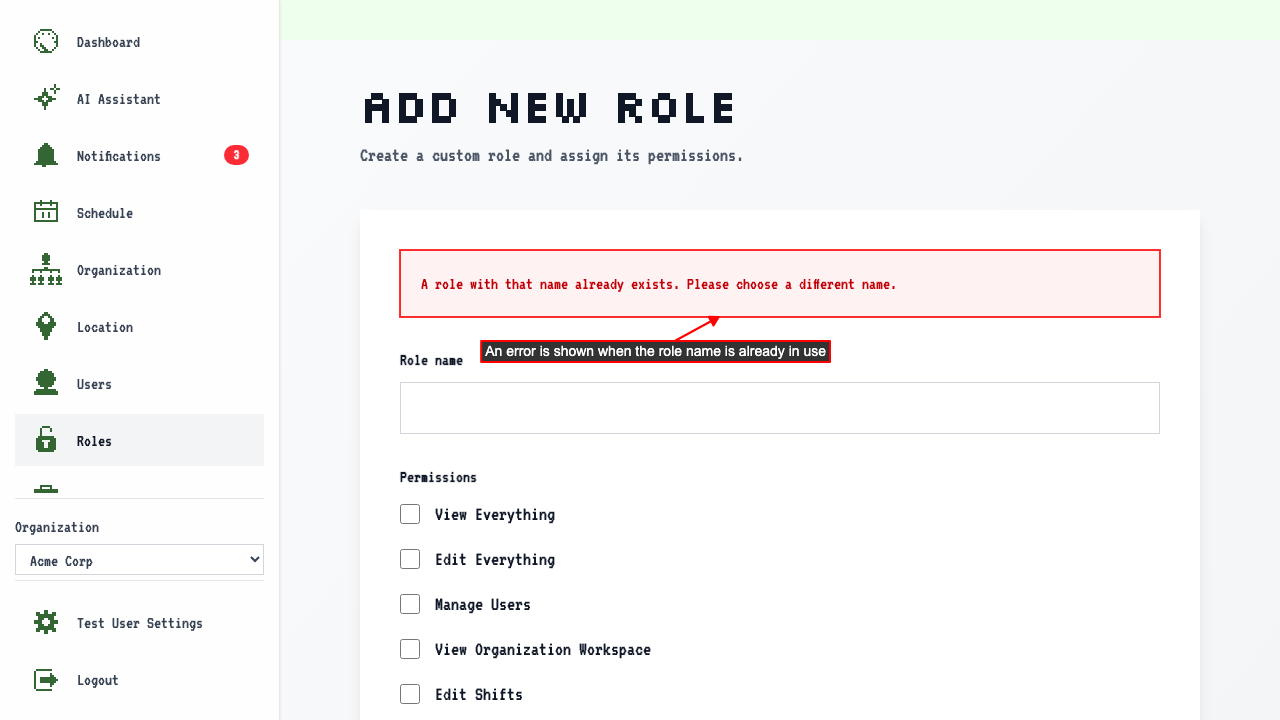
Submitting a duplicate role name shows an error
When on the Add New Role page,
entering a role name that already exists and submitting
keeps you on the Add New Role page and shows an error.