User Management Page
Navigation to user management page
When first logged in you're usually on the dashboard, select your organization to go to the organization detail page.
Find the organization and click the organization name to go to the organization details page.
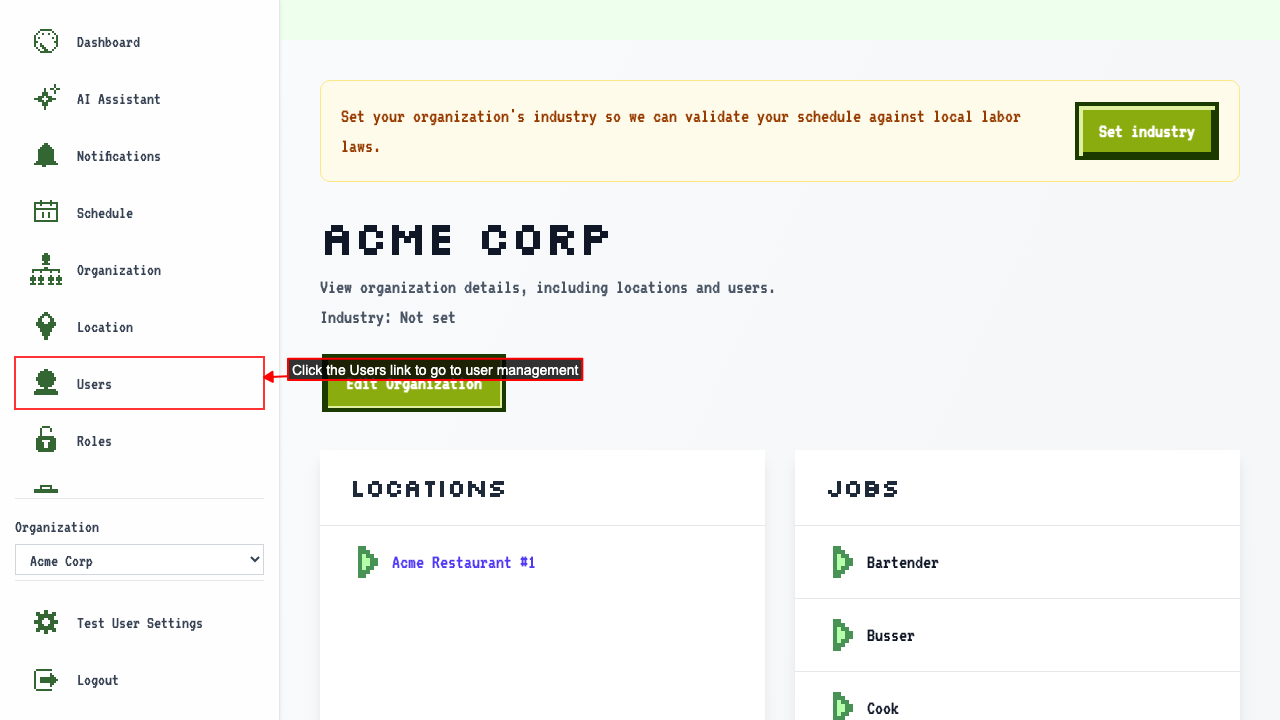
Clicking the Users link will navigate to the User Management page.
User management page shows a list of users
When on the user management page
you should see a table with all the users of the organization.
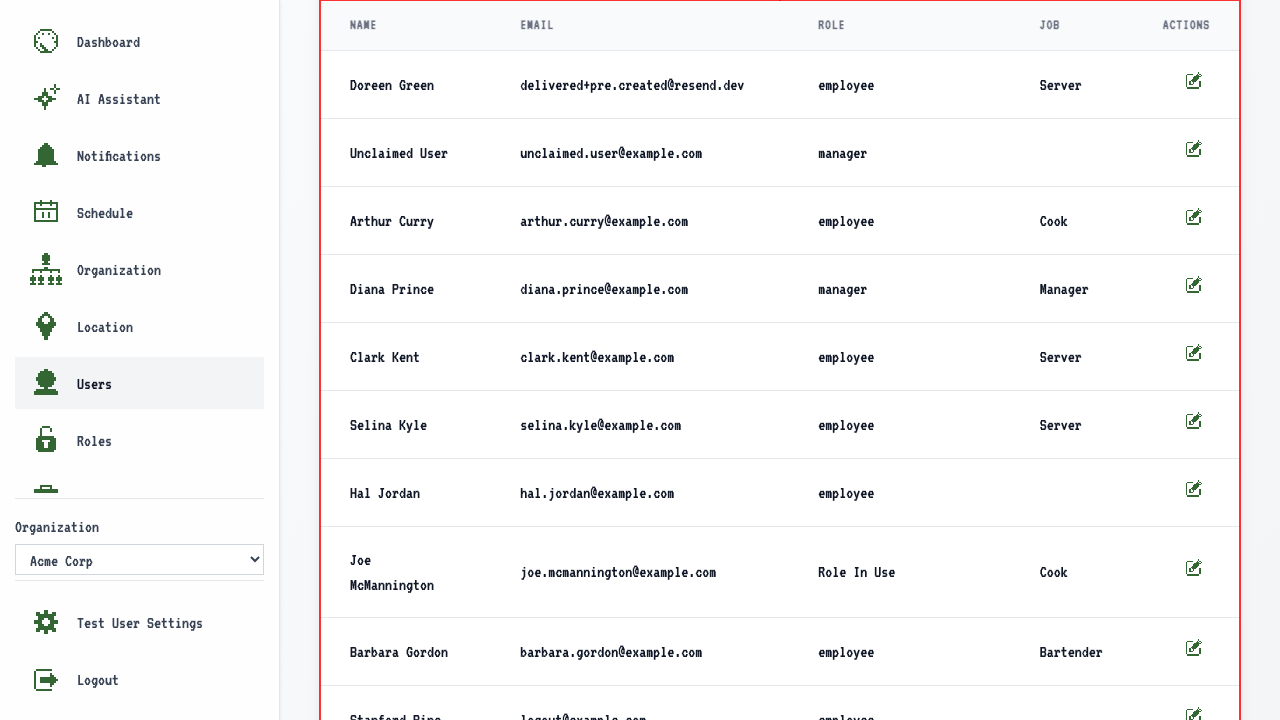 The table should show:
- the users' names
- the users' email addresses
- the users' roles
- the users' jobs