Create User
How to create a new user
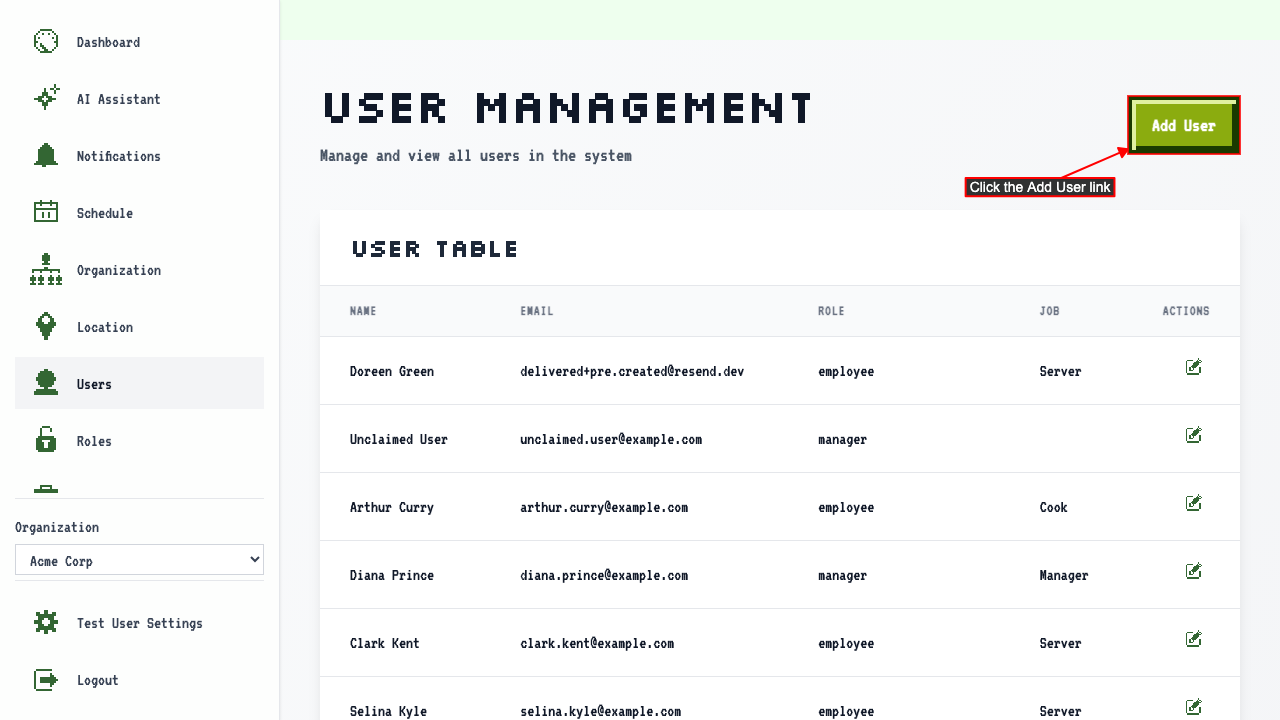
On the user management page
click the Add User link to navigate to the new user page.
 There should be a new user form where you can enter the user's details.
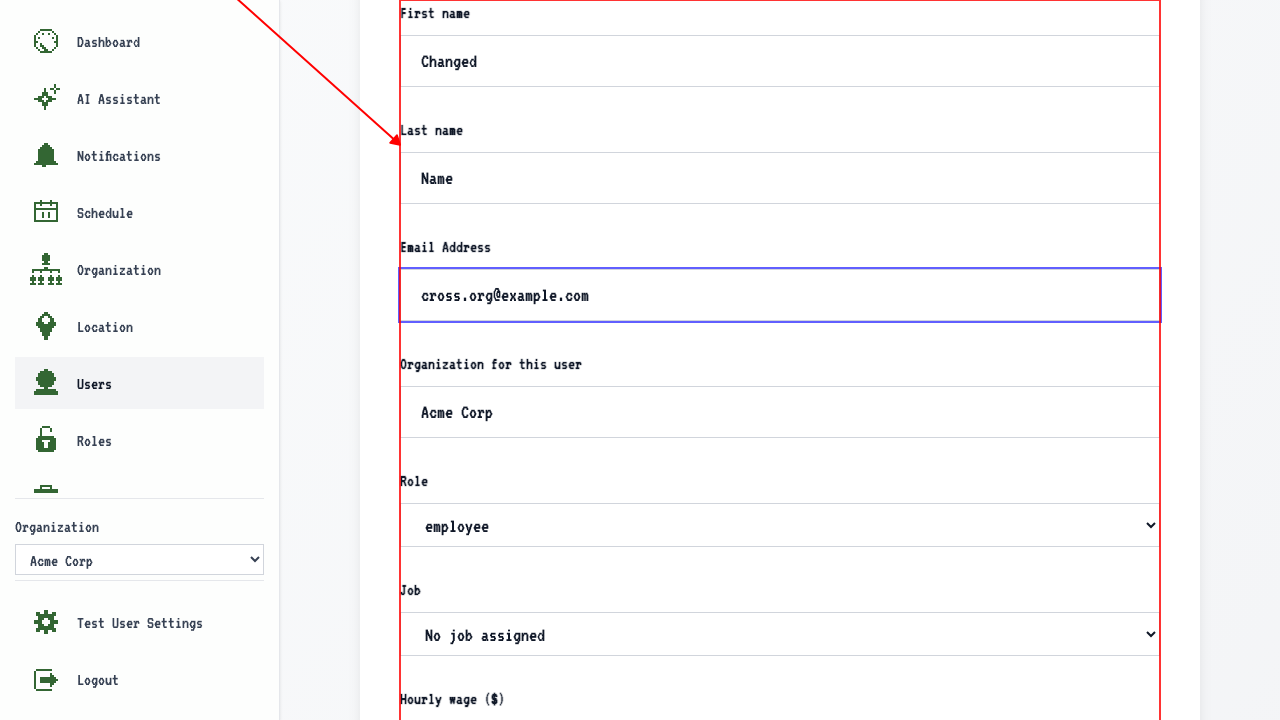
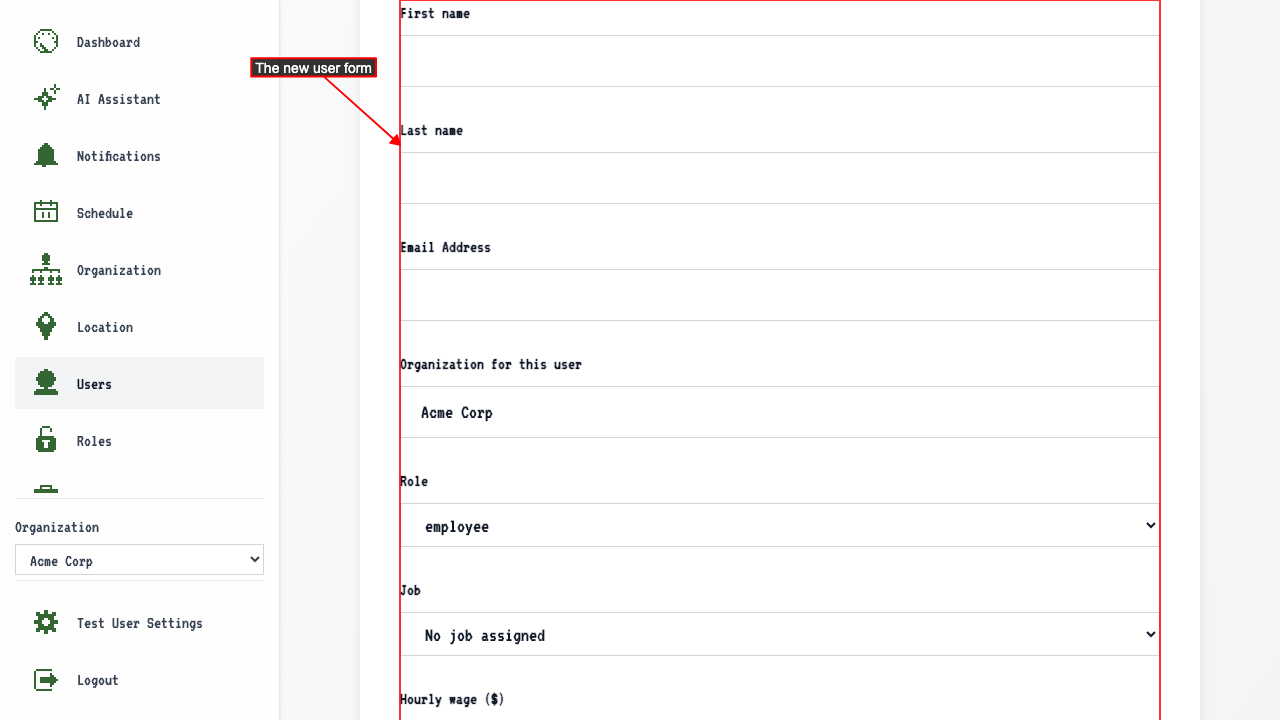 The form will contain fields for:
- First name
- Last name
- Email address
- Organization
- Role
- Job
- Hourly wage
- Assigned Locations
After entering those details, submit the new user form.
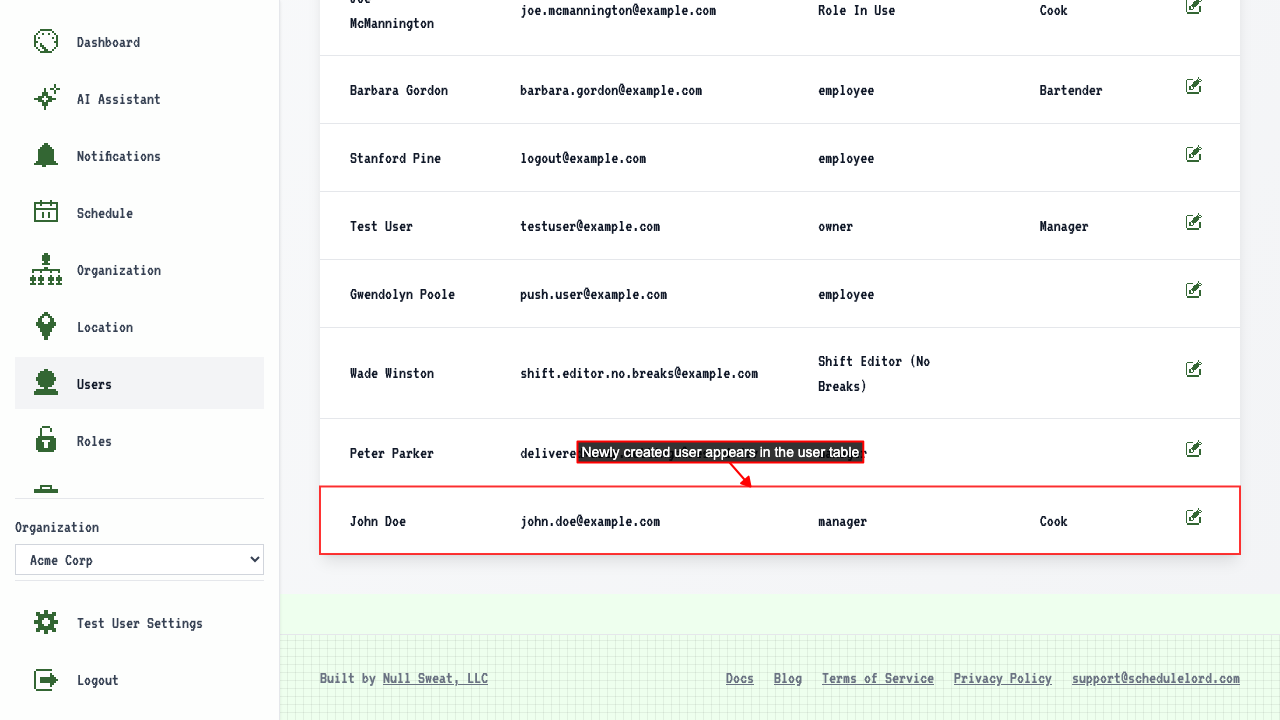
This will redirect to the user management page where you can see your new user has been added.
 The new user's Assigned Locations and hourly wage are preserved on their edit page.
Add user from another organization
On the user management page
clicking the Add User link to navigate to the new user page.
Enter the new user's name and email for an existing user.
Select the role.
 Submit the form.
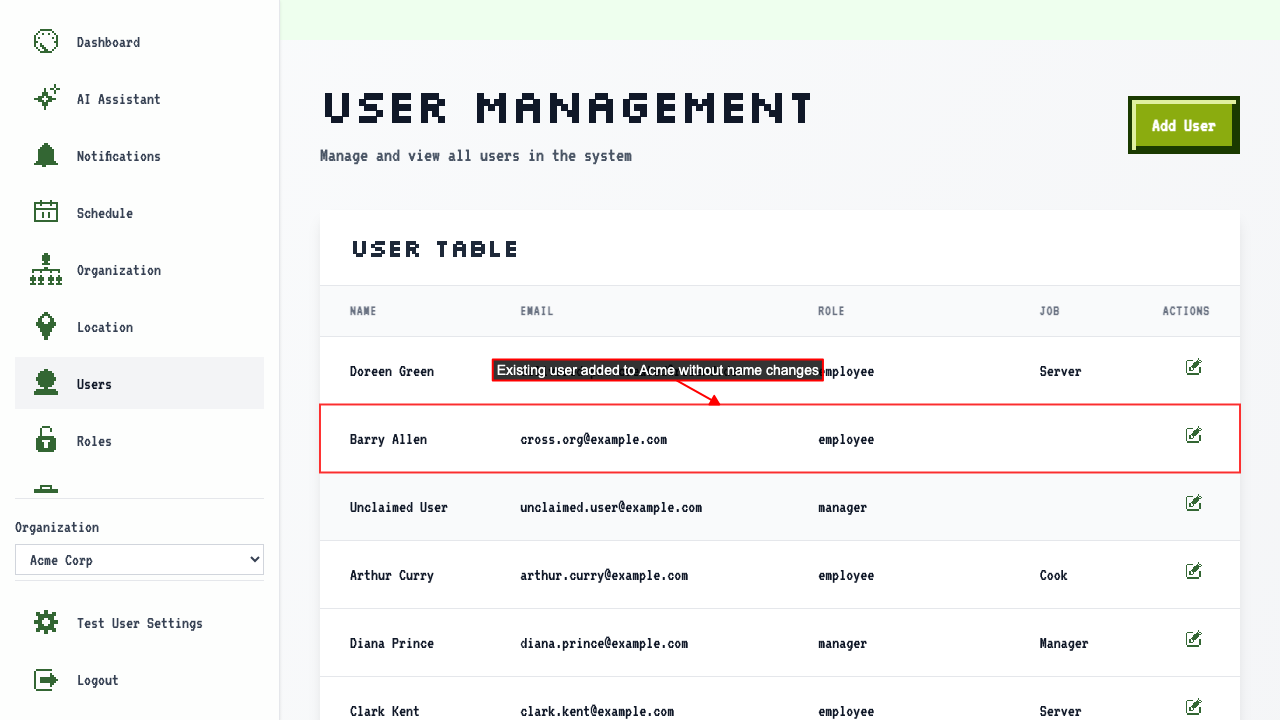
The existing user is added to the organization. If a user already exists, their name is not changed.
Submit the form.
The existing user is added to the organization. If a user already exists, their name is not changed.