Schedule Page
Navigation to schedule page
When first logged in you're usually on the dashboard, select your organization to go to the organization detail page.
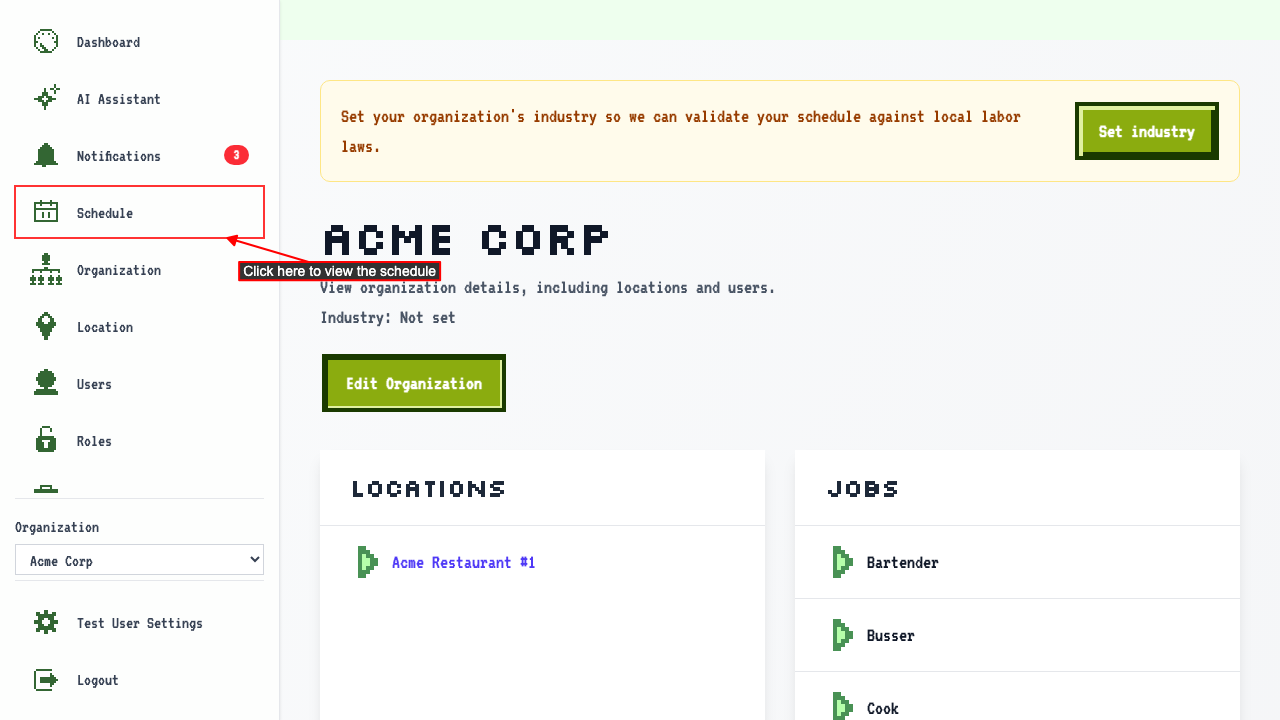
Clicking the Schedule link will navigate to the schedule page.
Schedule week calendar view
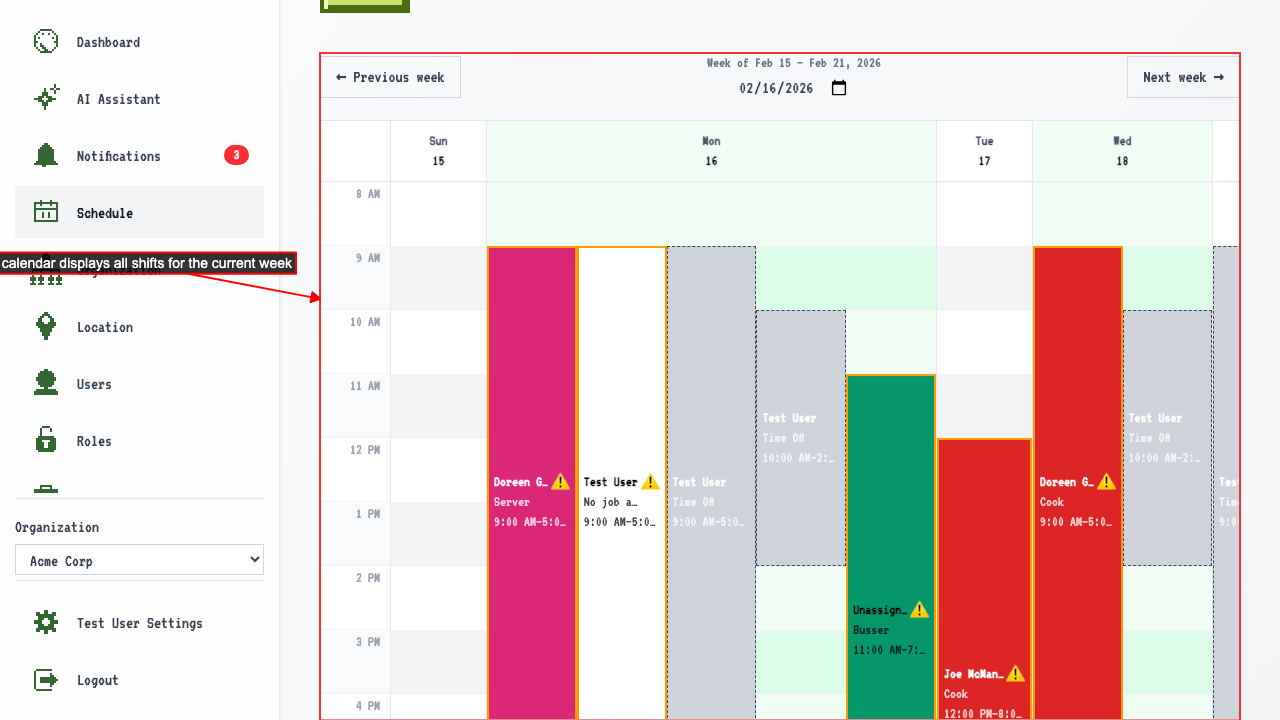
When on the schedule page
you can find the a calendar displaying a week view of all shifts associated with the organization.
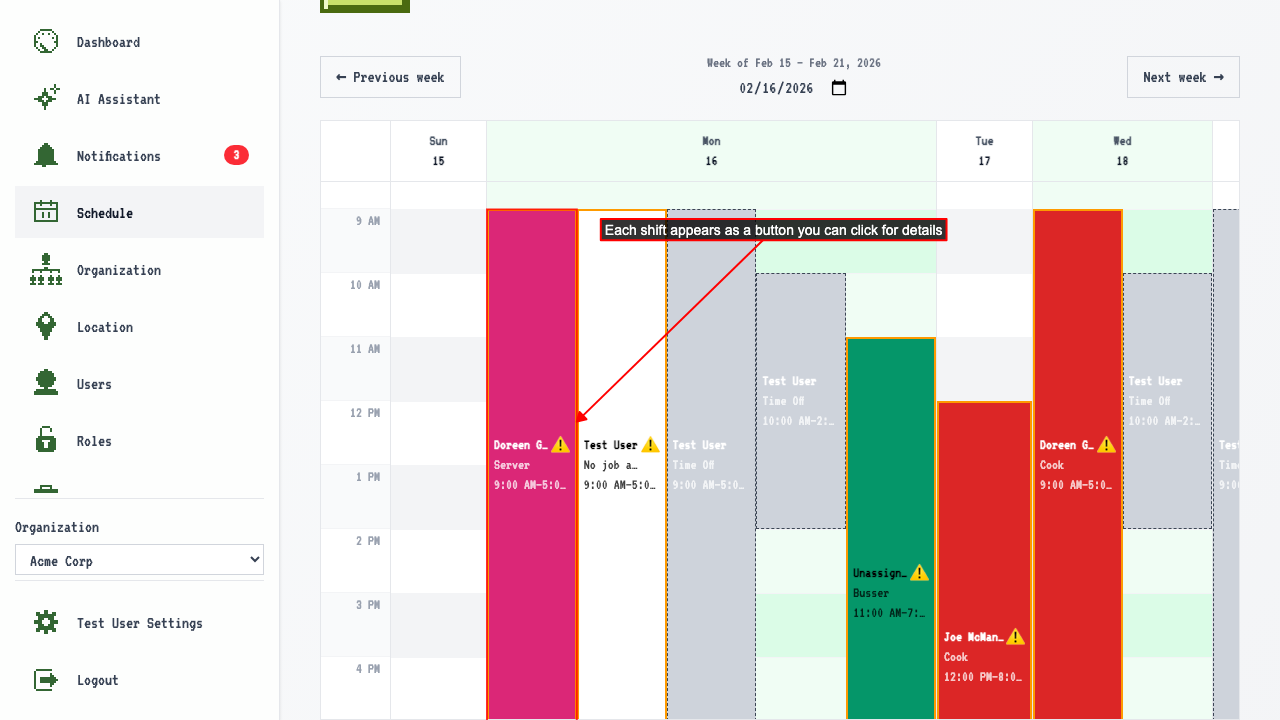
 Shifts appear as buttons in the calendar.
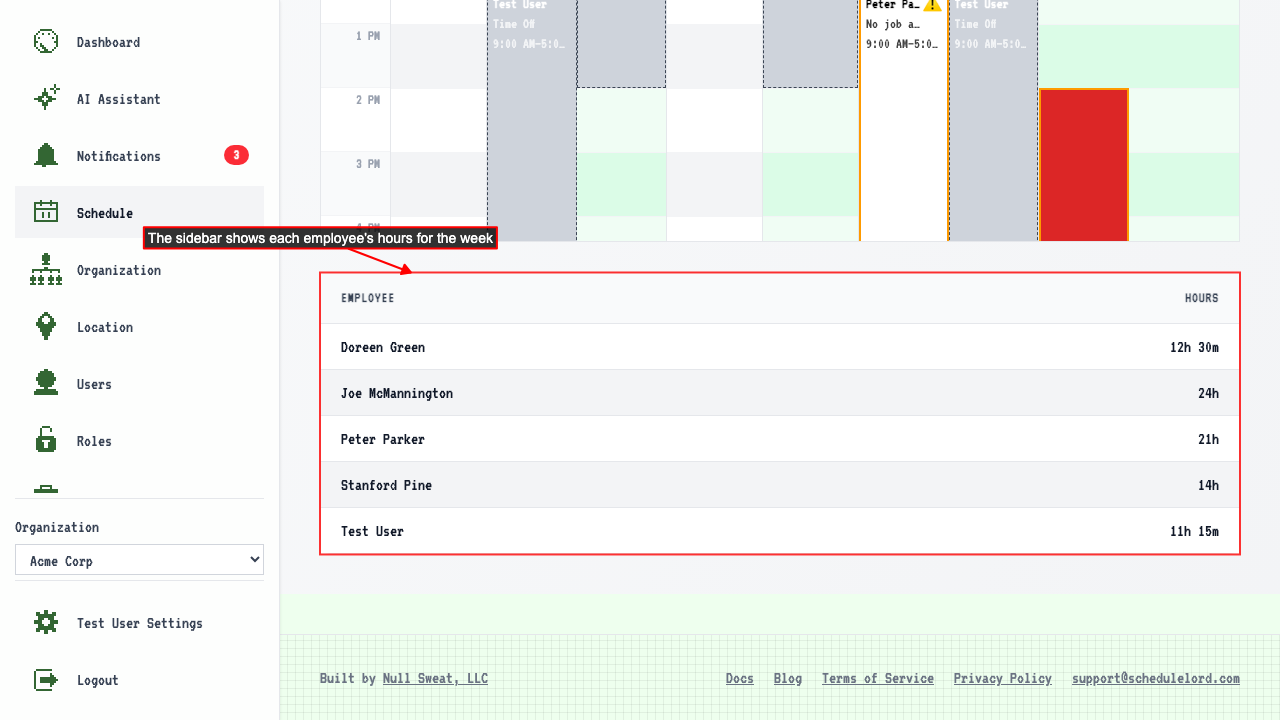
 There is a sidebar displaying each employee's hours for the week.
How to navigate the schedule week
When on the schedule page
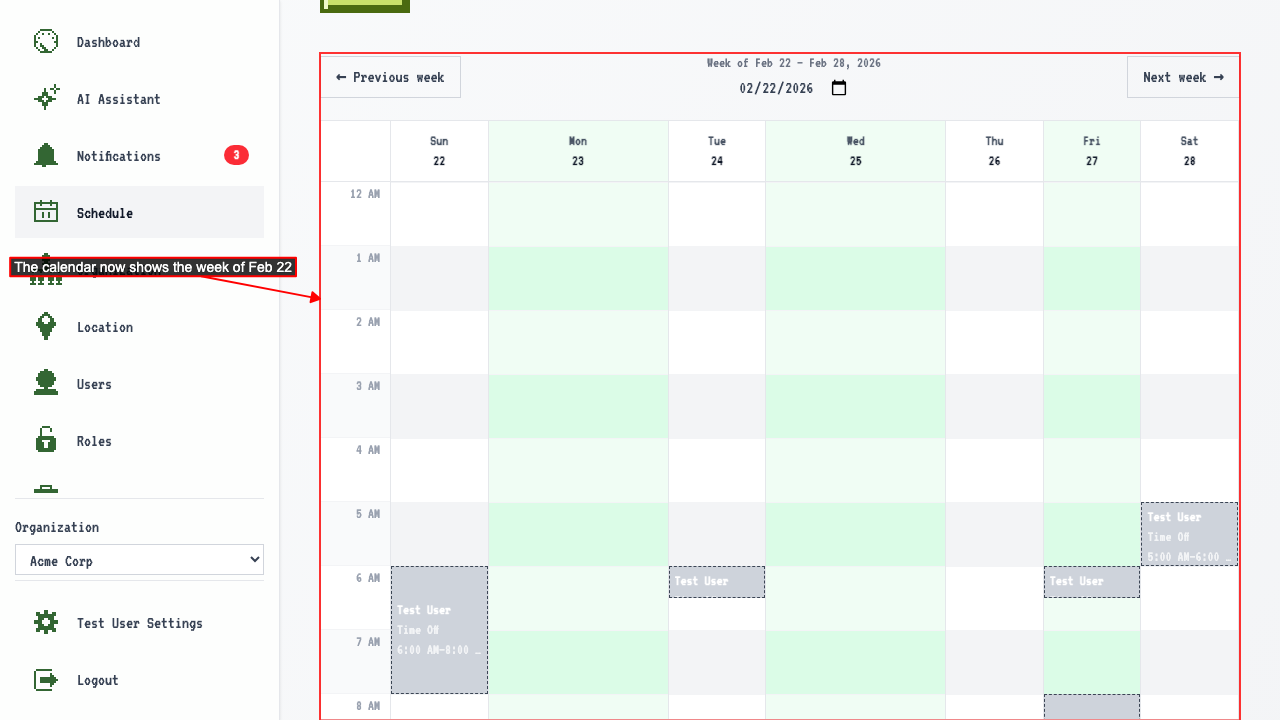
the calendar shows the full week at once. Multiple shifts in the same week are all visible.
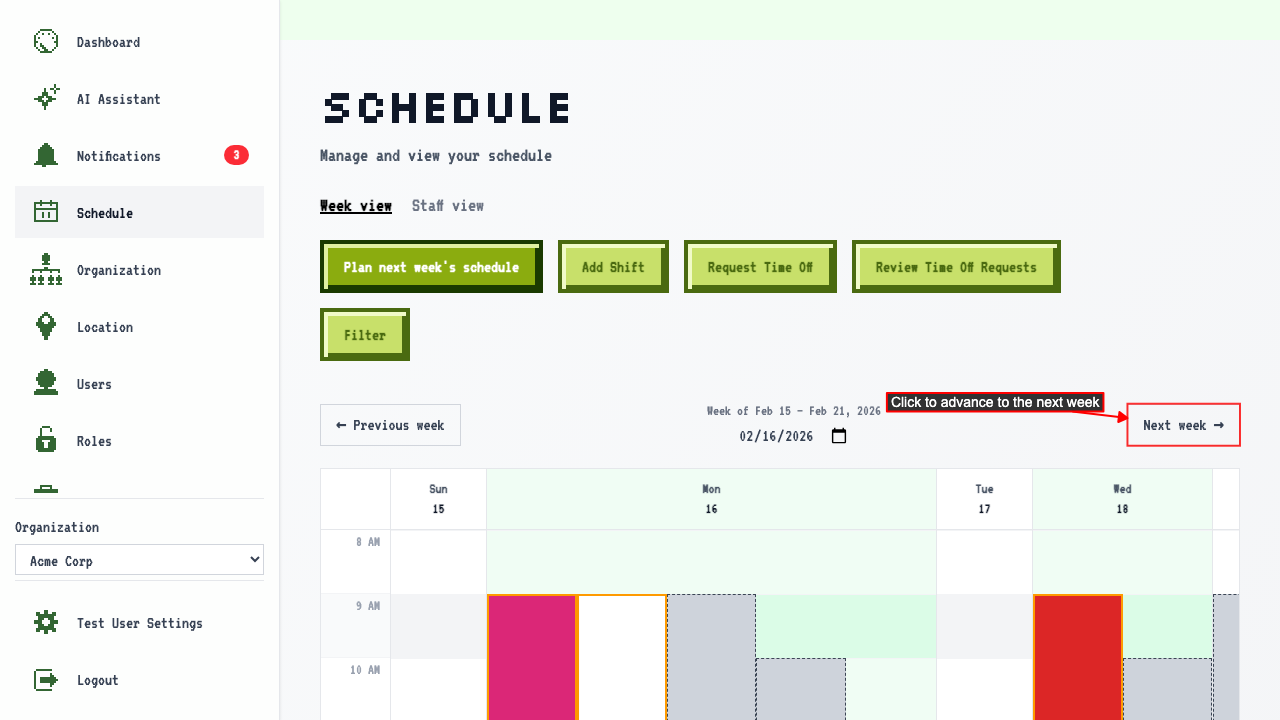
Click 'Next week' to view the following week.
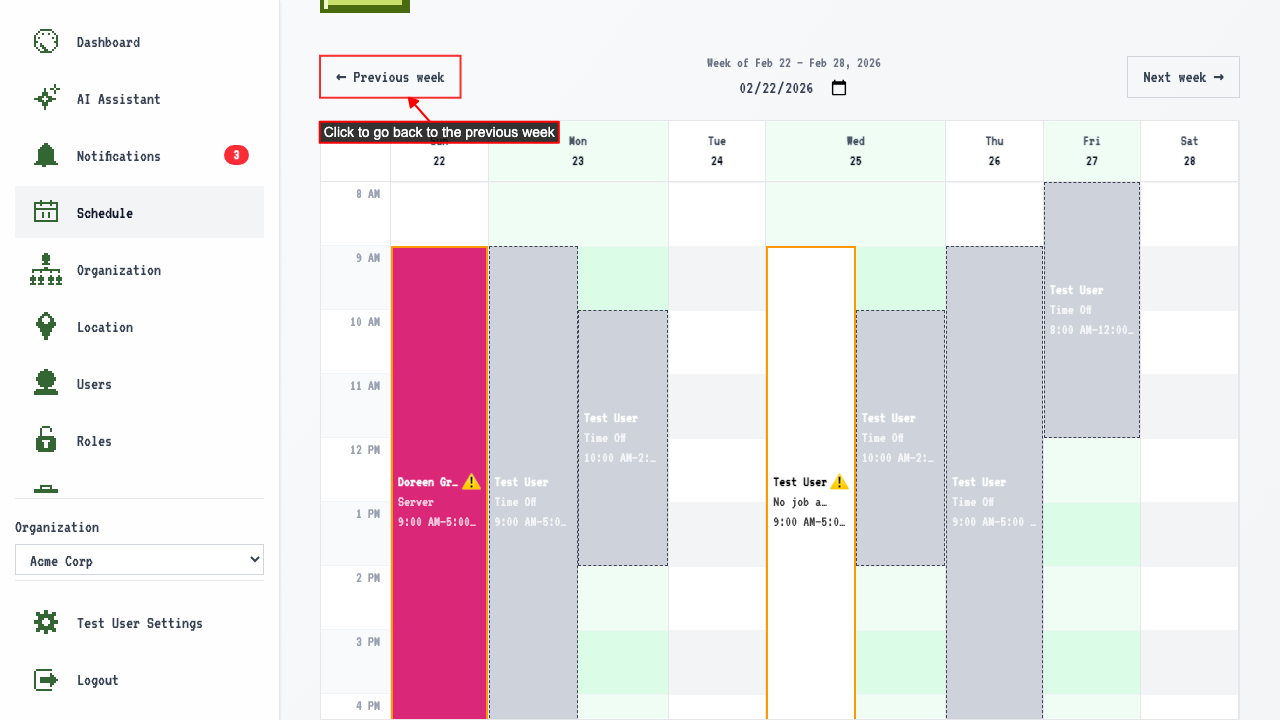
 Click 'Previous week' to go back.
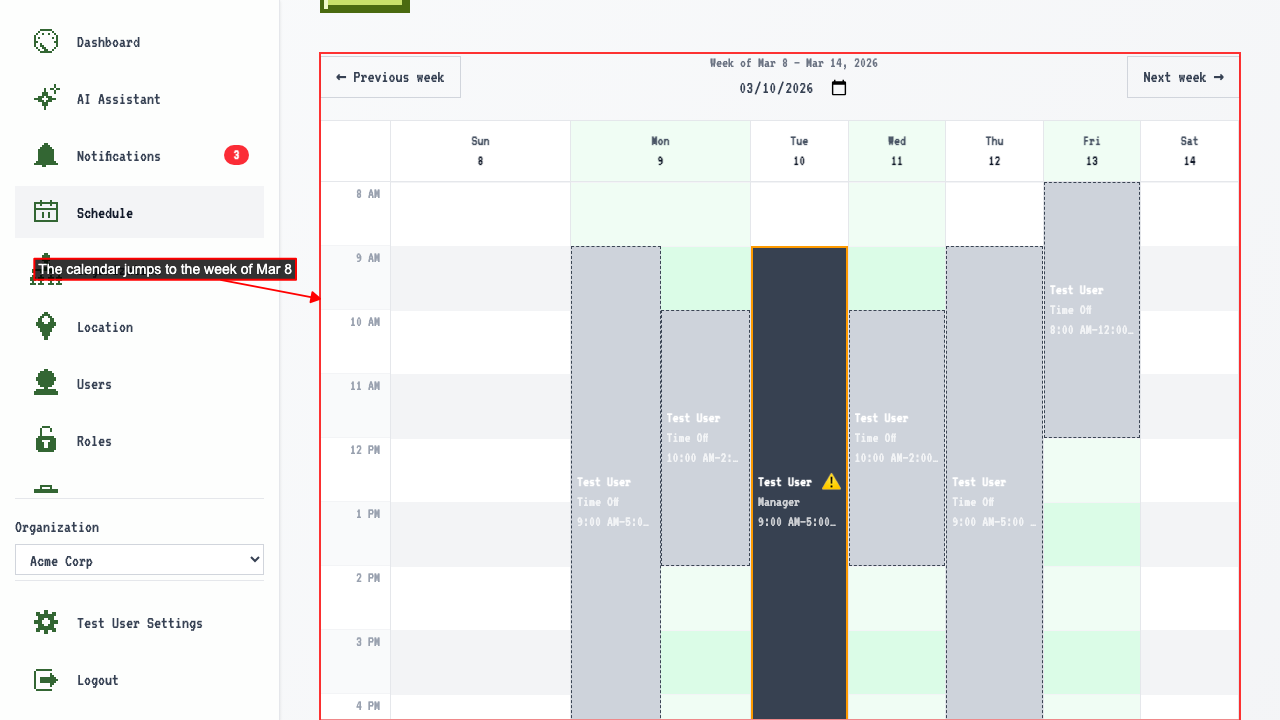
Jumping to a specific week using the date picker
When on the schedule page
there is a date picker showing the current date.
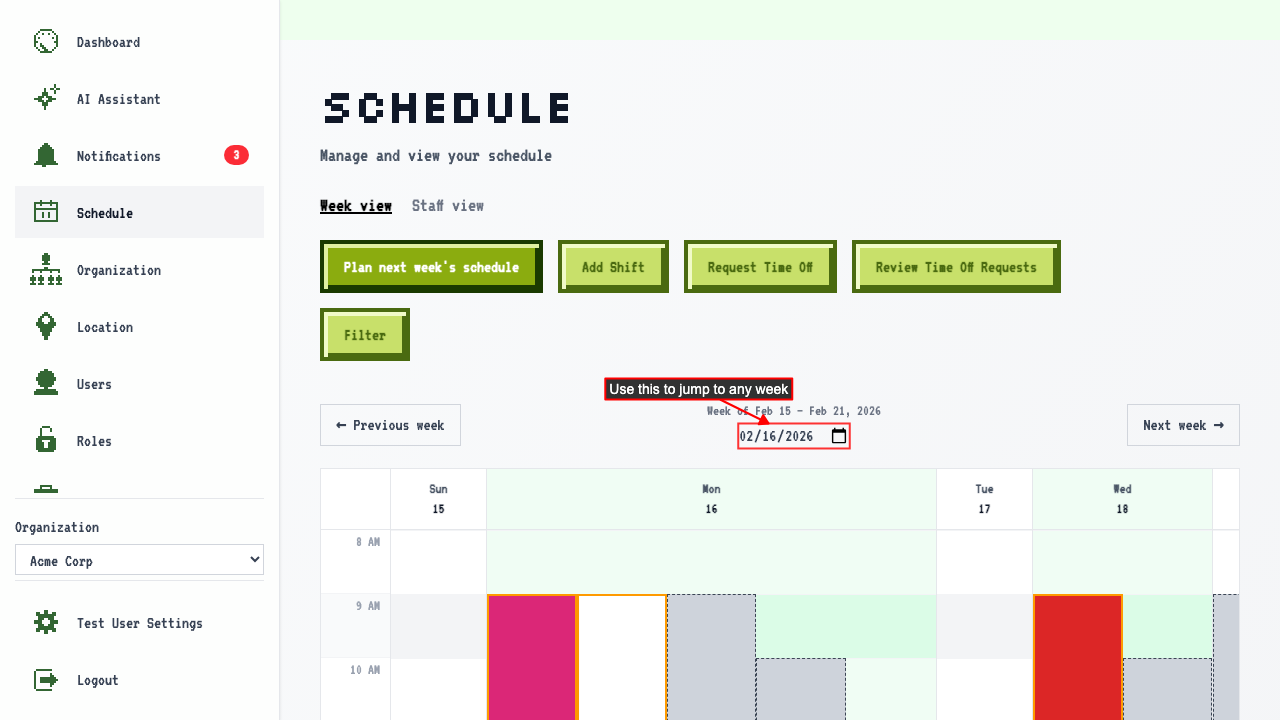 Selecting a date navigates to the week containing that date.