Create Organization
How to create a new organization
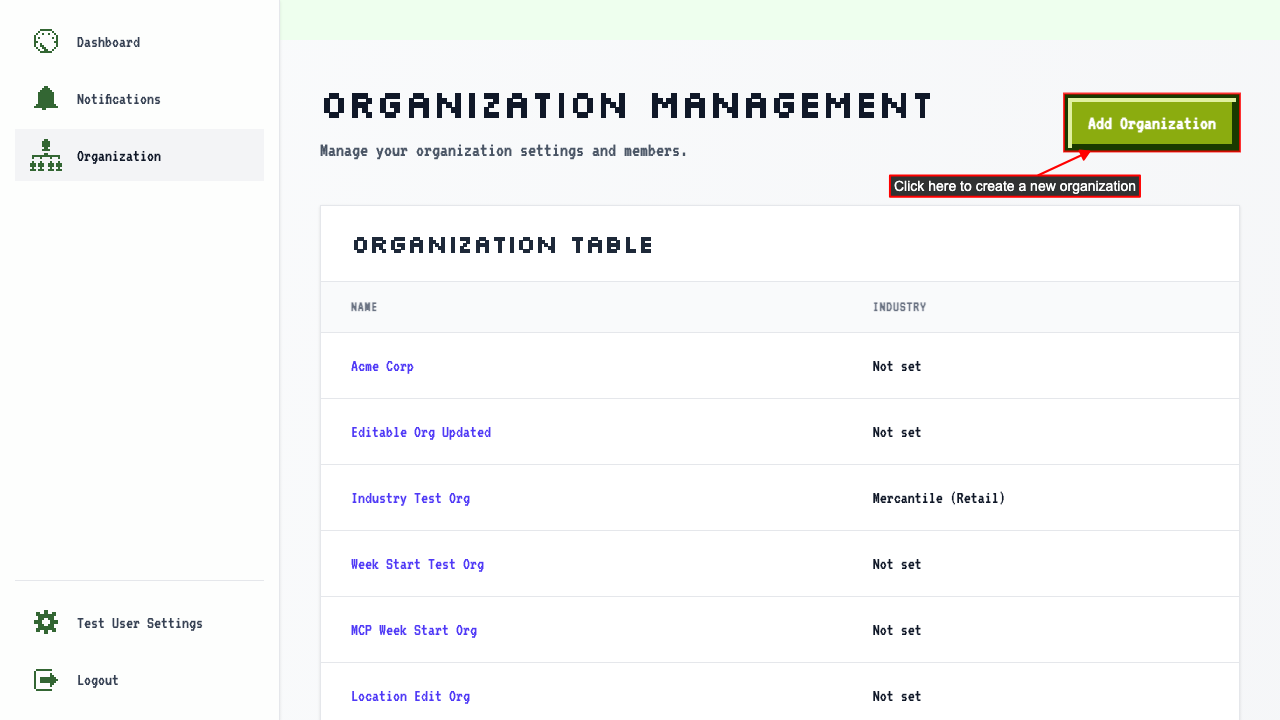
When on the organization management page
click the Add Organization link to navigate to the new organization page.
 There should be a new organization form.
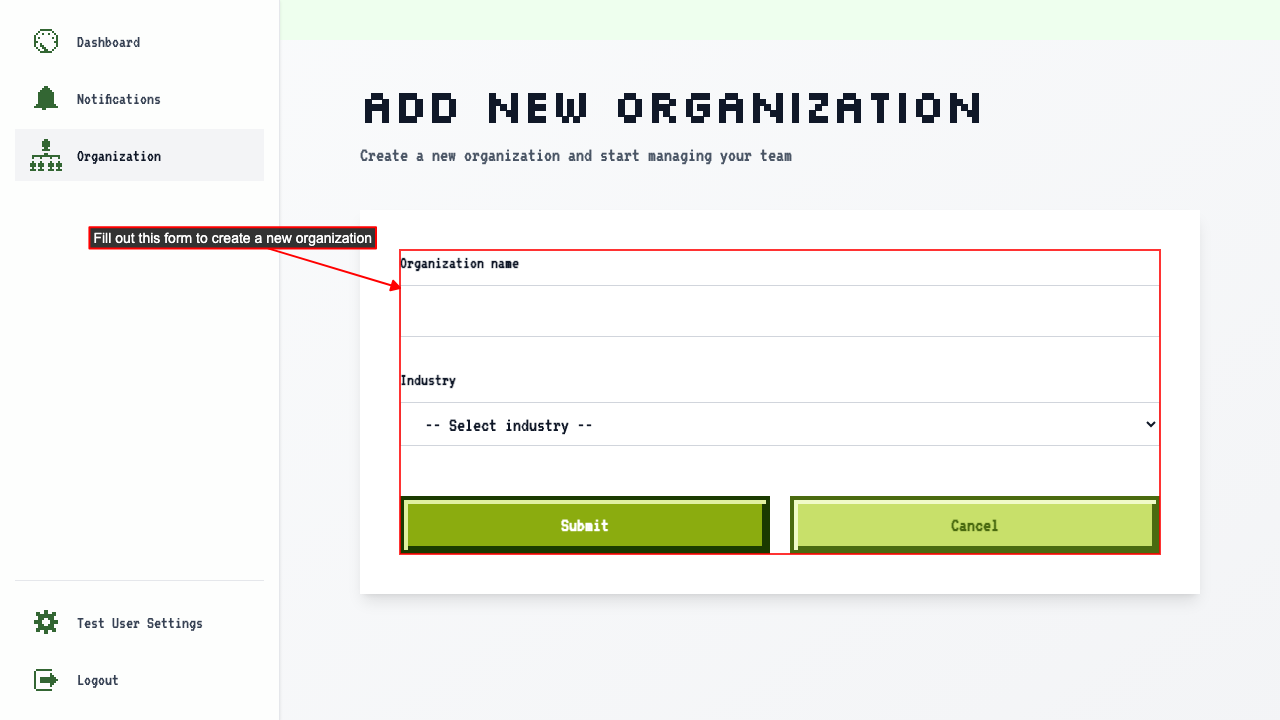 Enter the organization name.
Select an industry.
Submit the new organization form.
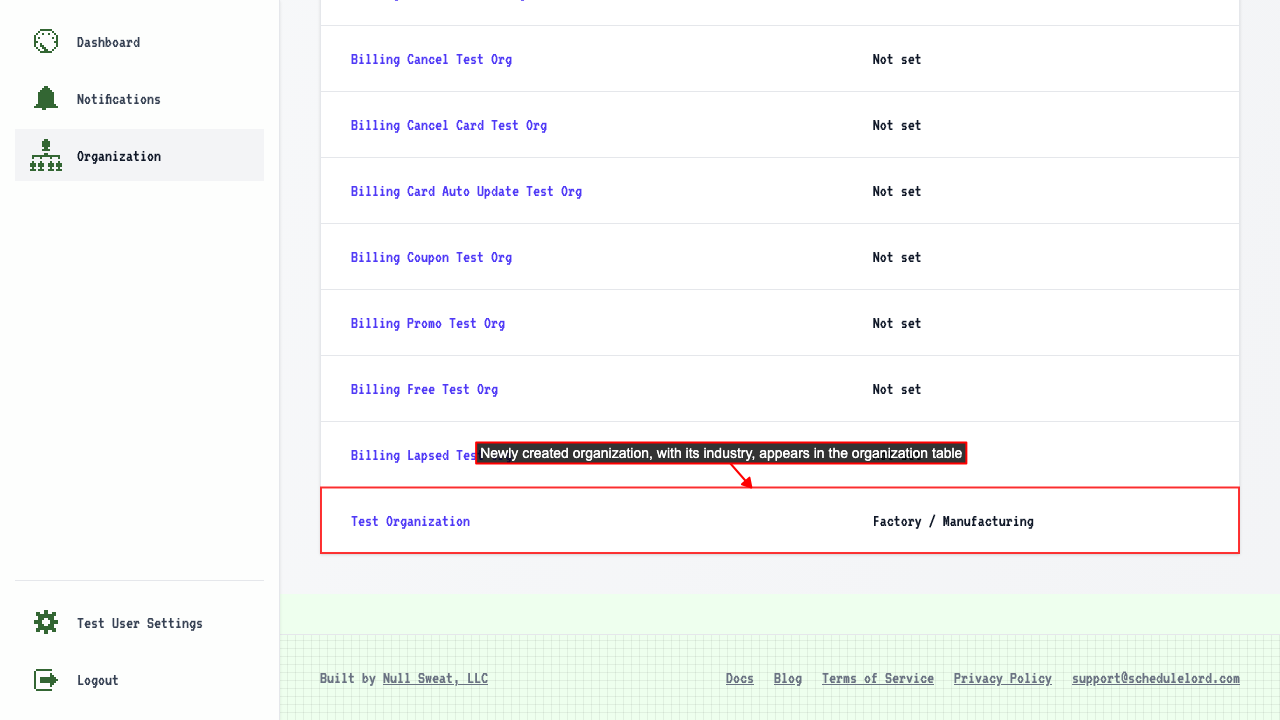
This will redirect to the organization management page where you can see your new organization, and its industry, in the table.
Enter the organization name.
Select an industry.
Submit the new organization form.
This will redirect to the organization management page where you can see your new organization, and its industry, in the table.
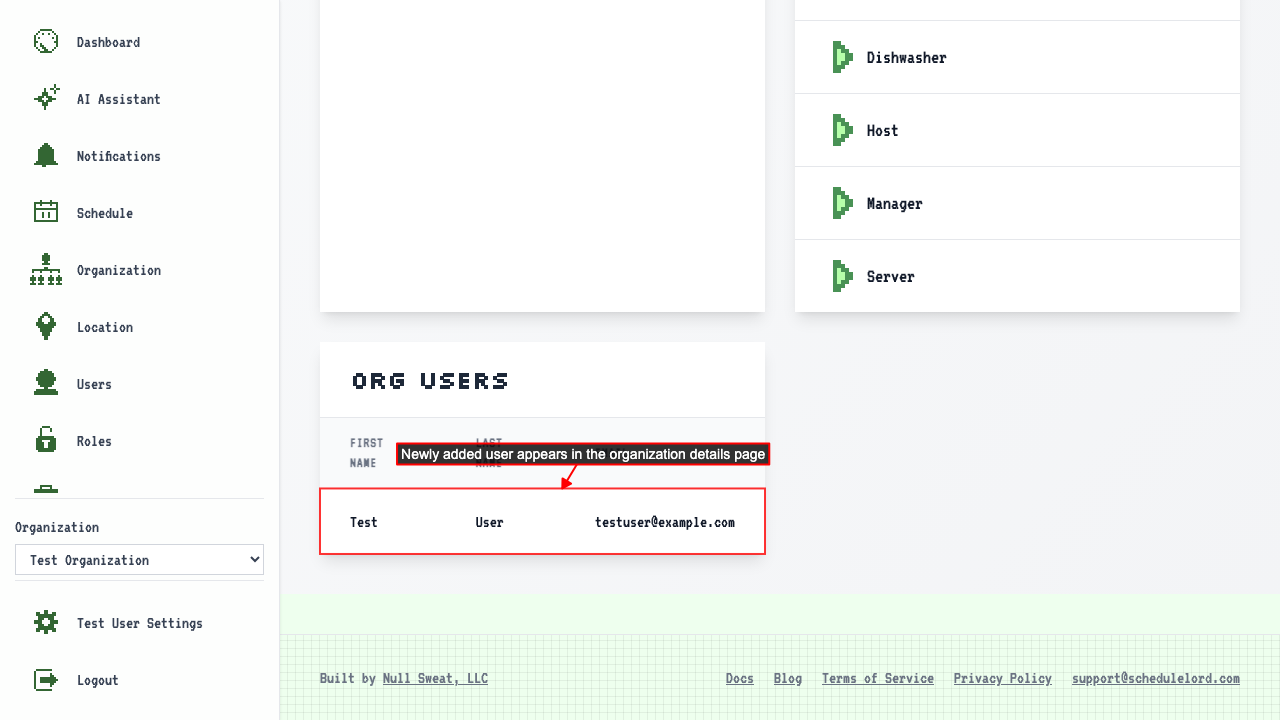
 If you go to the new organization's details page you'll see that you have already been added as a user of this organization.