Signing Out
How to sign out
While you're signed in, the navigation has a Logout link.
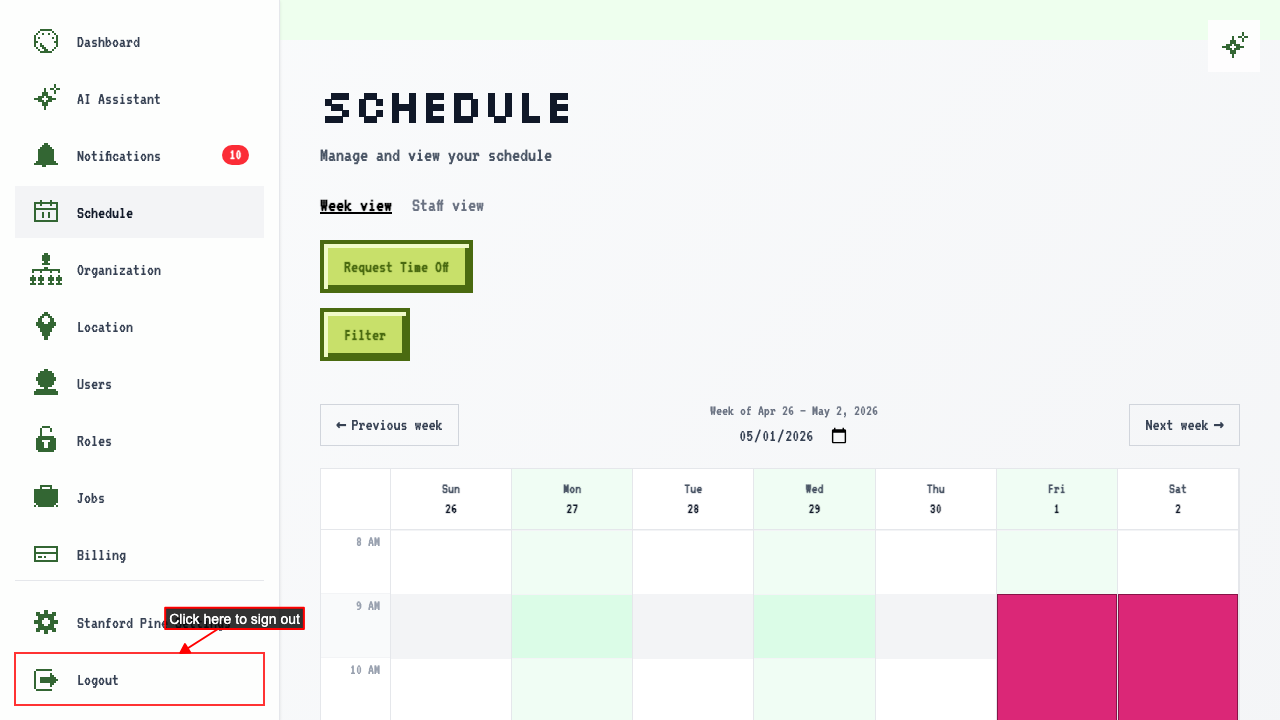 Clicking it signs you out and takes you to the login page.
Once you're signed out, opening any page that needs an account takes you back to the login page.
Signing back in returns you to the organization you left
Open a page in one of your organizations. Sign out of your account. Signing back in returns you to the dashboard of the organization you were last in.