Signing In with a Magic Link
How to sign in with a magic link
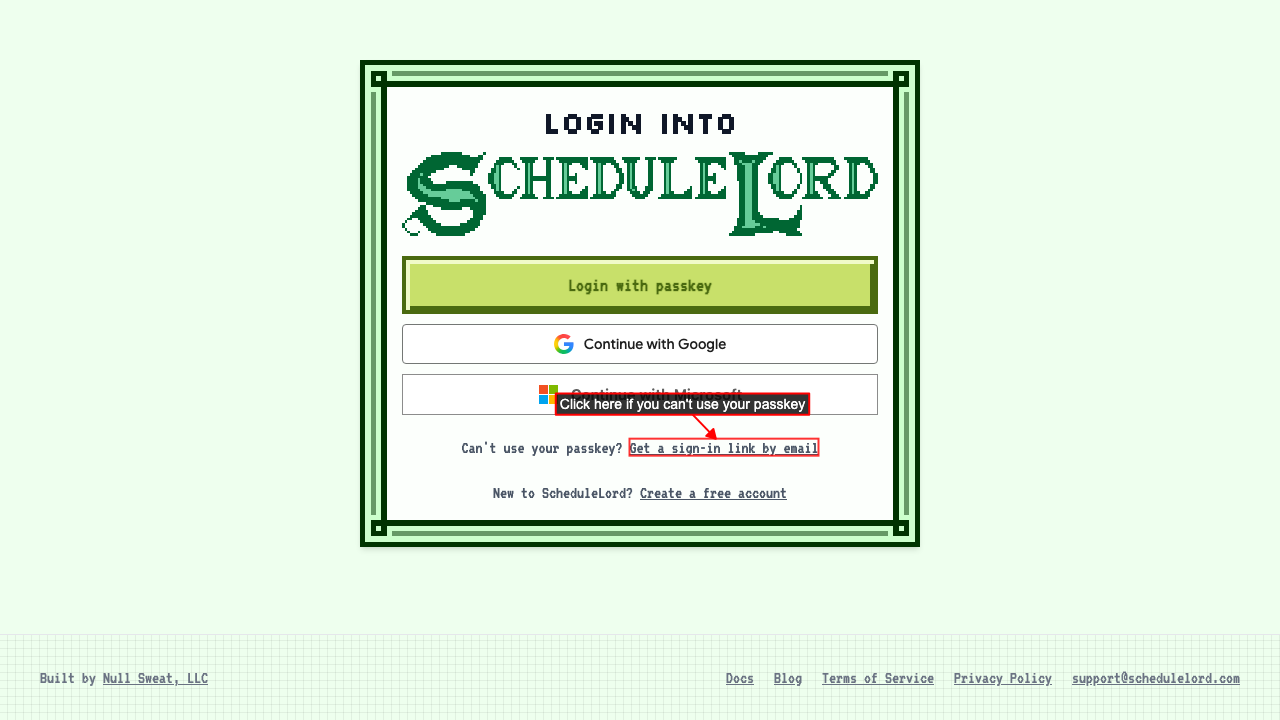
Go to the login page and click Get a sign-in link by email.
 Enter your email.
Click Email me a sign-in link.
Open the email from
support@schedulelord.com and click the link in it.
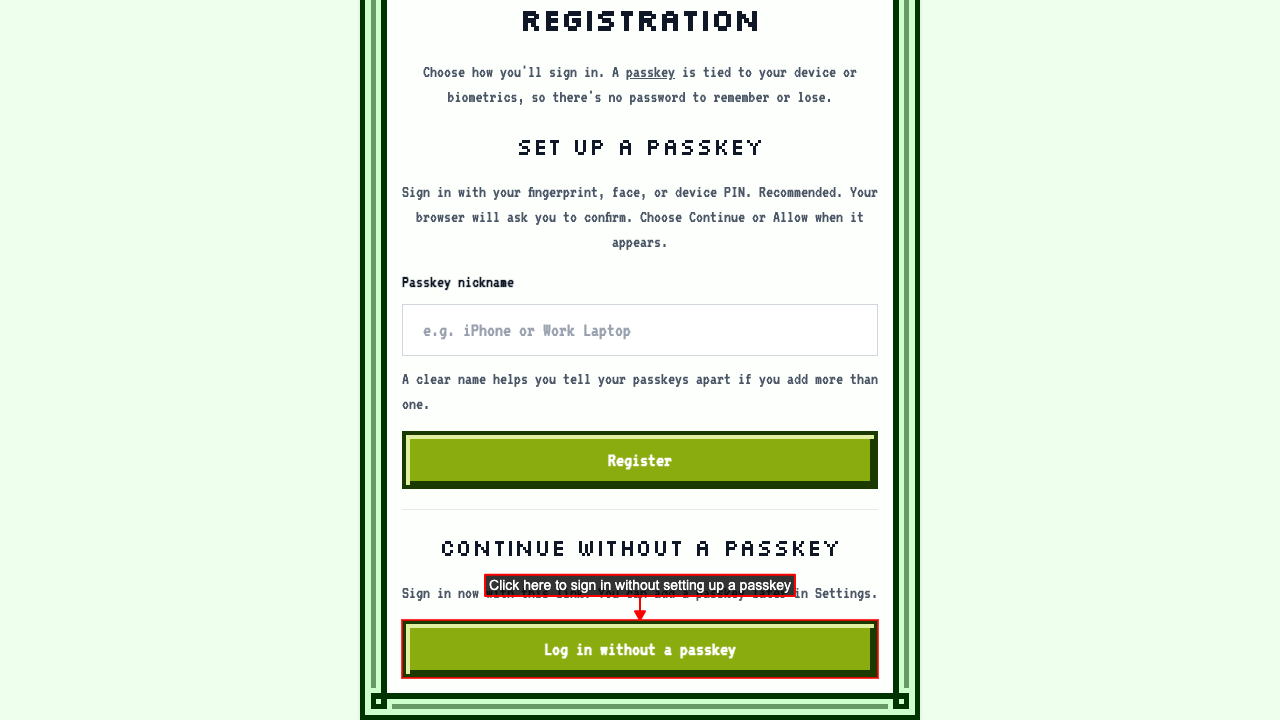
On the page that opens, scroll to the bottom and click Log in without a passkey. You can also set up a passkey here, so you won't need an emailed link next time.
 You're signed in and taken to your dashboard. If you haven't finished setting up your account yet, you go to the AI Assistant page instead, so it can help you finish.
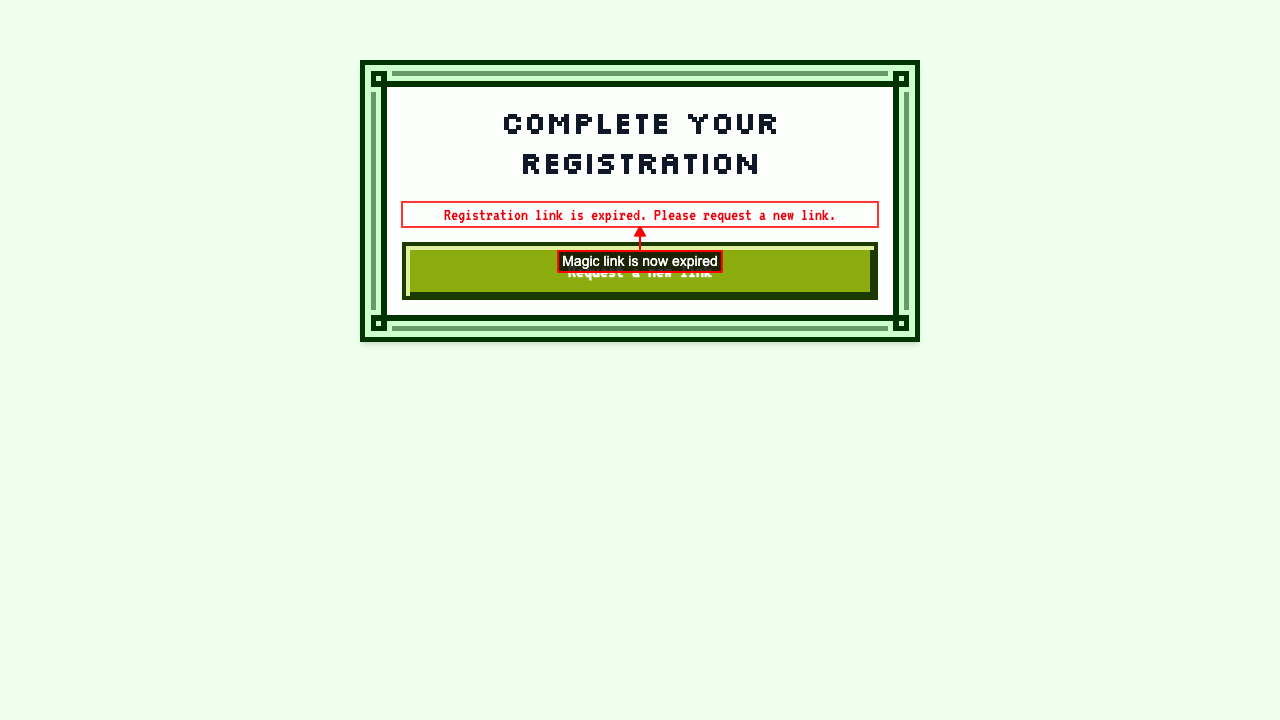
The link only works once. Opening it again won't sign you in.