Recovering Your Account
How to add a passkey from a new device
On the login page, click Get a sign-in link by email, enter your account's email, and click Email me a sign-in link. Because the email already has an account, you're offered to add a new passkey.
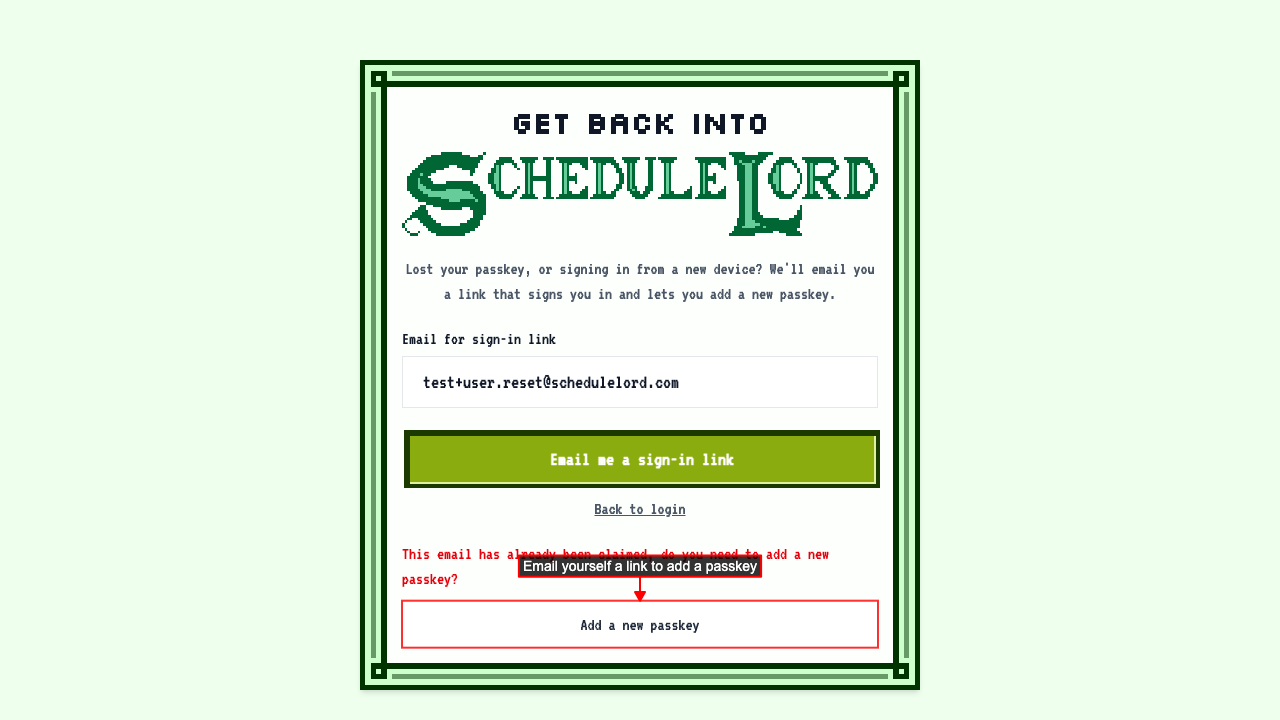
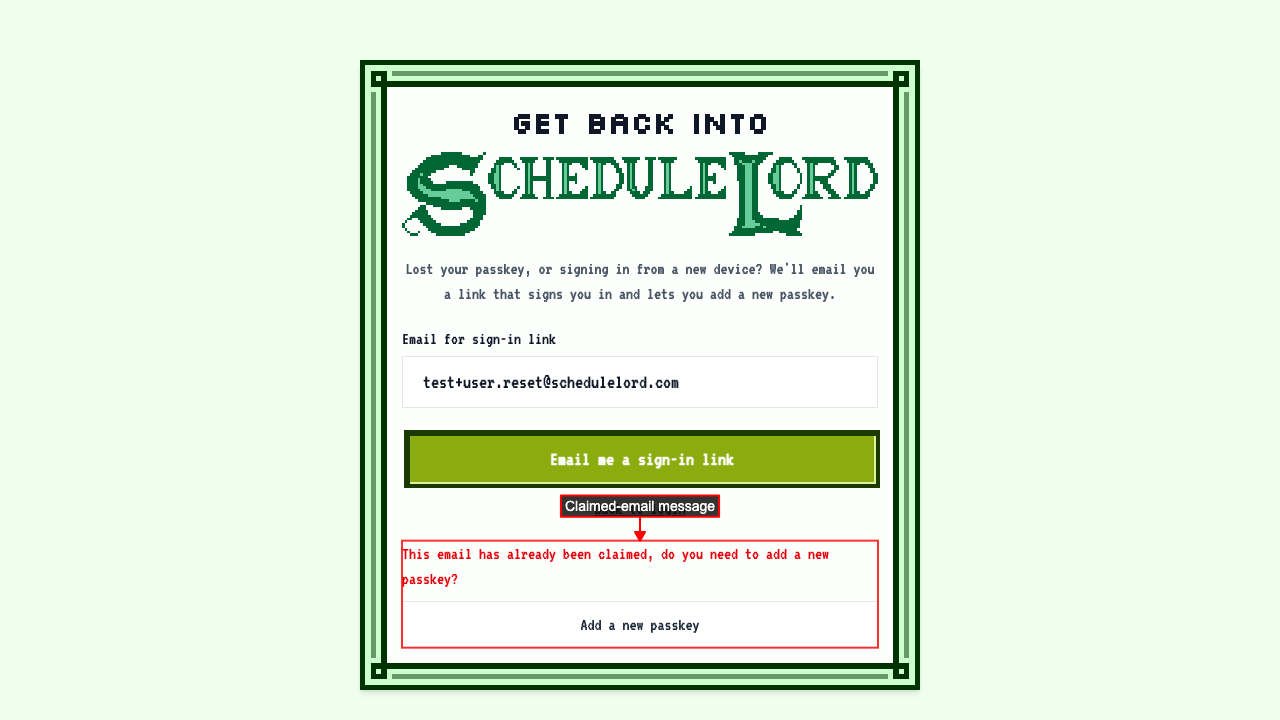 Click Add a new passkey to get an email with a link for adding it.
 Open the email and click Add Passkey. On the page that opens, click Register and confirm when your browser asks.
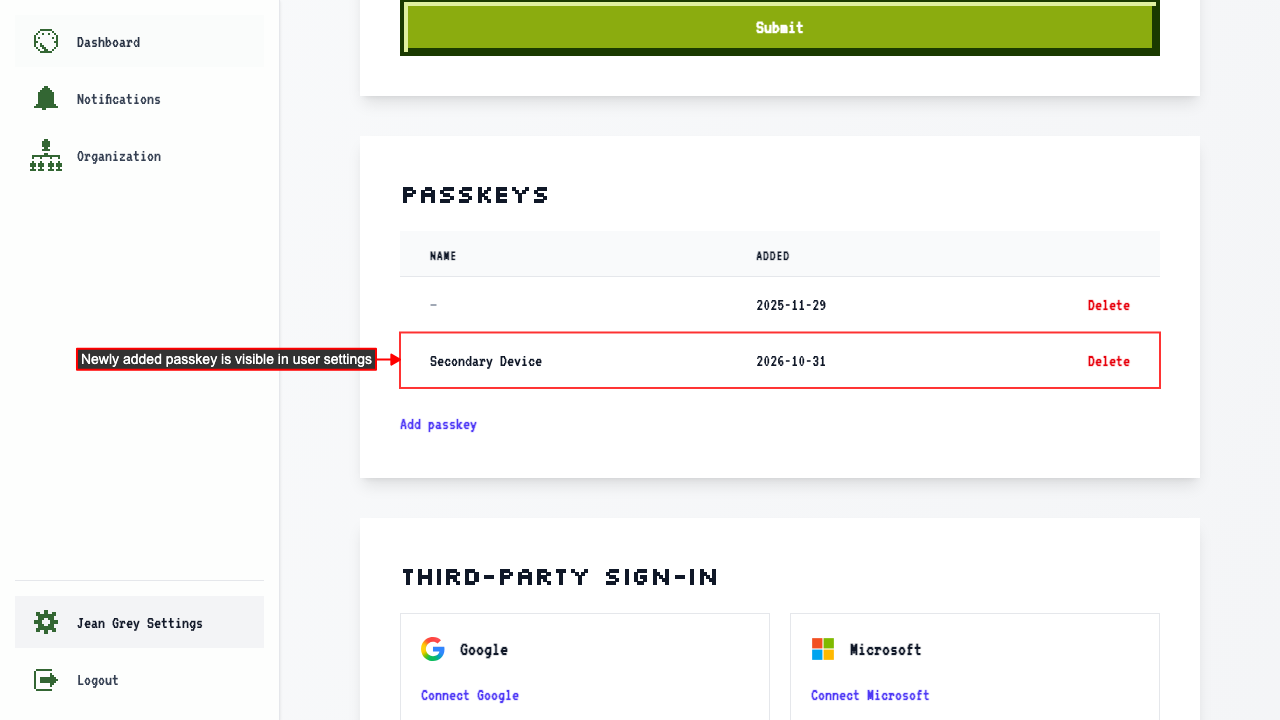
You're signed in automatically. Both passkeys now appear in your settings, and it's a good idea to remove the one you can no longer use.