Logout
How to log out
When on an authenticated page, there is a Logout link in the navigation.
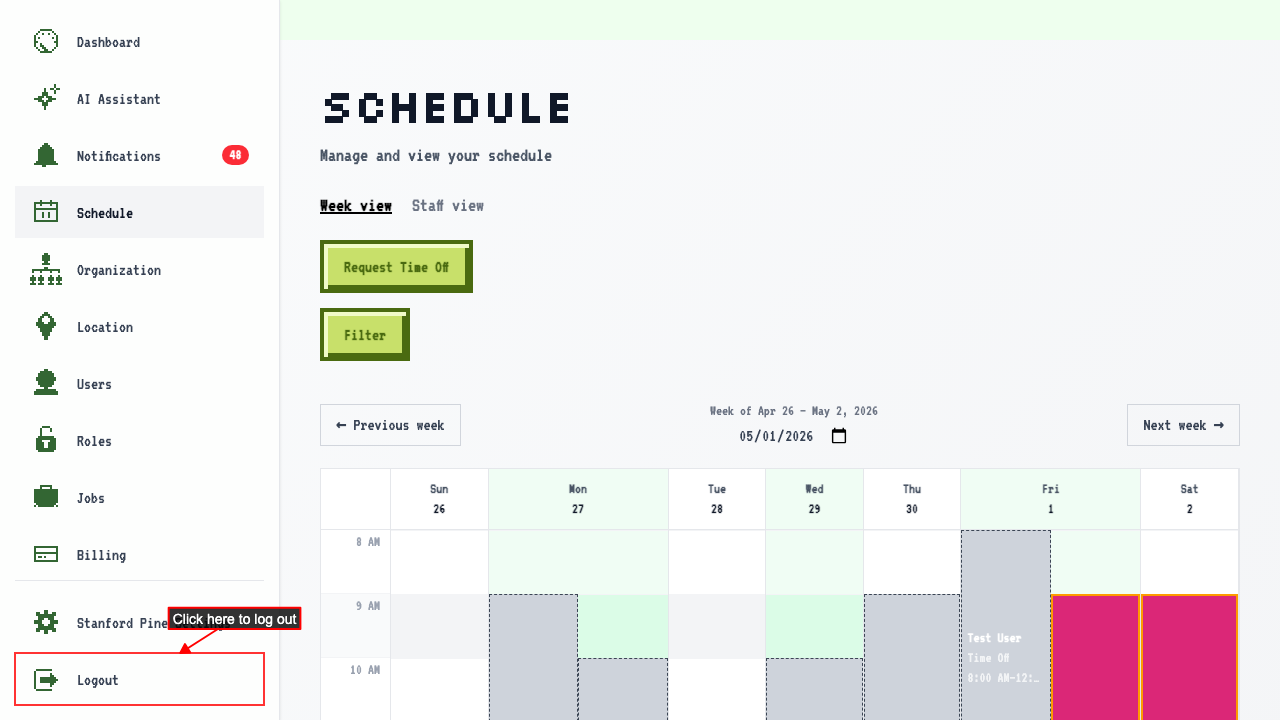 Clicking it logs you out and redirects to the login page.
After logging out, protected routes redirect back to login.
Clicking it logs you out and redirects to the login page.
After logging out, protected routes redirect back to login.
Logging back in returns you to the last org you visited
Navigating to an org page, so the last-visited org is recorded. After you log out, logging back in returns you to the last org's dashboard.