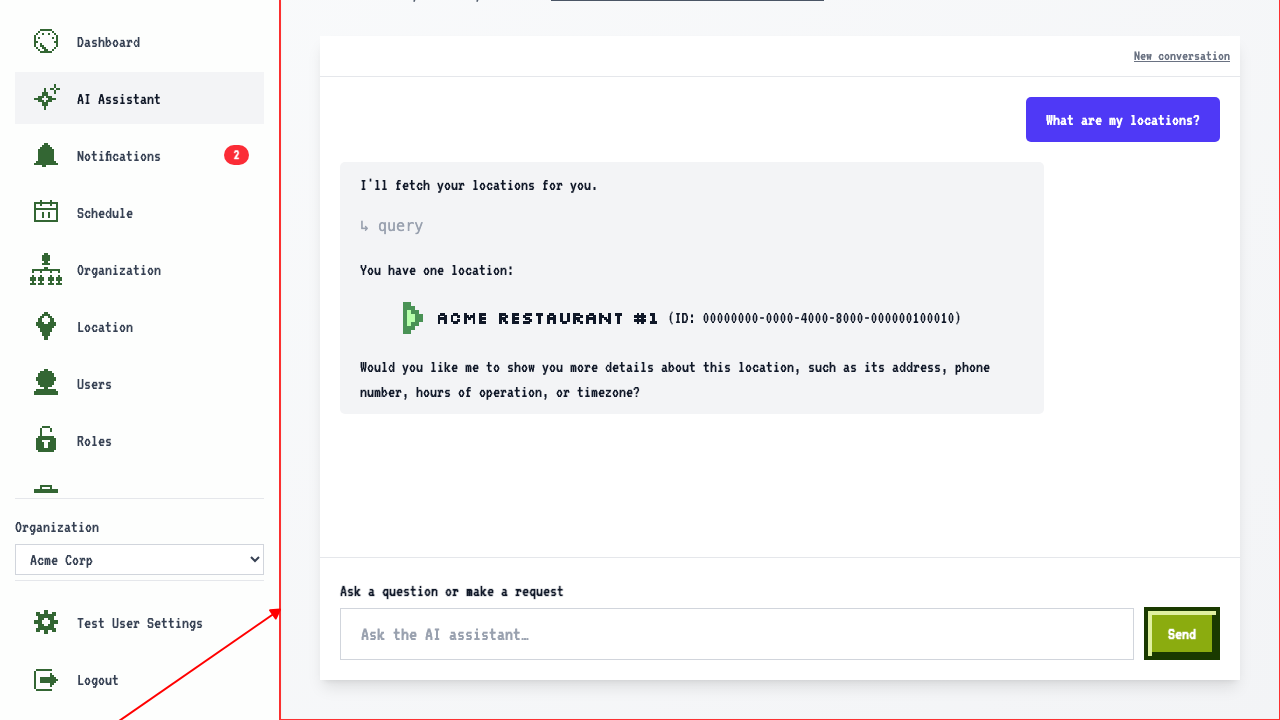
Sending a Message
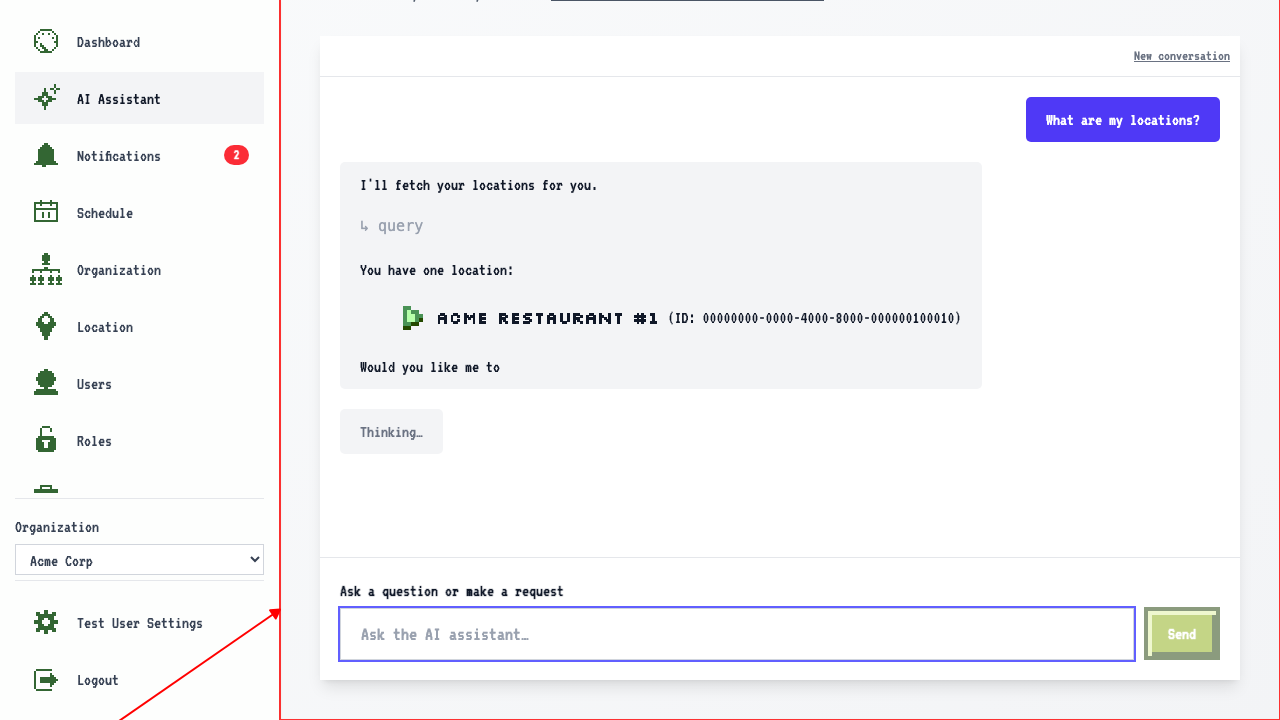
How to send a message to the AI Assistant
When on the AI Assistant page,
type a question in the message box.
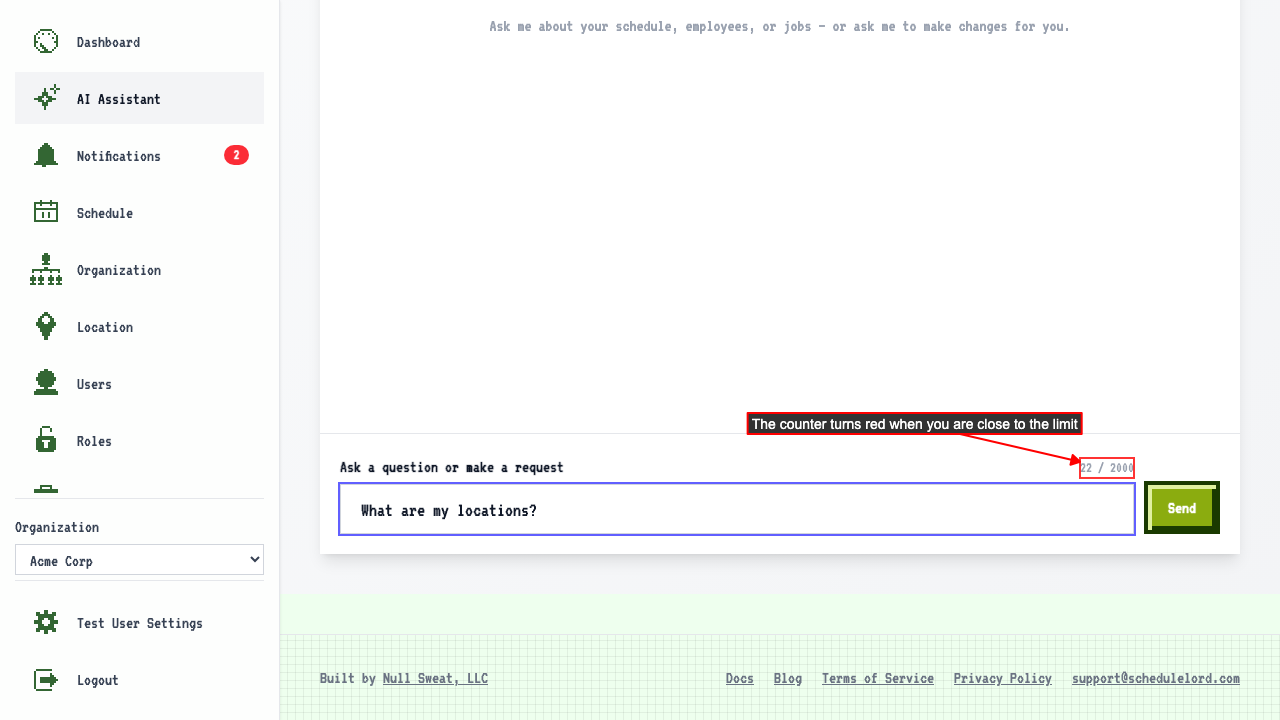
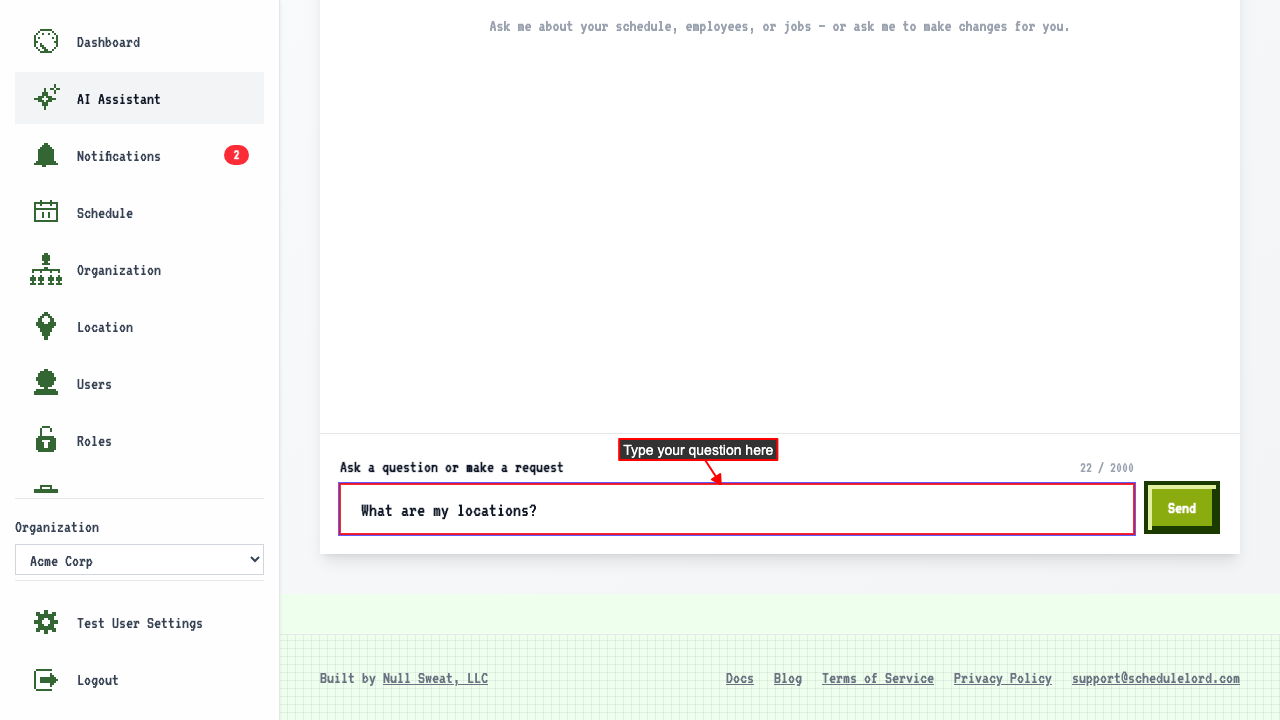 A character counter appears showing how much of the 2000 character limit you have used.
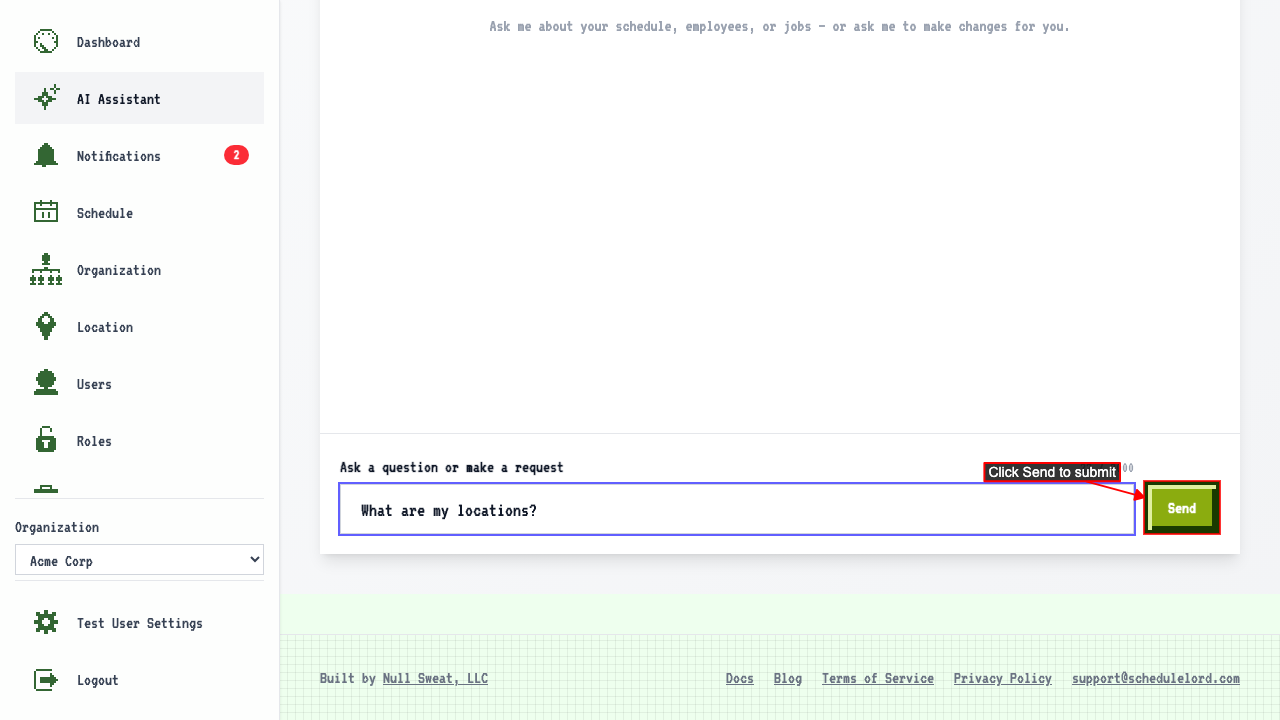
 Click Send to submit your message.
 The AI Assistant responds with information from your organization.
AI Assistant Requests
This is only a few examples of what you can ask the AI Assistant. You can ask it to do almost anything that you would normally do in the app, such as:
- Create users
- Create jobs
- Create a schedule for next week
- What is a user's email address?
- Show me my schedule for next week
- Add a shift for an employee for a specific day and time
- Swap shifts between employees on these days
- And more!
The AI Assistant can help you with most tasks that you would normally do in the app's user interface, just by asking it in natural language.
Navigate away and back, and your conversation is still there.