Closing Your Account
How to close your account
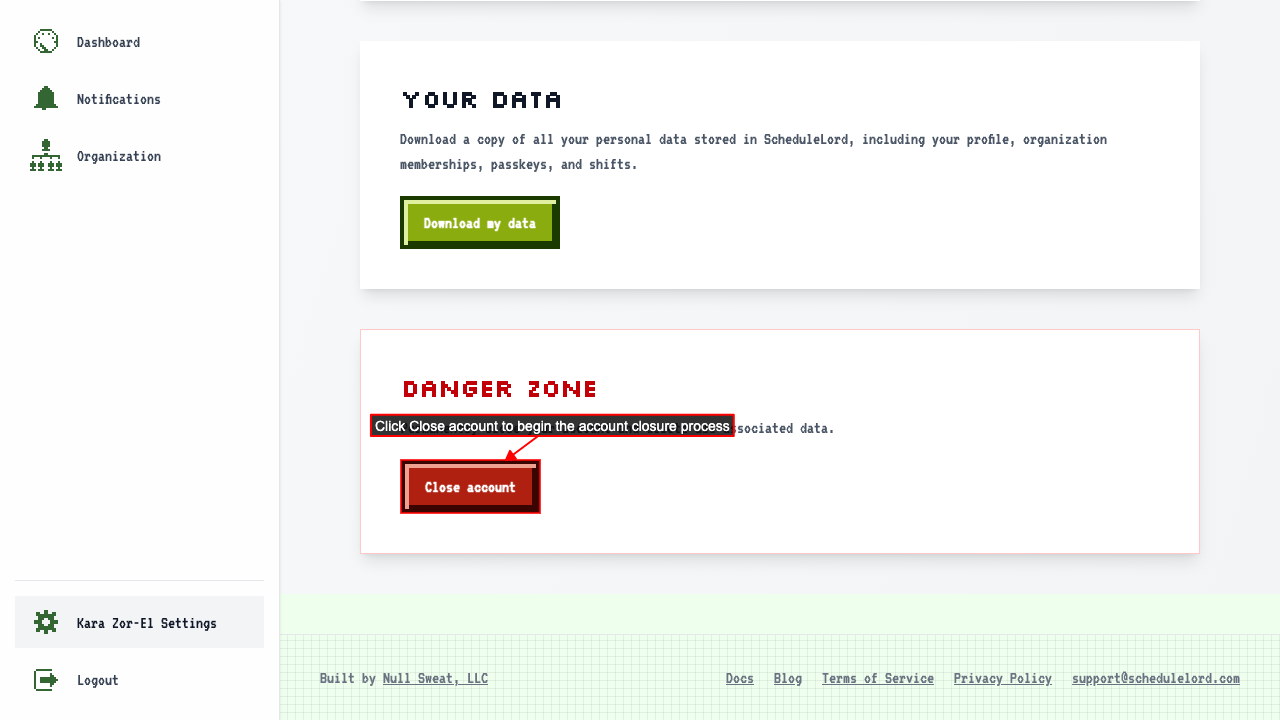
Start on your settings page.
Click 'Close account' to go to the confirmation page.
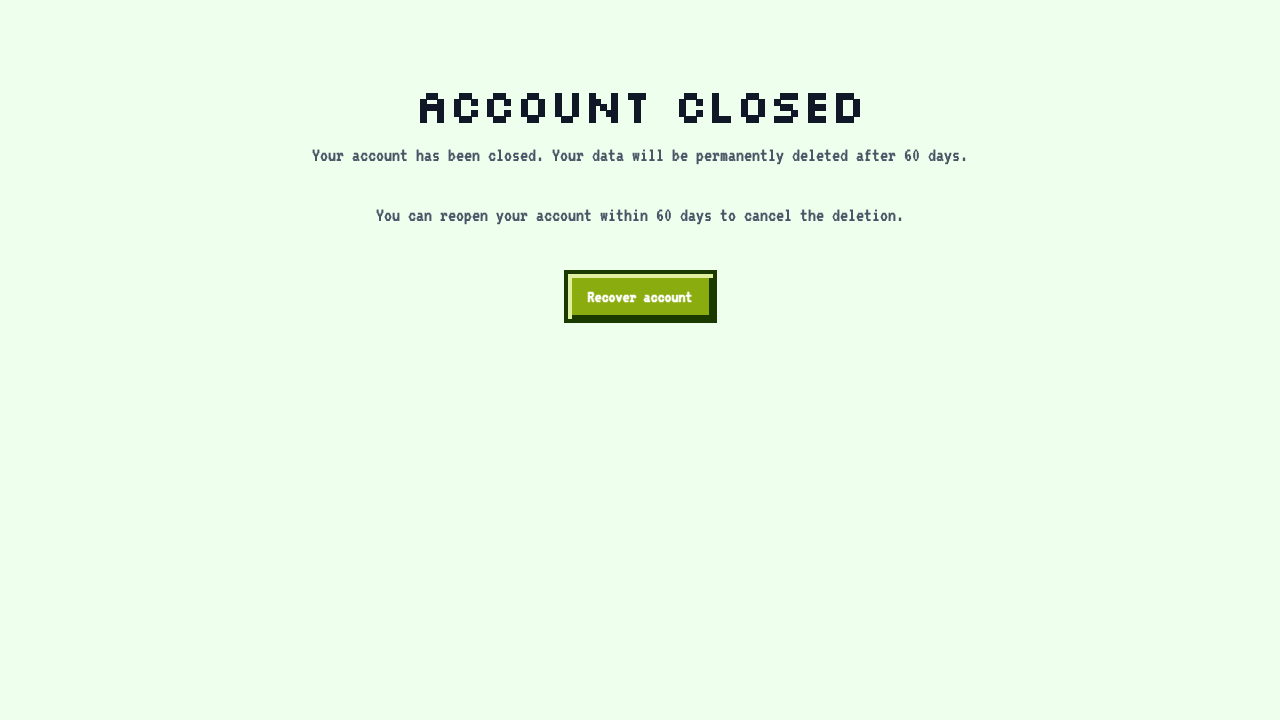
 Click Close my account to close it. You're taken to a page confirming your account is closed.
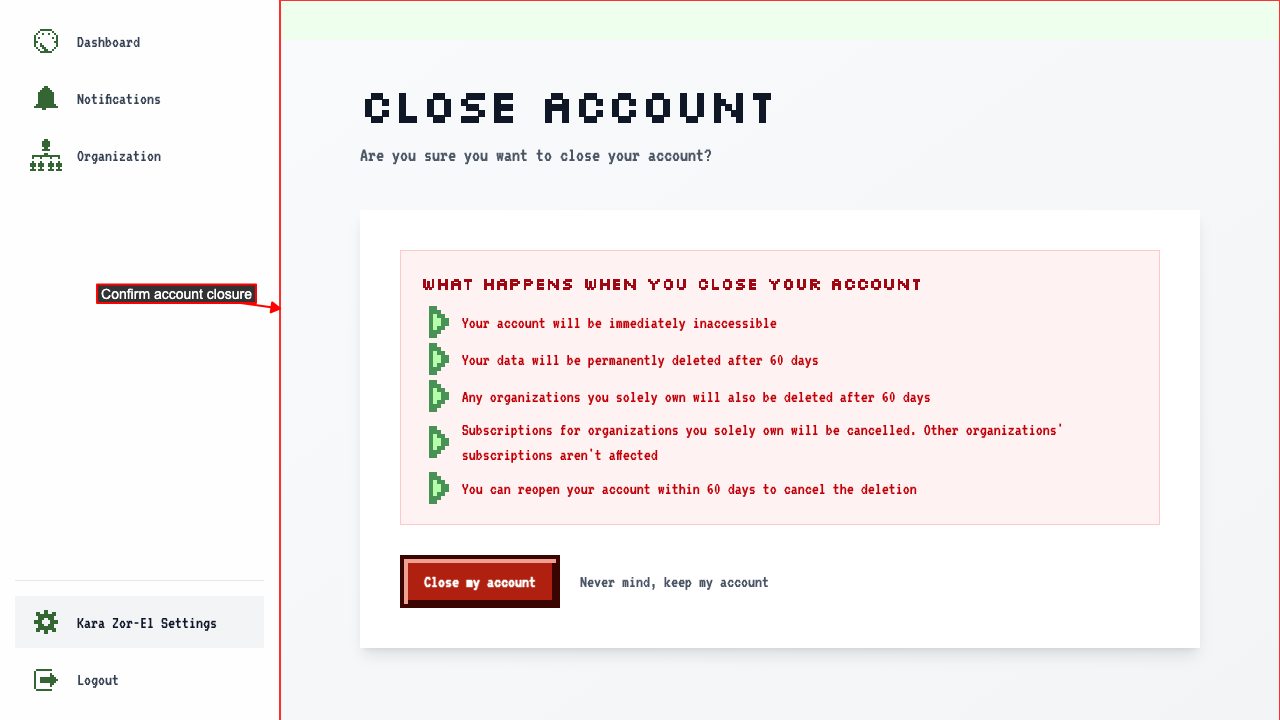 If you are the only owner of an organization with an active subscription, it is cancelled when you close your account.
Subscriptions for organizations you don't solely own stay active, whether you're an employee there or one of several owners.
You'll also get an email confirming your account is closed.
While it's closed, every page in the app takes you to the account closed page.