Asking the Assistant for Something
How to ask the assistant to do something
Open the AI Assistant from any page.
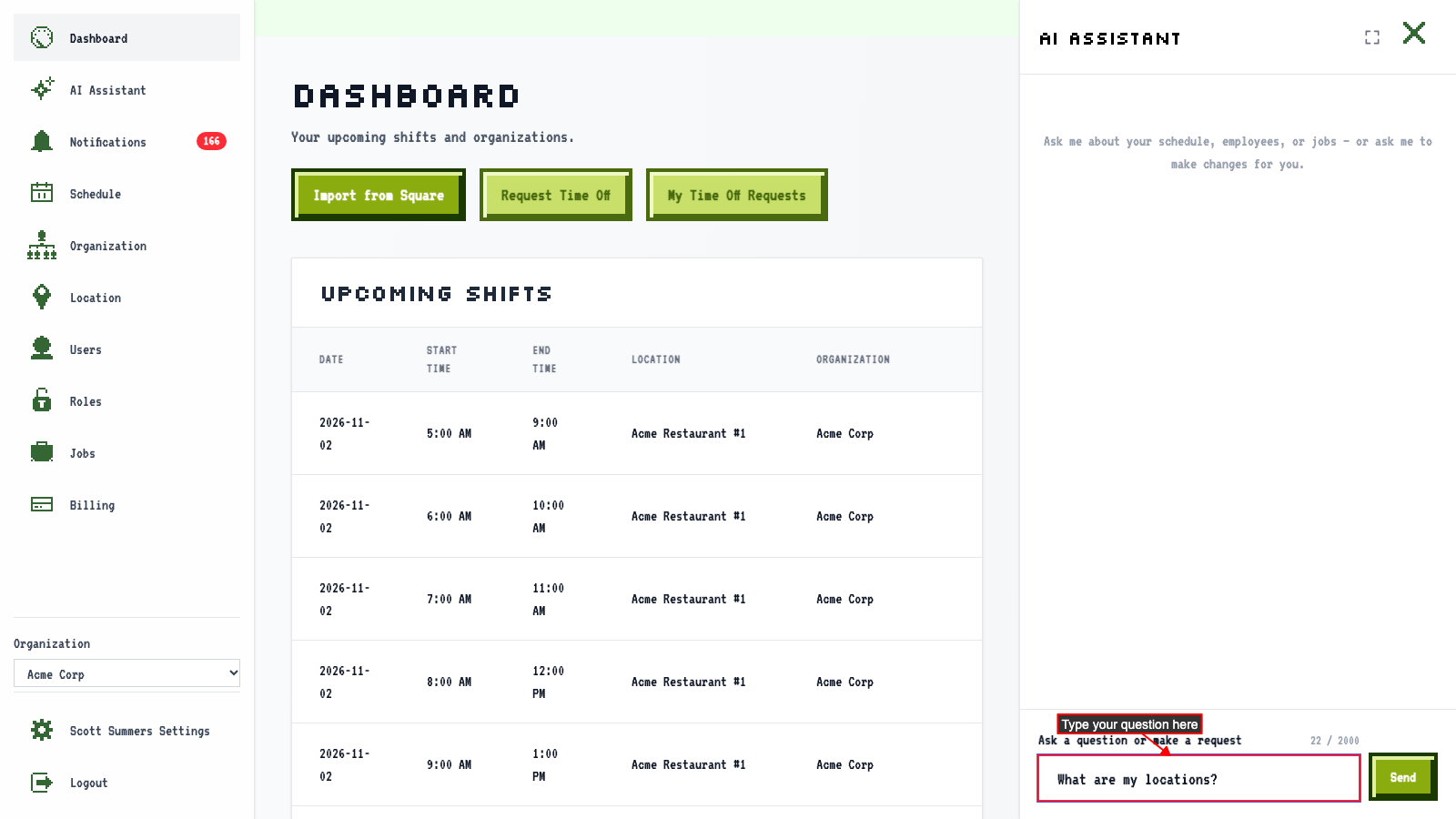
Type what you want in the message box.
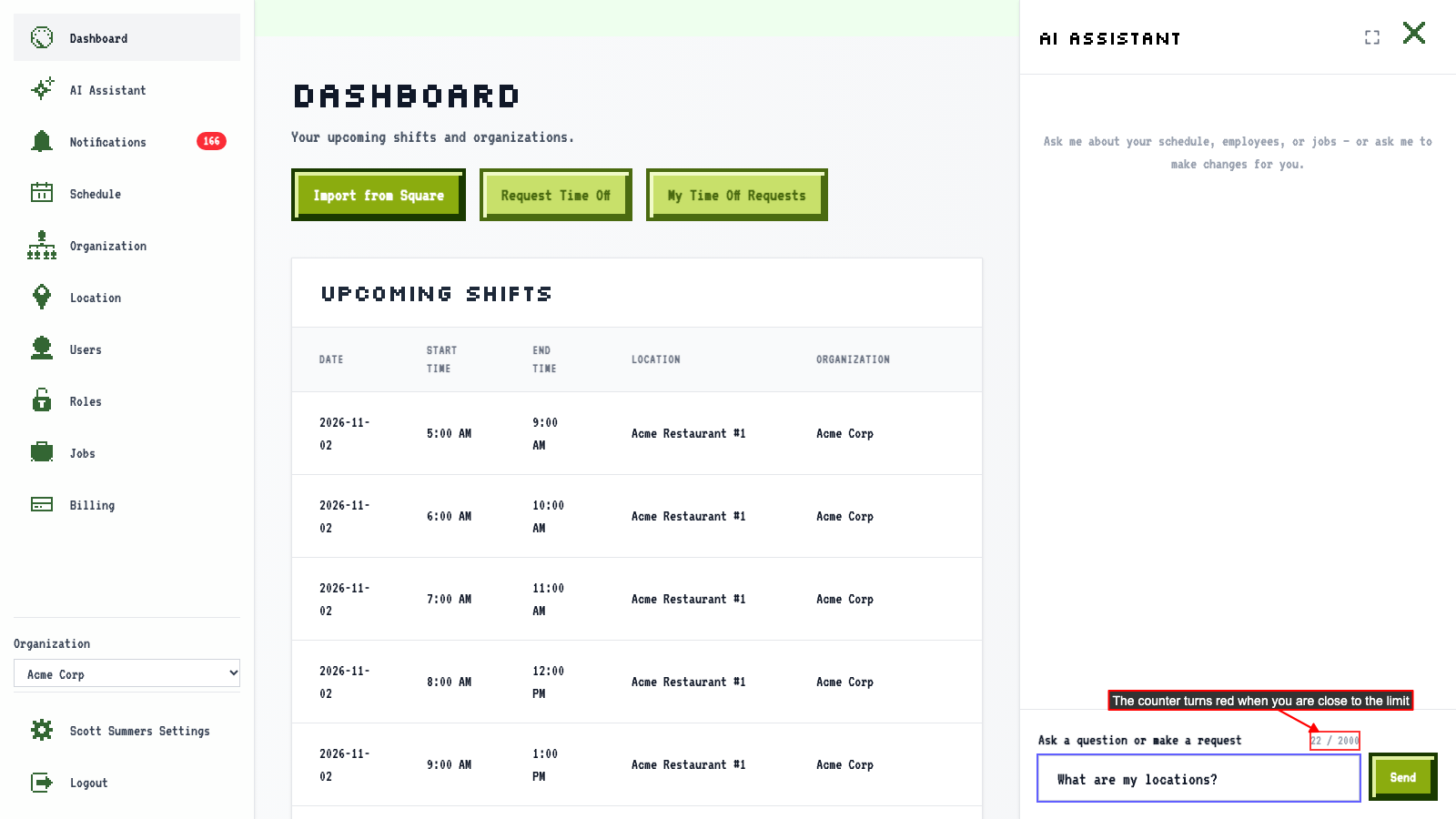
 A counter shows how much of the 2,000-character limit you've used.
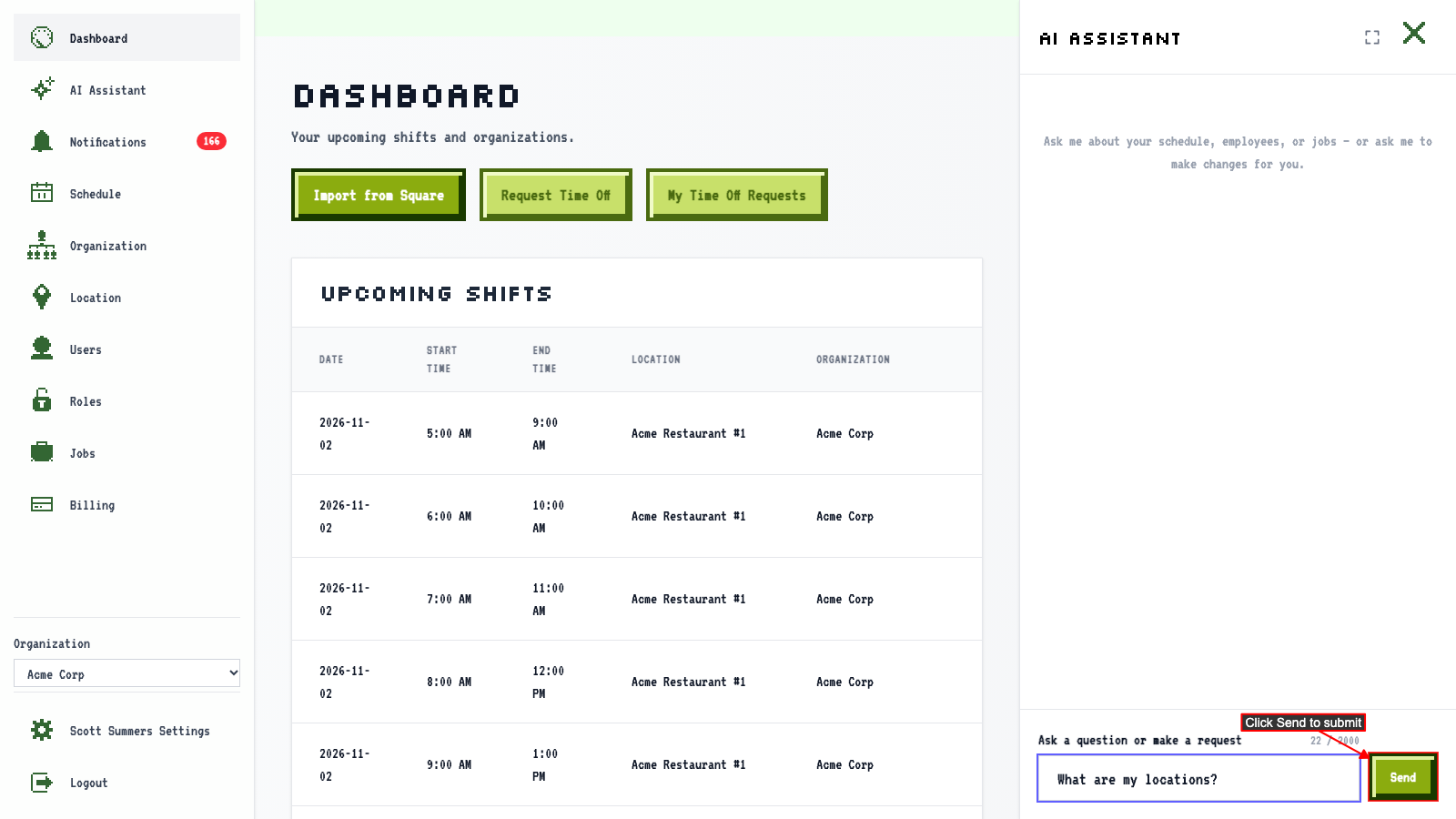
 Click Send.
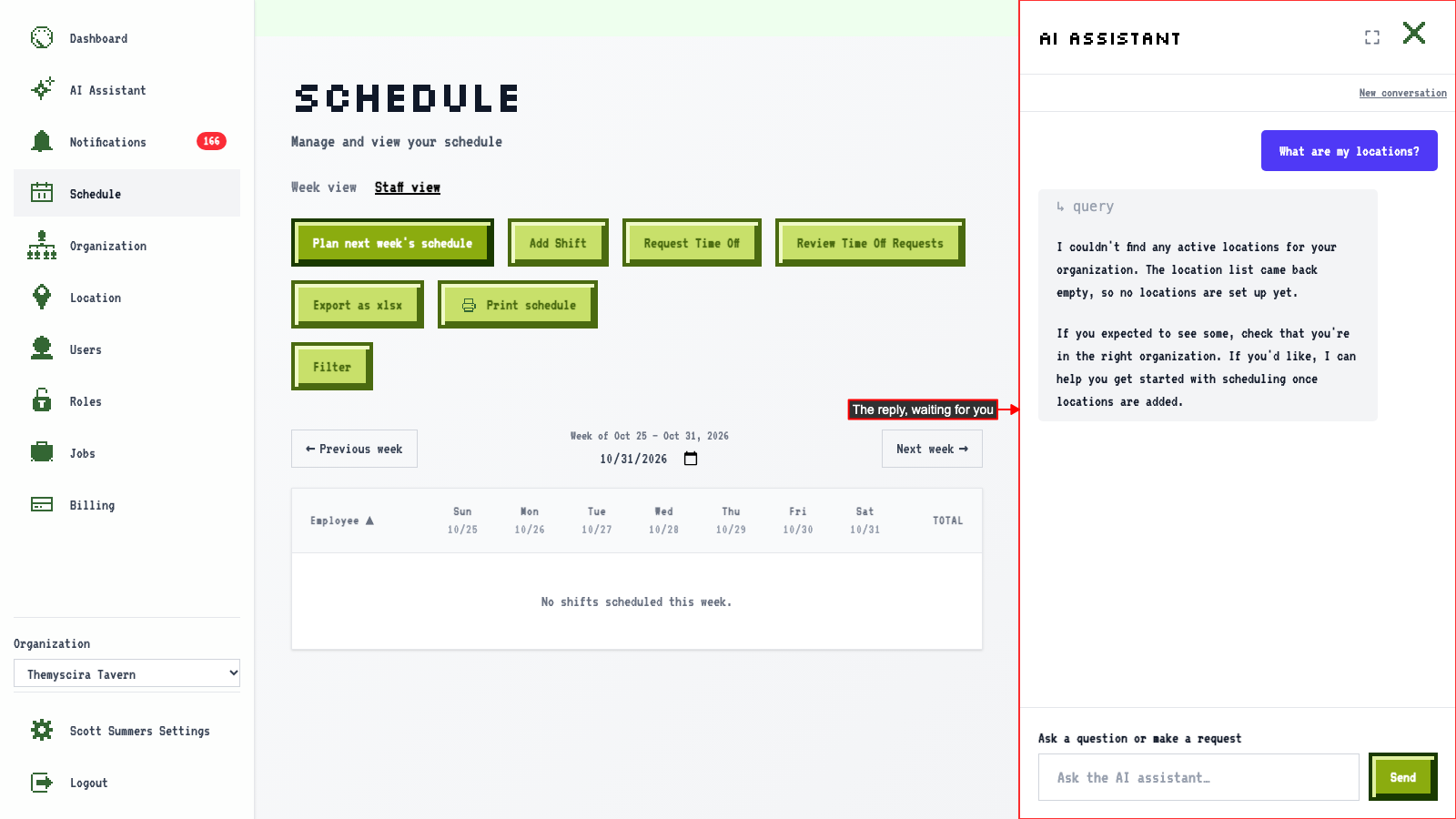
 The assistant replies using what's in your organization.
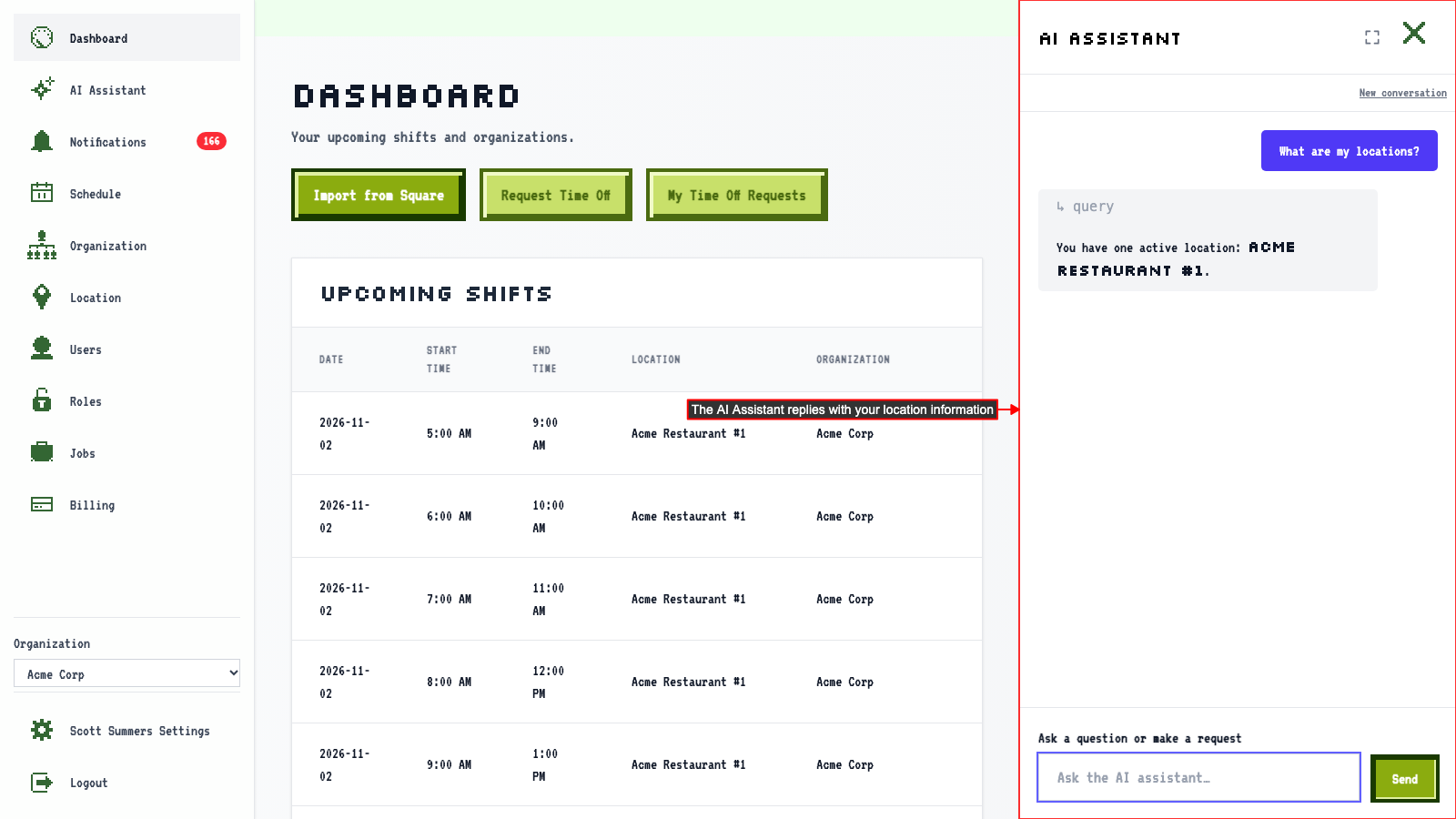
Things you can ask
You can ask the AI Assistant to do most things you'd otherwise do yourself in ScheduleLord. Write it the way you'd ask a coworker, for example:
- "Add Jordan Lee as a server."
- "Create a Host job."
- "Build next week's schedule."
- "What's Sam's email address?"
- "Show me my shifts next week."
- "Give Kate a shift on Friday from 9 AM to 5 PM."
- "Swap Sam's and Kate's shifts on Tuesday."
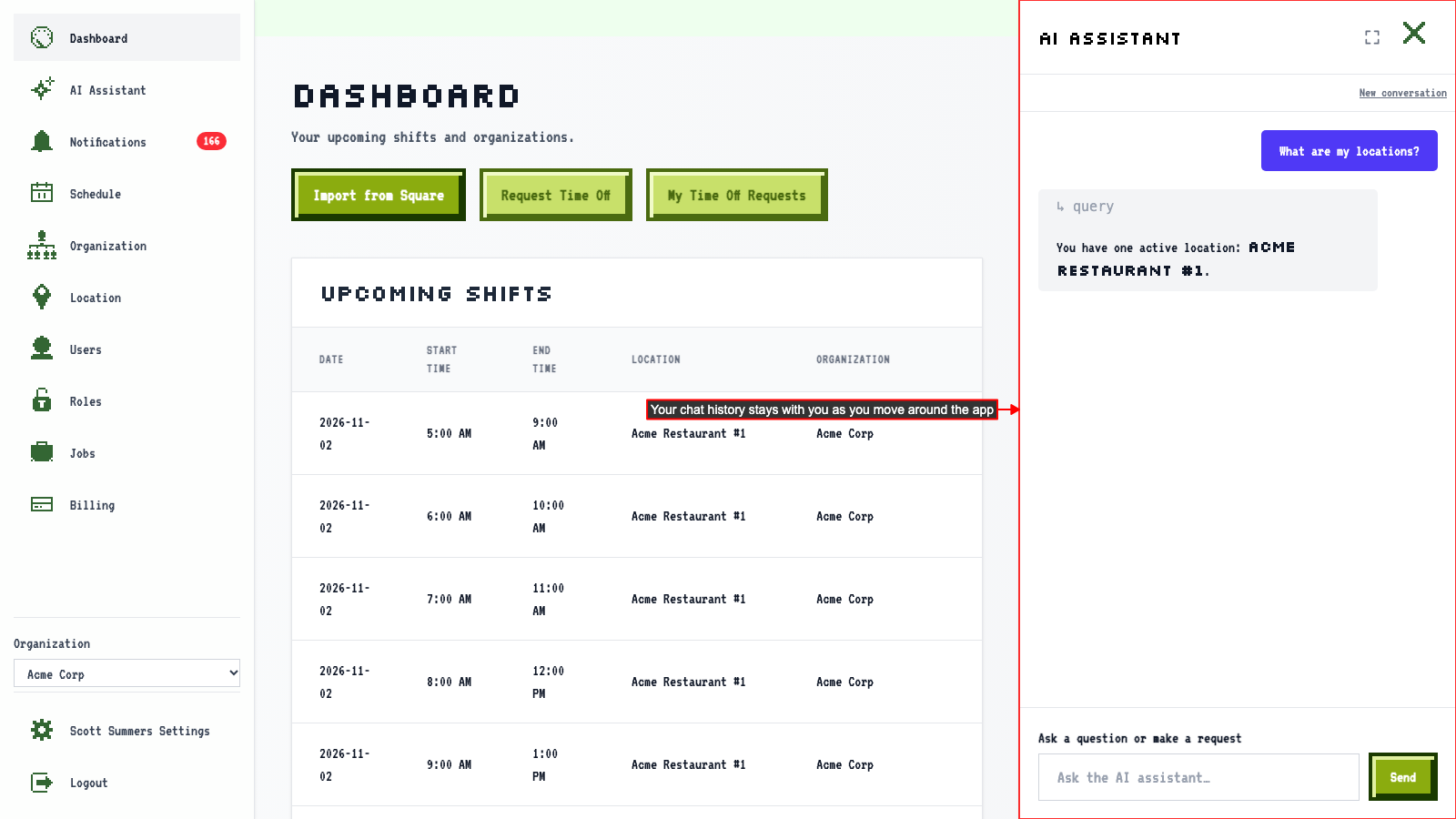
Go to another page, and your conversation is still there. The next section covers what happens when the assistant is still working.
Moving around while the assistant works
Ask the AI Assistant something.
While it's still working, use the navigation to go to another page.
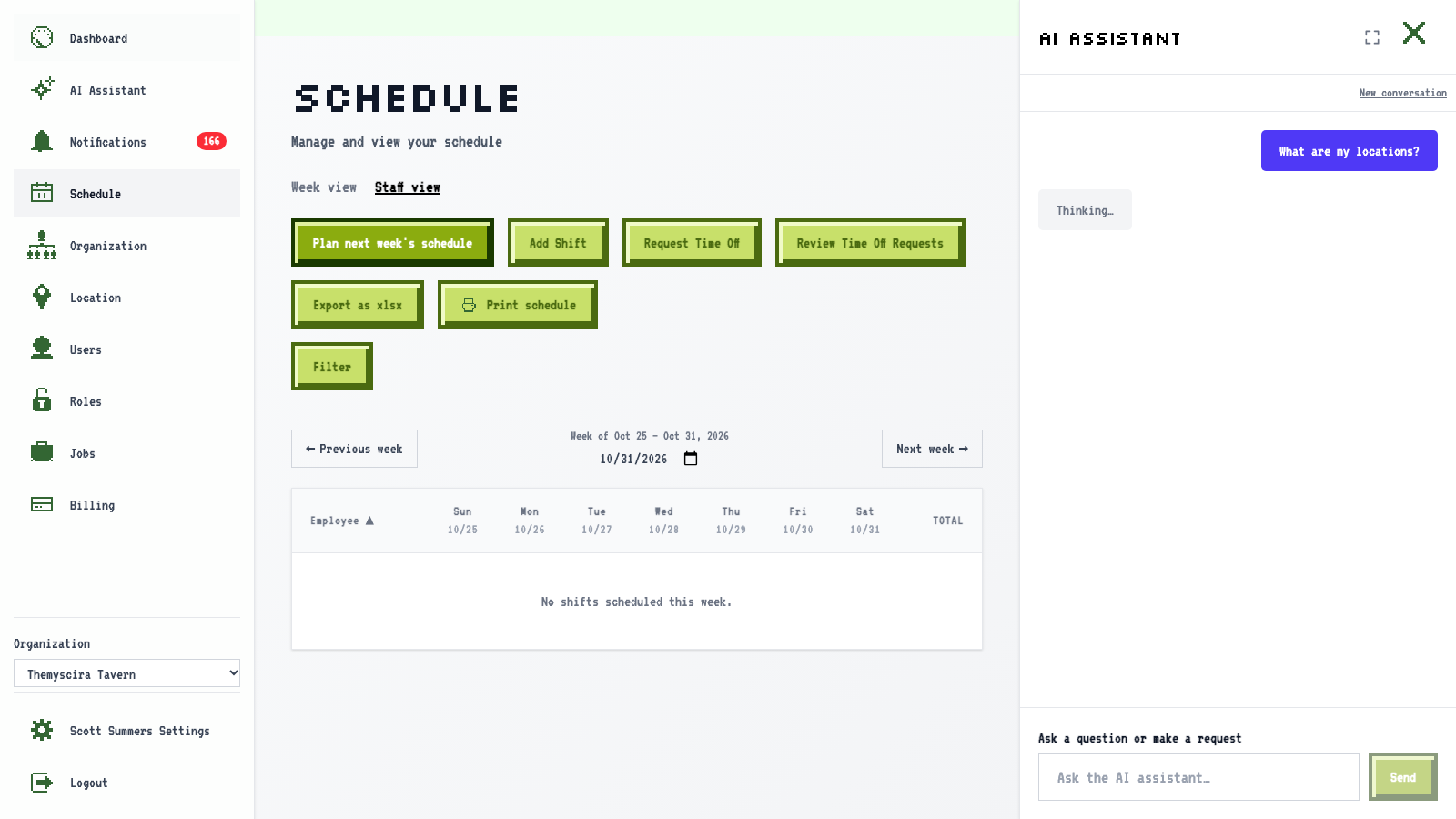 The reply arrives in the same conversation, without starting over.