Reconnecting to Square
How to reconnect your Square account
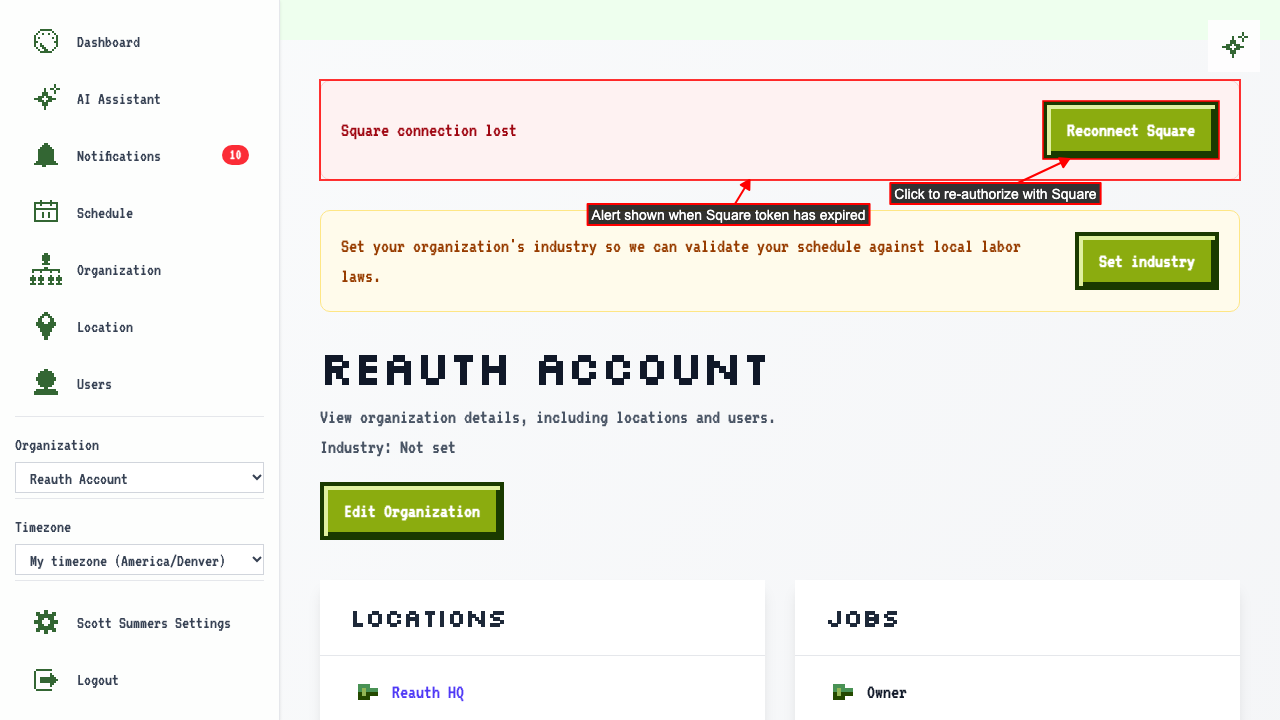
When your Square connection has expired, the org detail page shows an alert and a reconnect link.
 After authorizing with Square, a loading page is shown while the connection is restored.

Once reconnected, you are returned to the org detail page with no error shown. Anything that changed in Square while you were disconnected is synced back in.
Where you'll see that the connection has expired
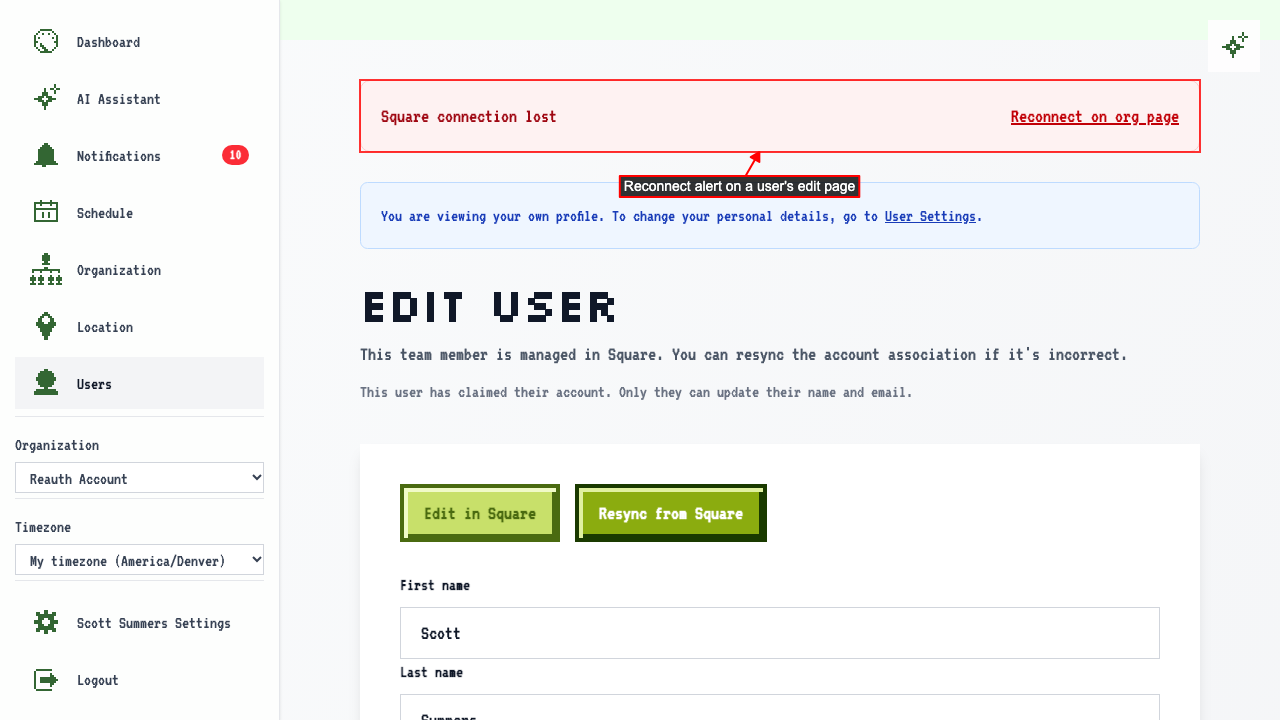
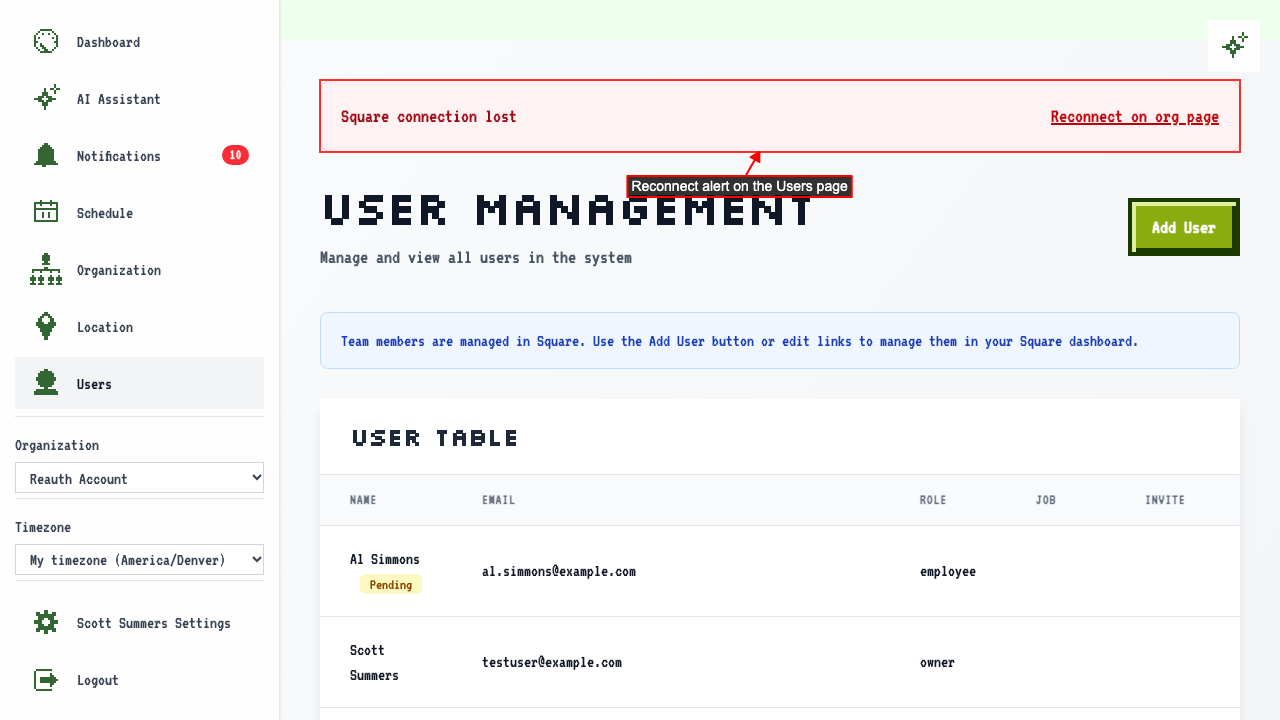
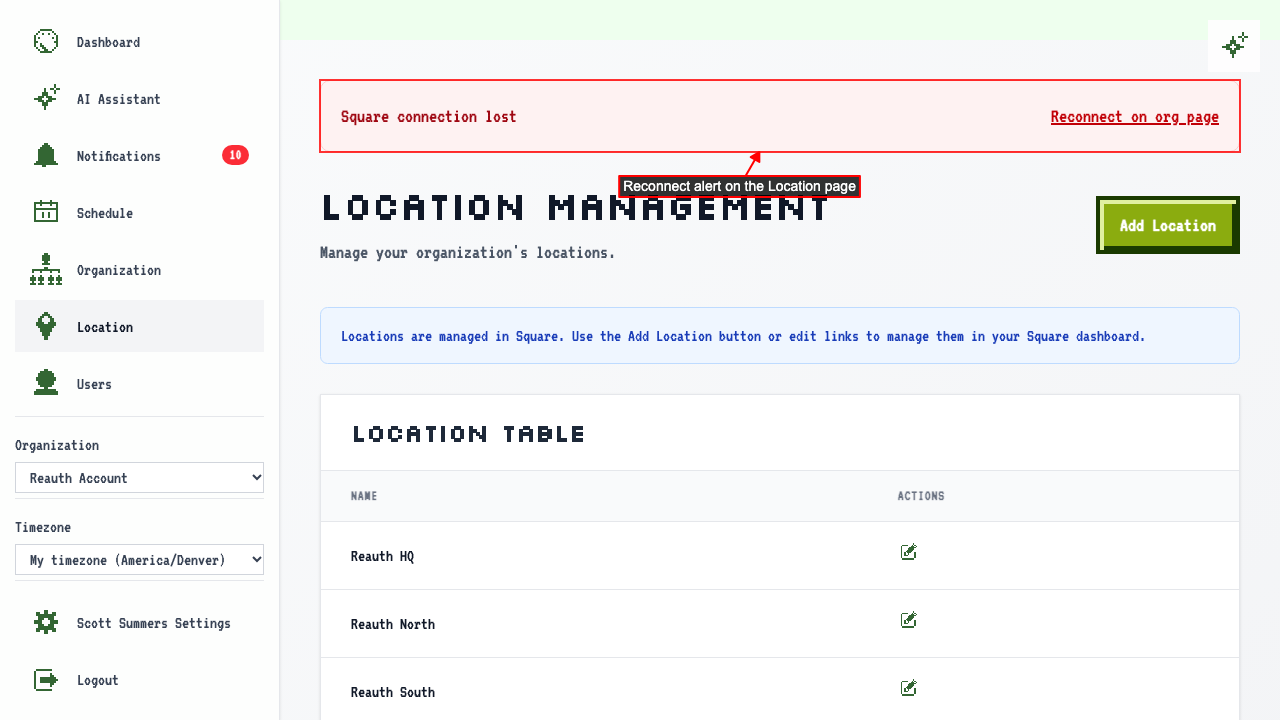
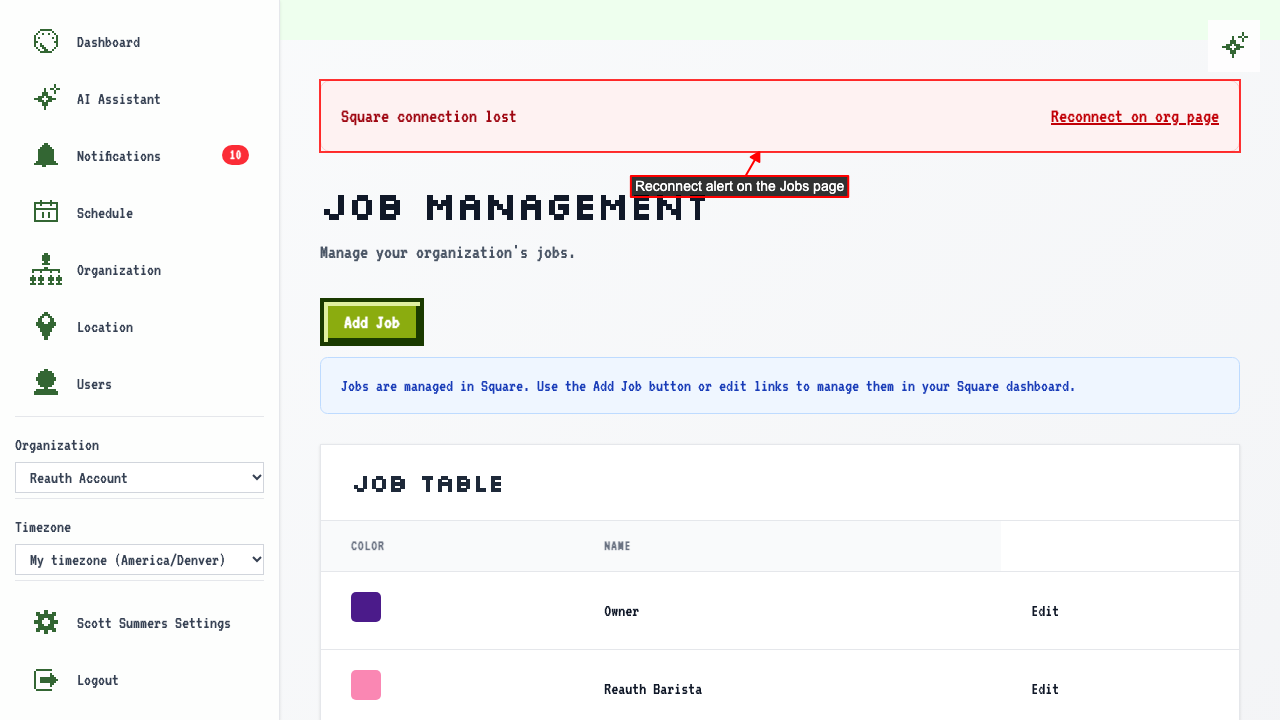
If ScheduleLord loses its connection to Square, the pages Square manages show an alert with a link to reconnect:
- a user's edit page
- the Users page
- the Location page
- the Jobs page
Owners are told when the connection drops
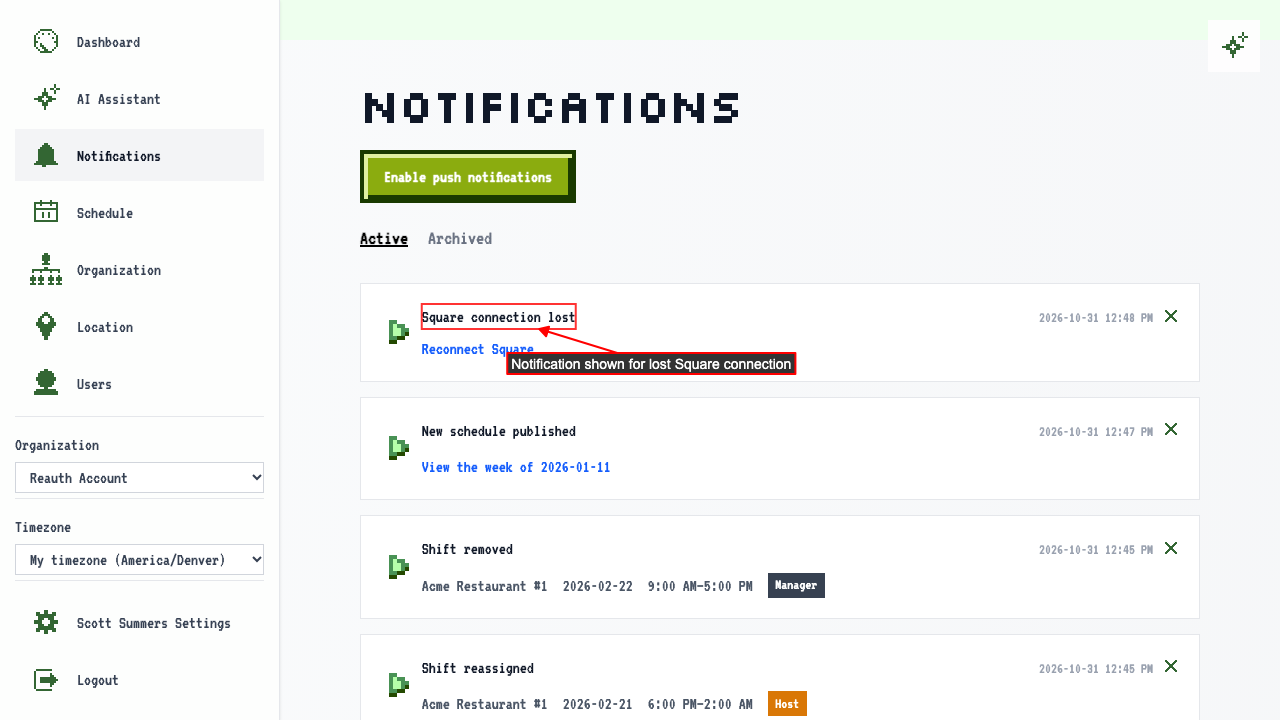
If Square authentication fails, a push notification is sent to the org owner.
The notification can be found on the notifications page.