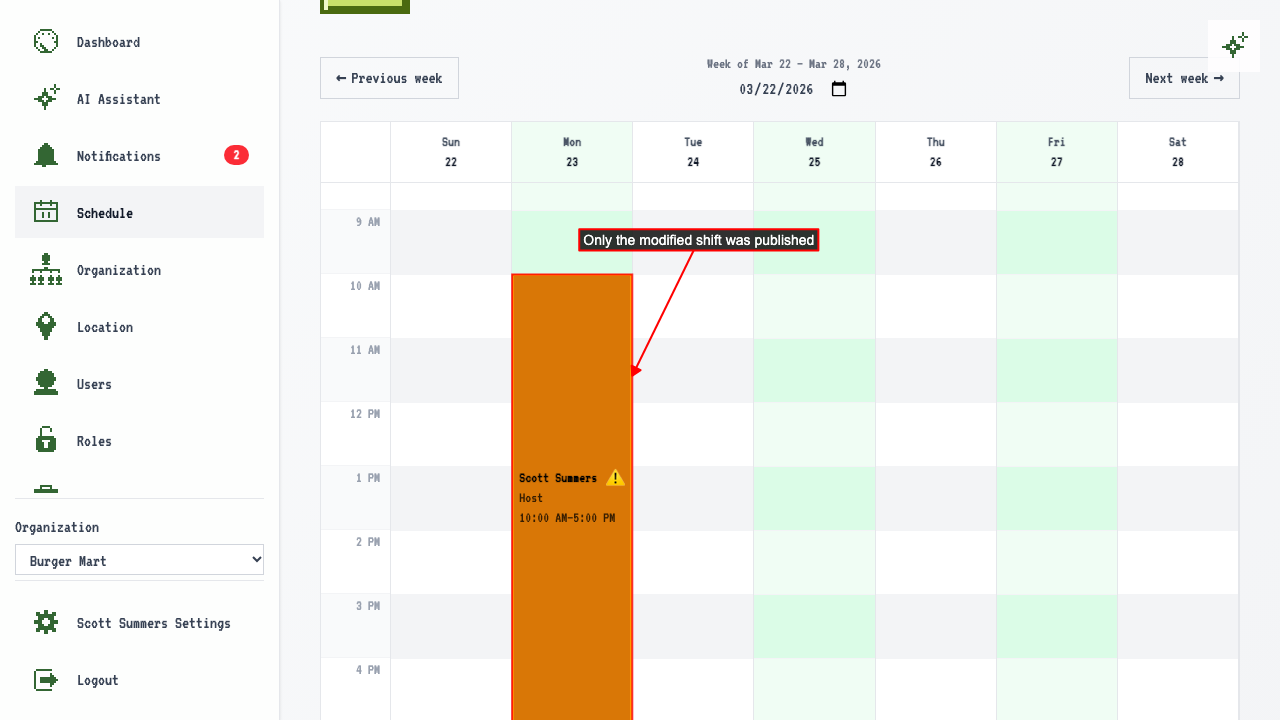
Starting from Last Week
How to copy last week's schedule and adjust it
Navigate to the plan page for next week.
Select a location — since last week had shifts, a dialog offers to copy them.
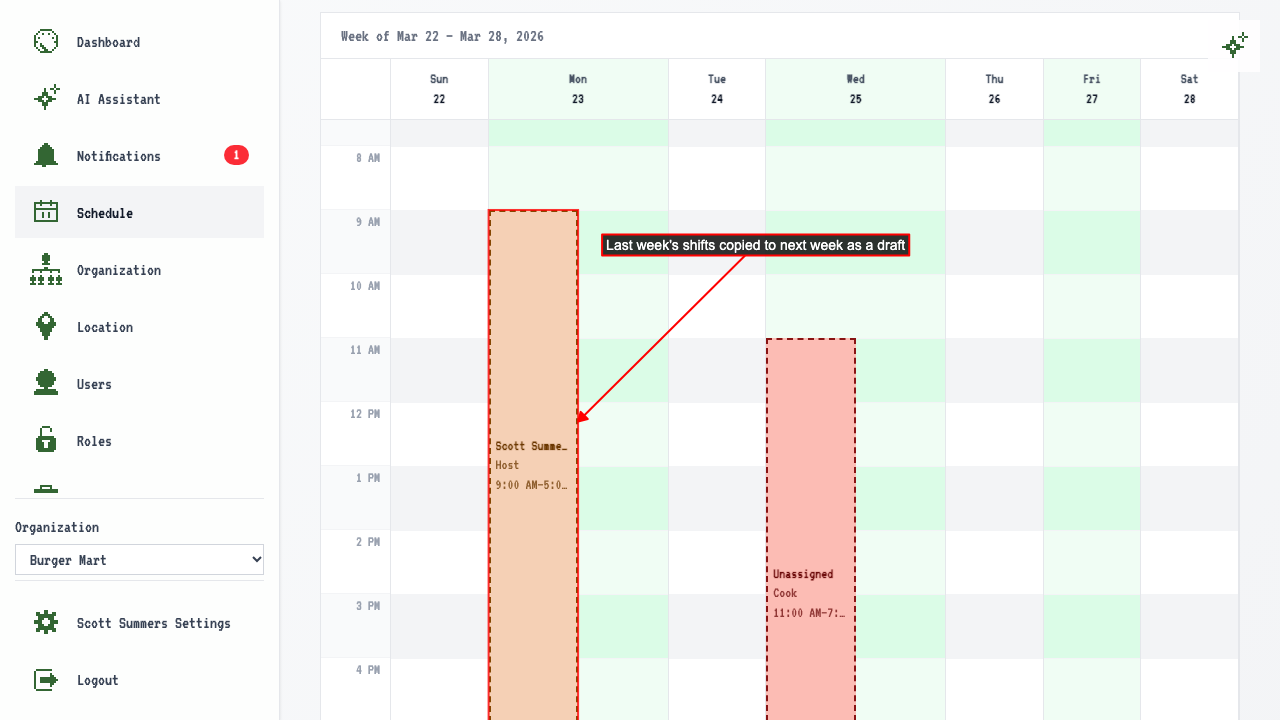
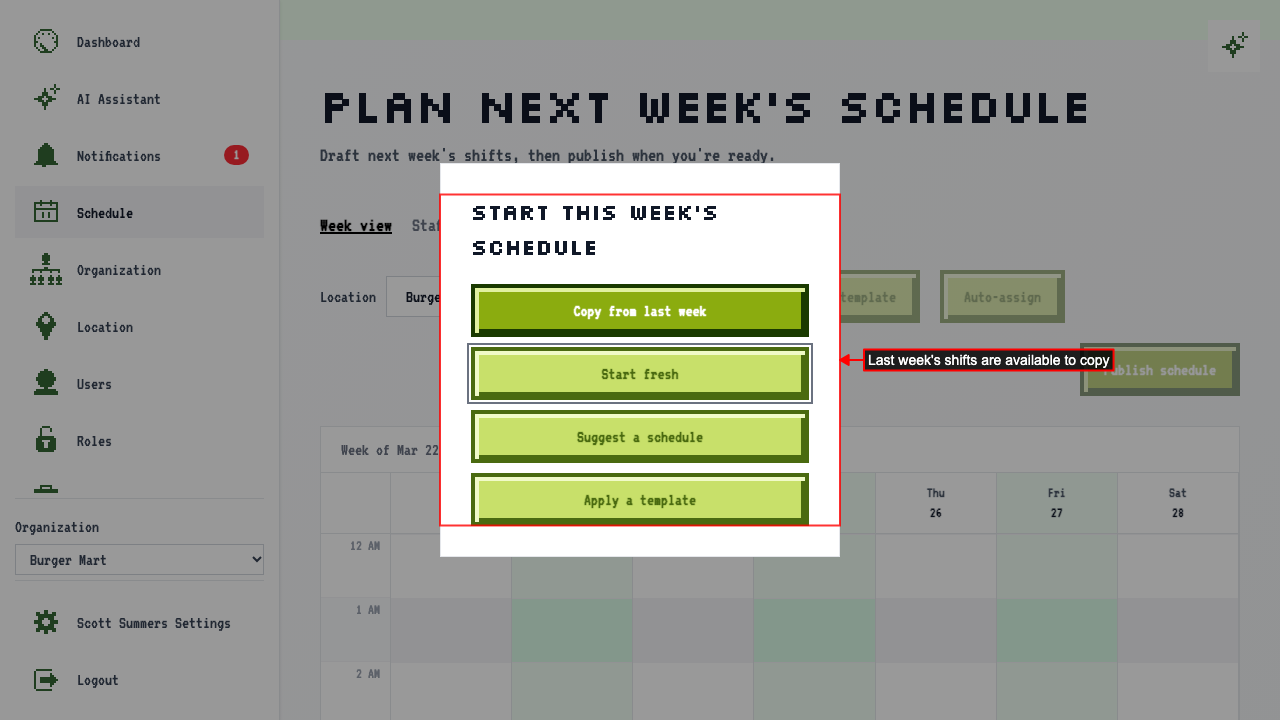 Click 'Copy from last week' to populate the draft calendar.
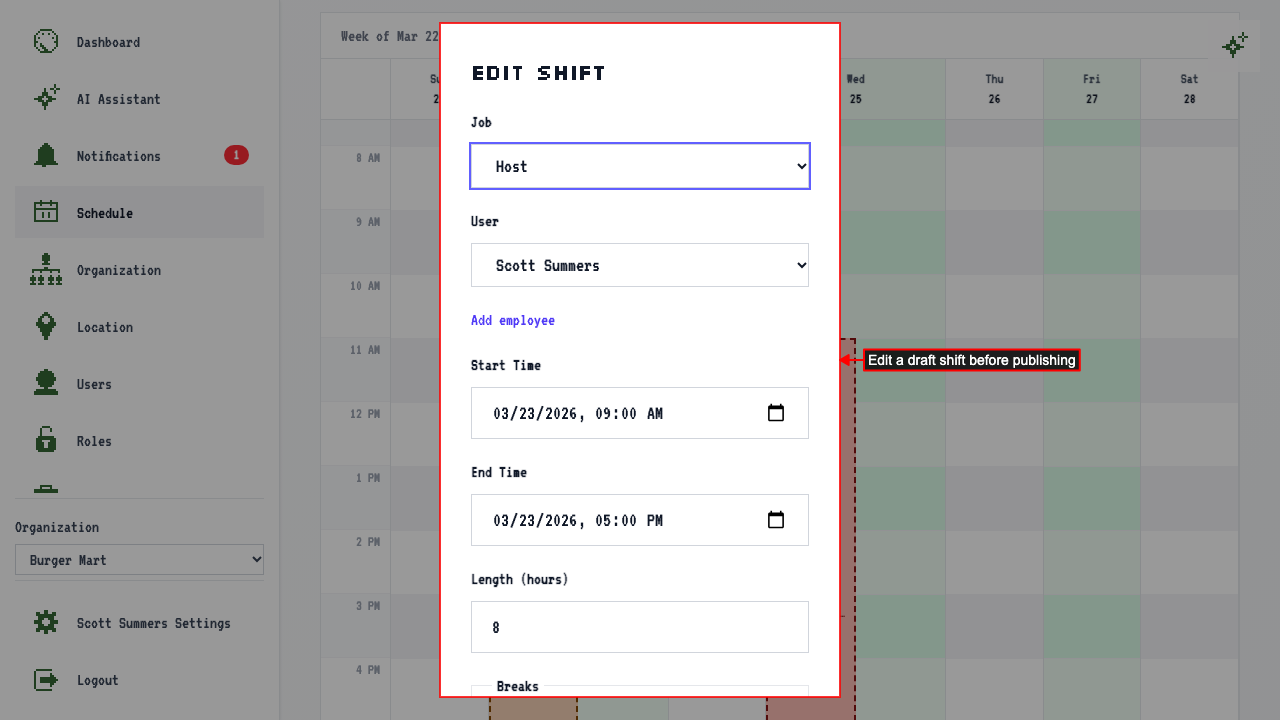
 Click a shift to edit it — change the start time.
 The updated shift reflects the new start time in the calendar.
Delete any shift you don't need.
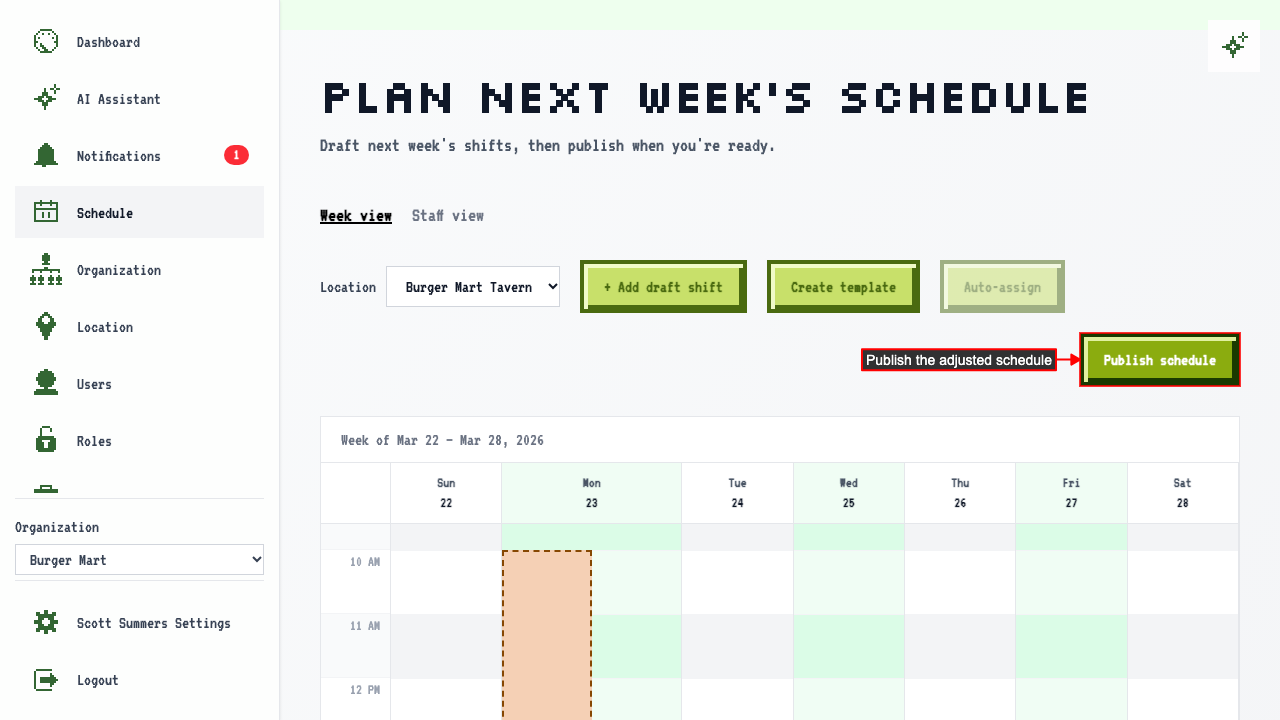
Publish the schedule.
 The published schedule has your edited shift, and the shift you deleted is gone.