The Notification Center
What a shift notification looks like
What you'll see
The notification center is accessible from the sidebar.
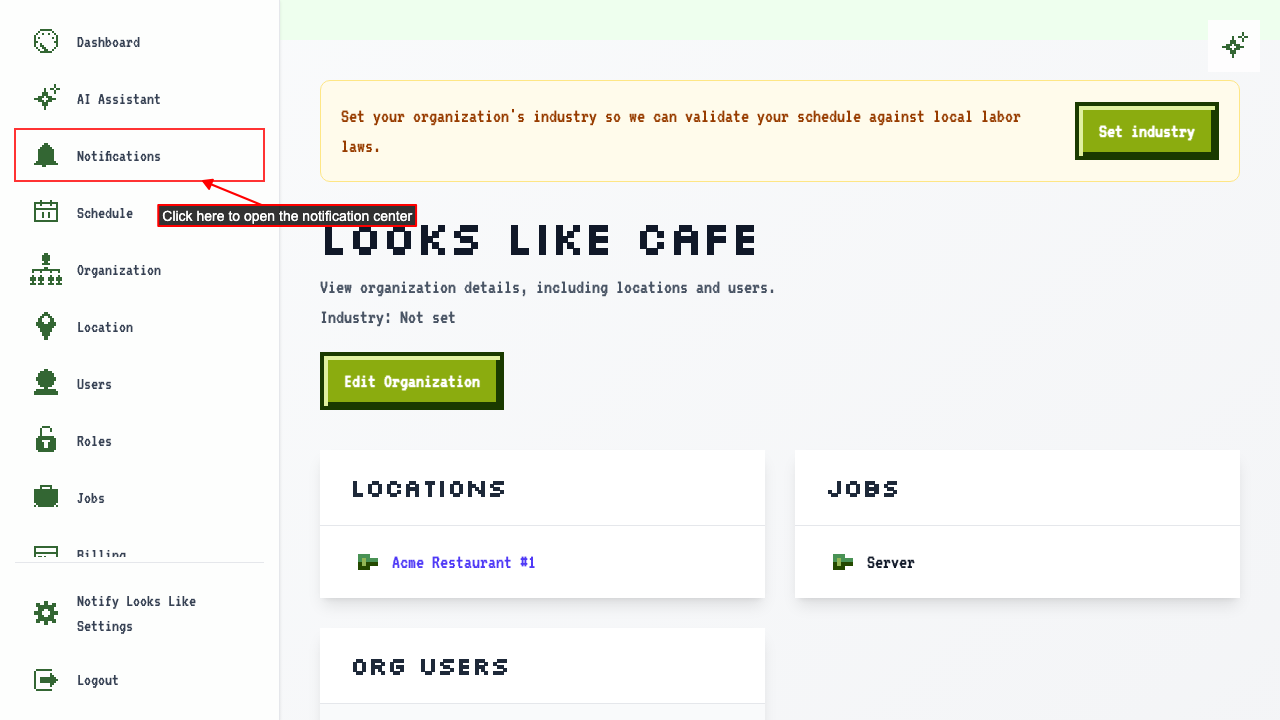 When you have a shift assignment notification, it appears in the notification center.
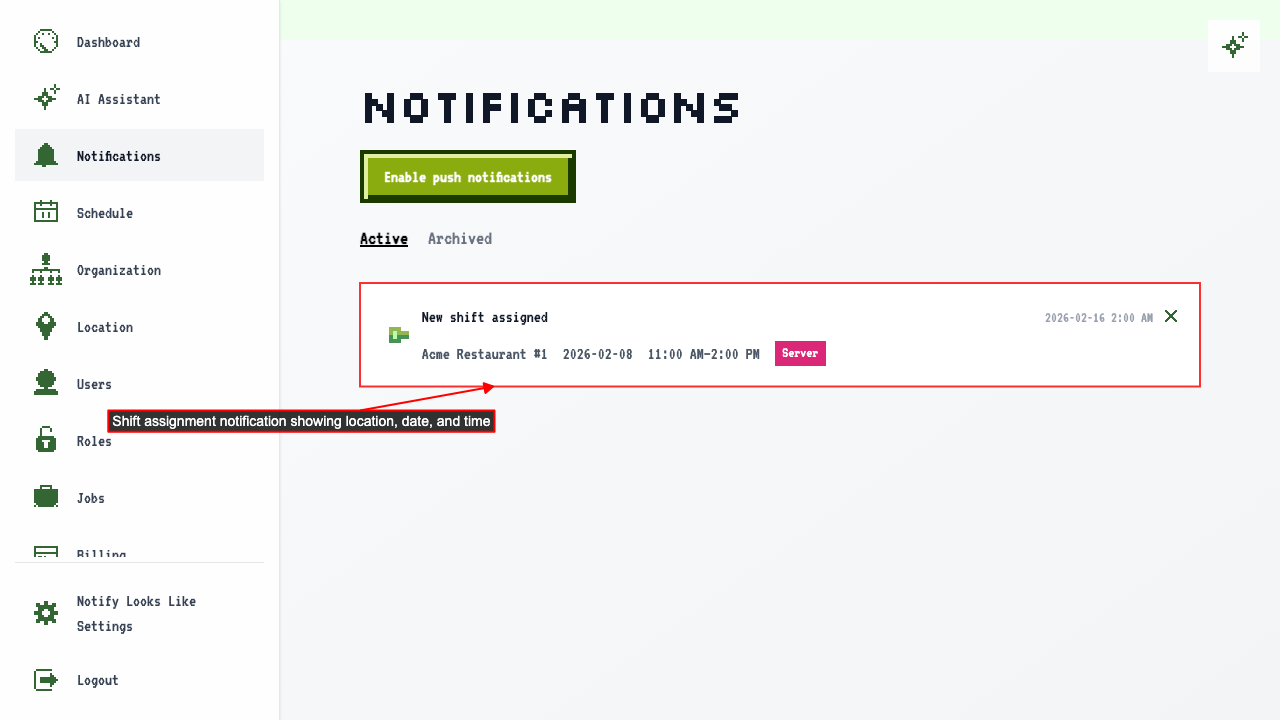 Clicking the shift time takes you to the shift detail page.
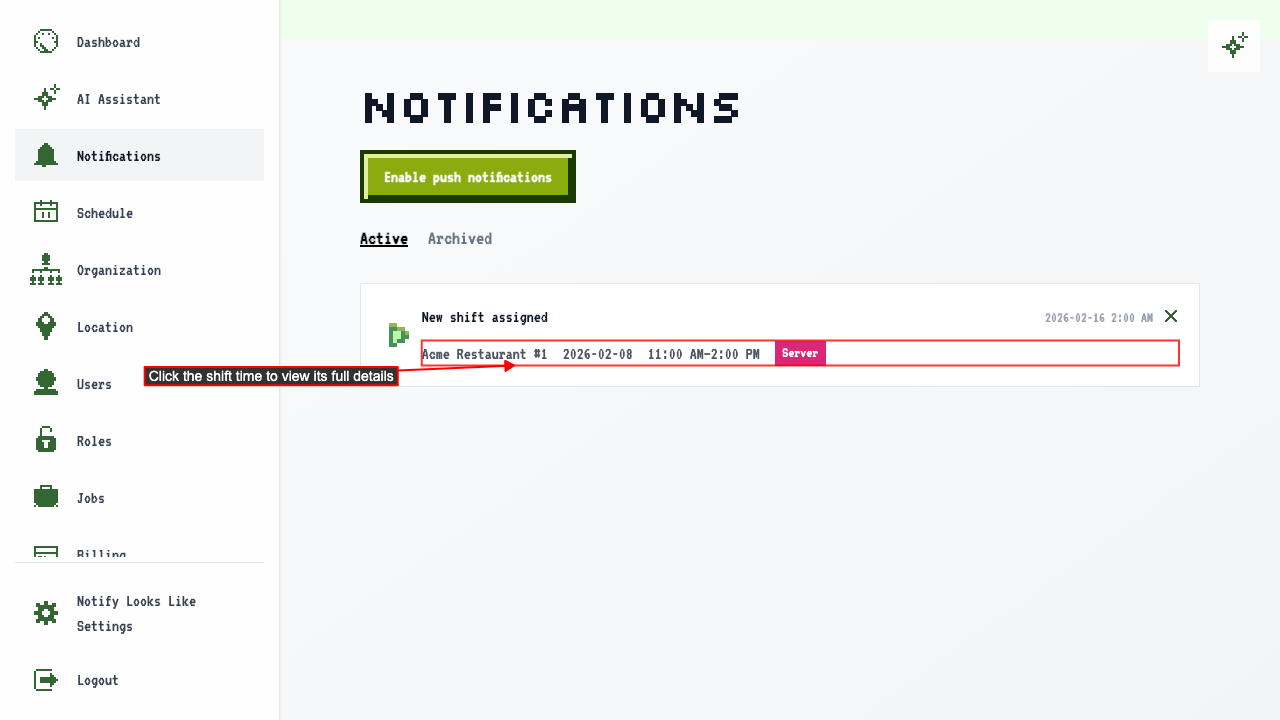
When one of your shifts changes
What you'll see
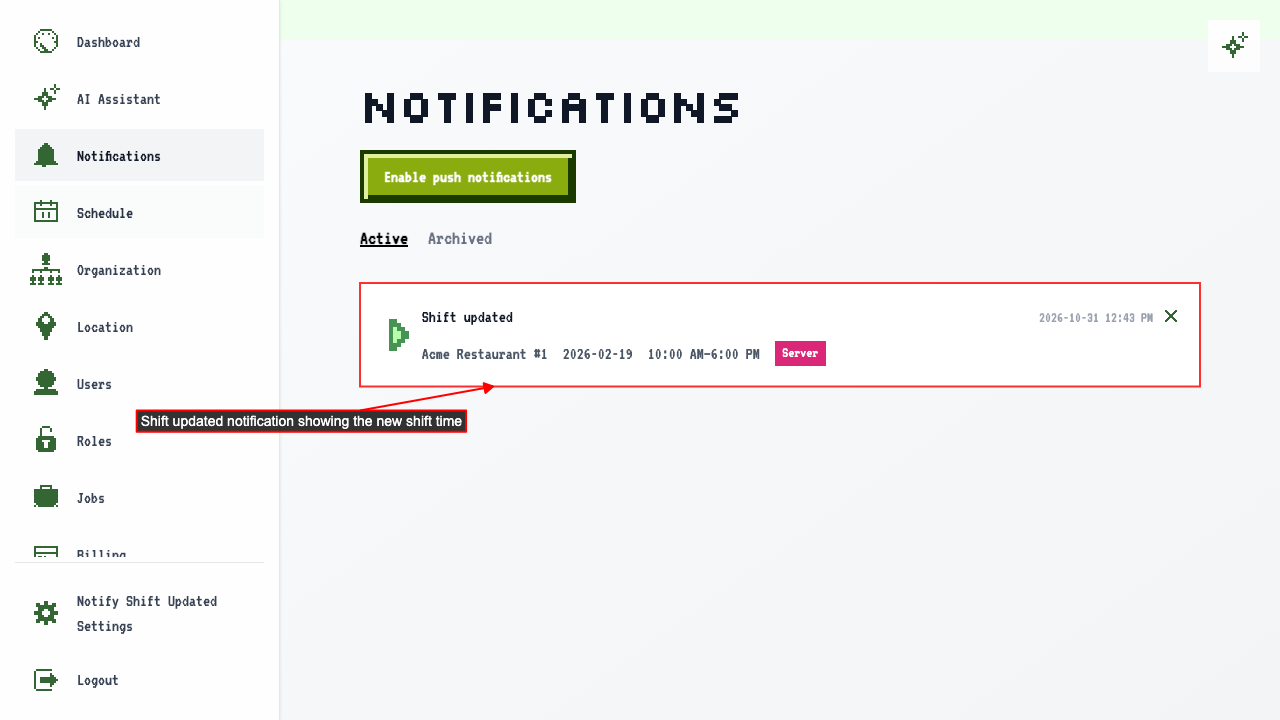
Someone edits a shift you're assigned to.
The notification center tells you the shift changed.
When a shift is handed to someone else
What you'll see
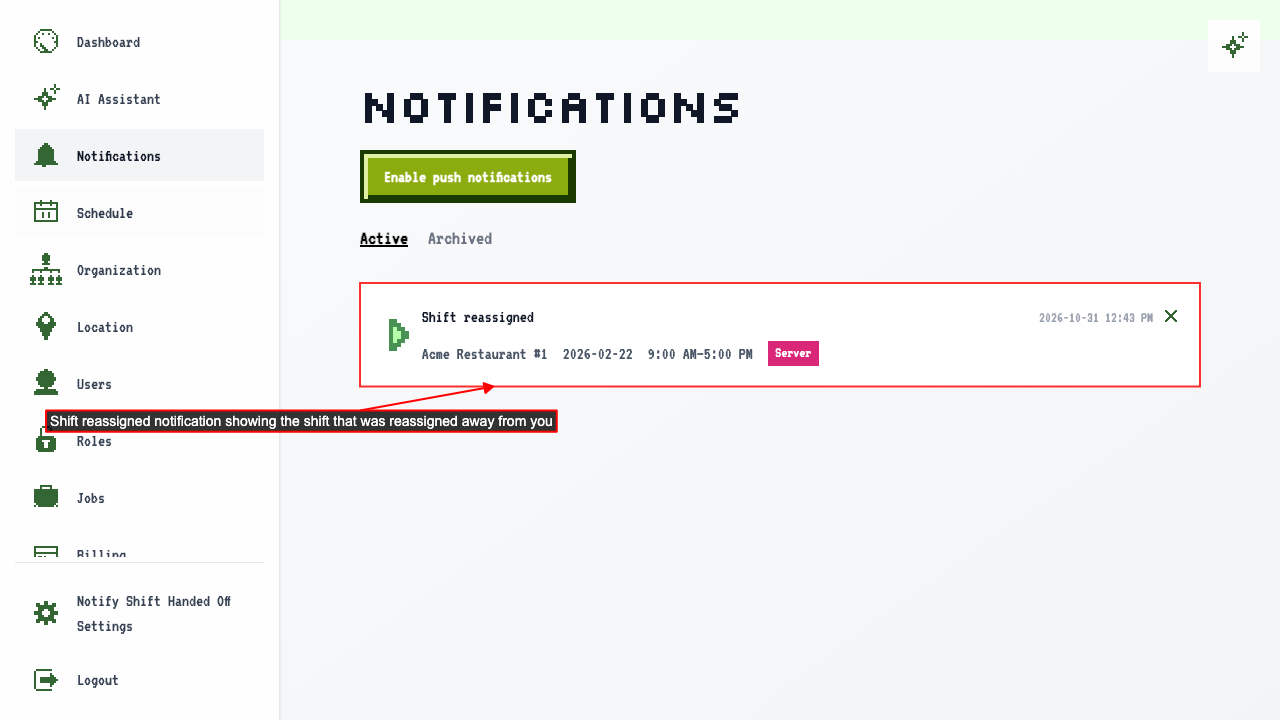
If a shift is reassigned, the employee who had it is notified.
The notification center shows the shift was reassigned away from you.
When one of your shifts is cancelled
What you'll see
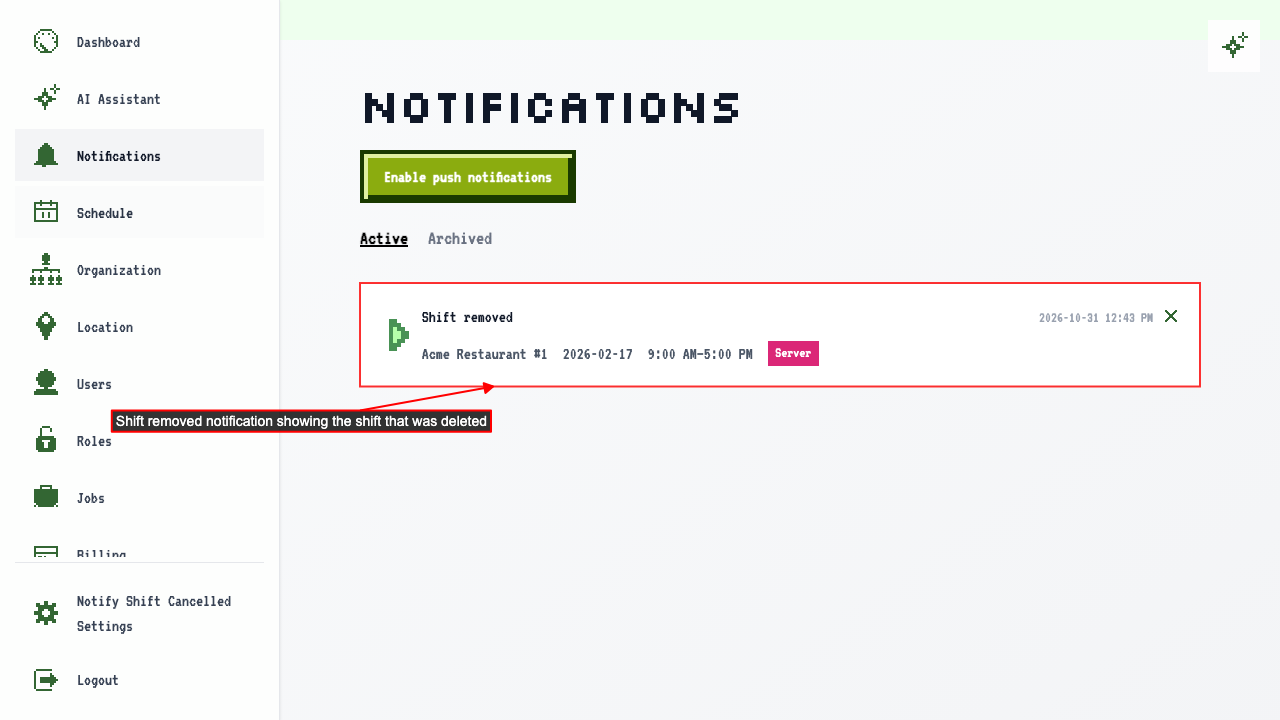
If a shift assigned to you is deleted, you are notified.
The notification center shows the shift was removed.
Being assigned a new shift
What you'll see
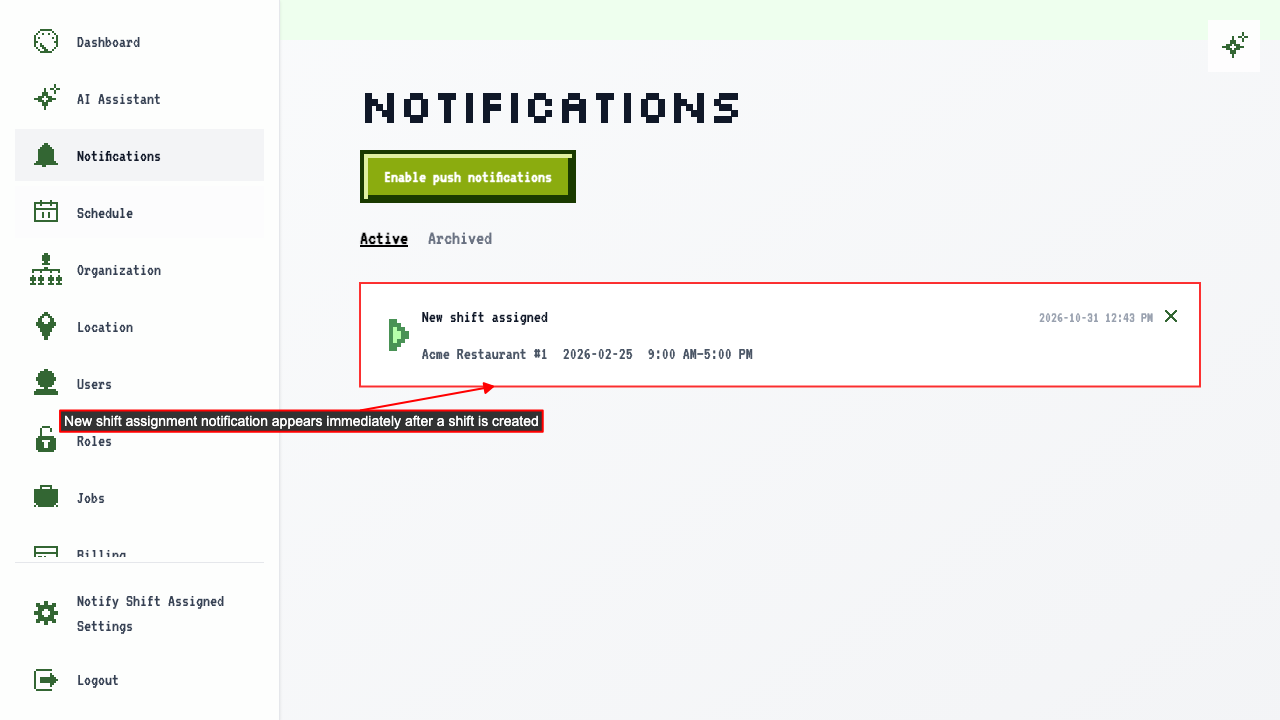
Someone creates a shift and assigns it to you.
The notification center tells you about the new shift.
How to dismiss a notification
How it works
Start on the notification center.
Clicking Dismiss takes the notification off the list.
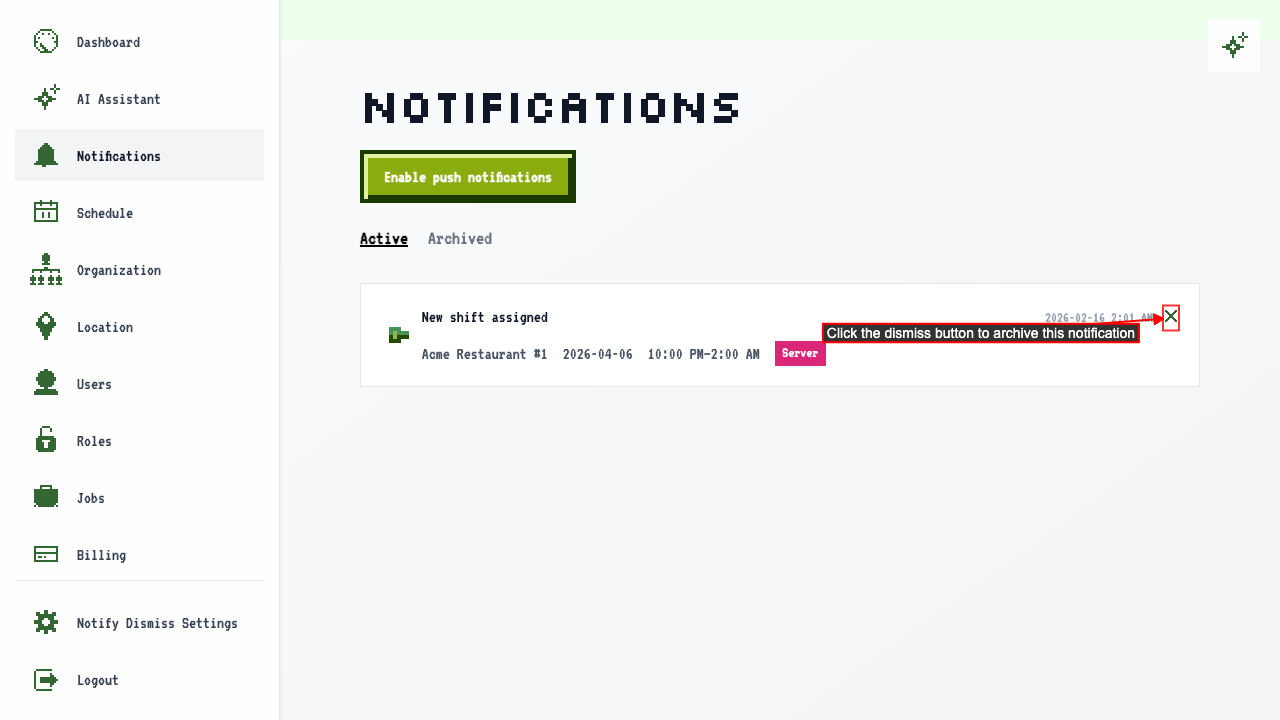 The notification stays dismissed after navigating away and back.
When a whole week is published
What you'll see
Build and publish a draft week schedule. After the schedule is published, each user with a shift that week gets a single notification about the new schedule. Clicking the notification opens that week's schedule.