How Connecting an Assistant Works
How to connect an AI assistant to ScheduleLord
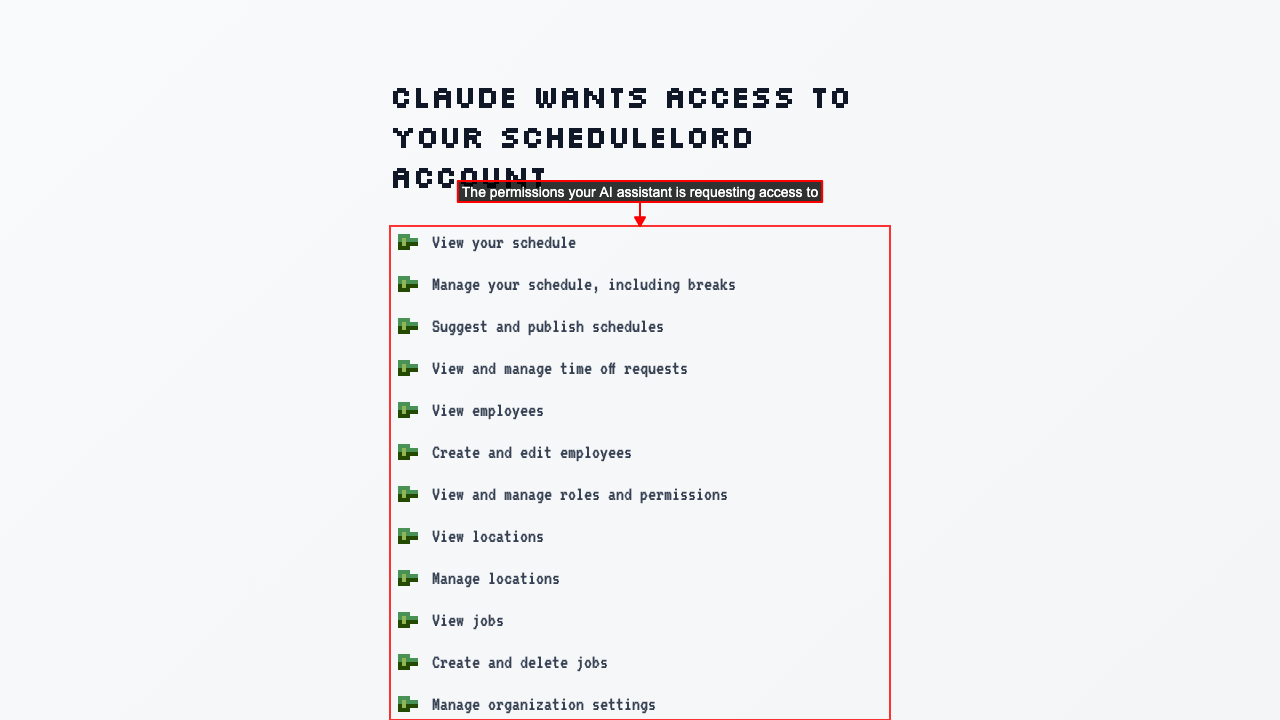
Your AI assistant will send you to a ScheduleLord page showing what it is asking permission to access on your behalf.
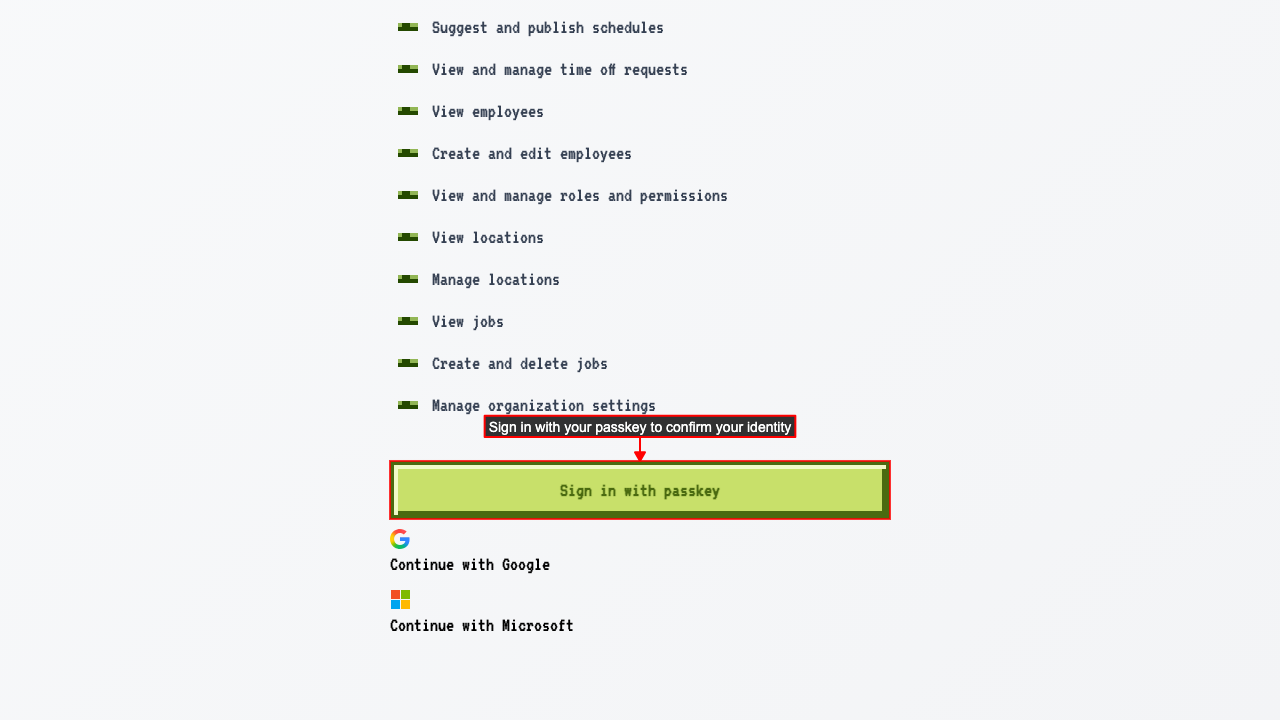
 If you're not signed in, sign in with your passkey, or choose Continue with Google or Continue with Microsoft if you've connected that account, to confirm your identity and grant access.
 Select which organization to grant the AI assistant access to.
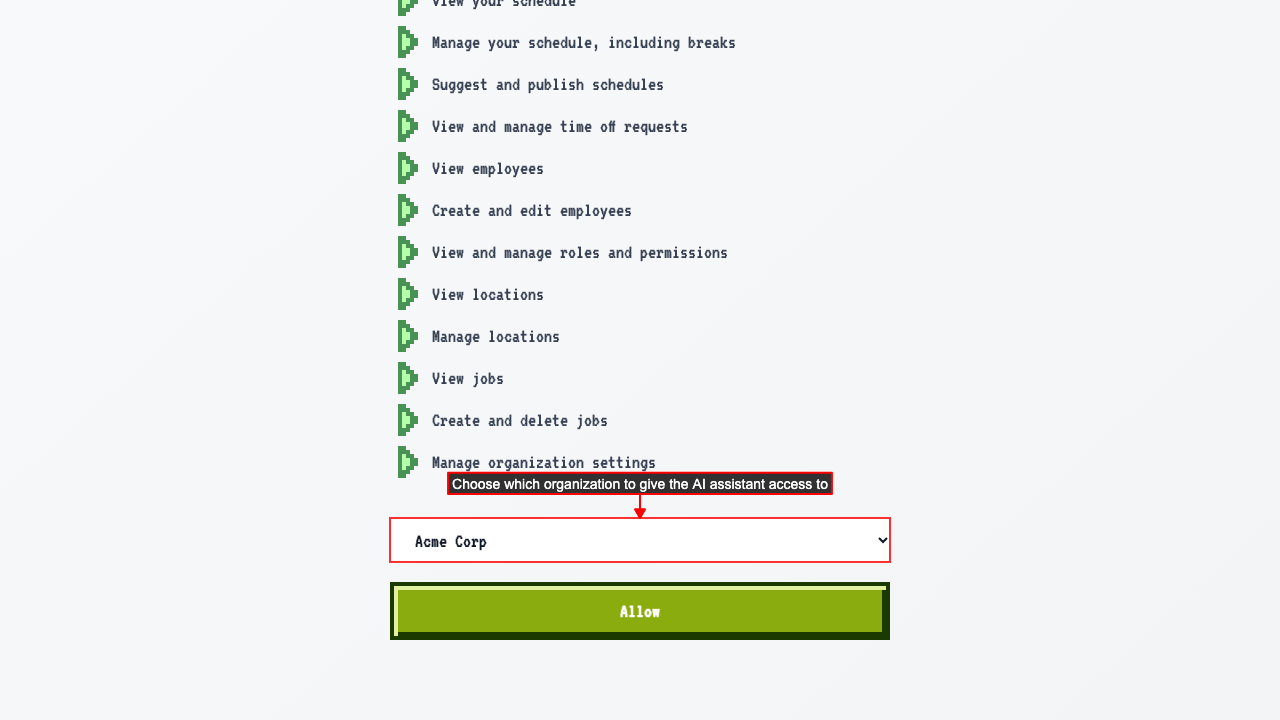 Click Allow to grant access. ScheduleLord will send you back to your AI assistant, now connected to your account.